
Introduction
Running a garden center or feed store often means juggling three or four disconnected systems. Sales happen at the register, stock counts live in a spreadsheet, and purchase orders get scribbled on a clipboard.
Nothing talks to anything else.
That gap creates real problems: overstocked greenhouse inventory that ties up cash, empty shelves during peak season, and margins nobody can quite explain.
The National Retail Federation identifies seasonal demand swings, overstock, and stockouts as ongoing operational hurdles for retailers heading into 2025 and beyond.
The best POS inventory management software in 2026 closes that gap. It connects checkout to real-time stock visibility, replenishment, reporting, and multi-location control in one place.
This guide compares five options built for U.S. specialty retailers, including garden centers, farm markets, feed and seed stores, pet-supply retailers, and outdoor sporting-goods businesses.
Key Takeaways
- Real-time POS inventory software updates stock at sale and unifies checkout, records, reporting, and purchasing.
- Specialty retailers need variants, vendor tools, barcodes, transfers, offline mode, and strong reporting.
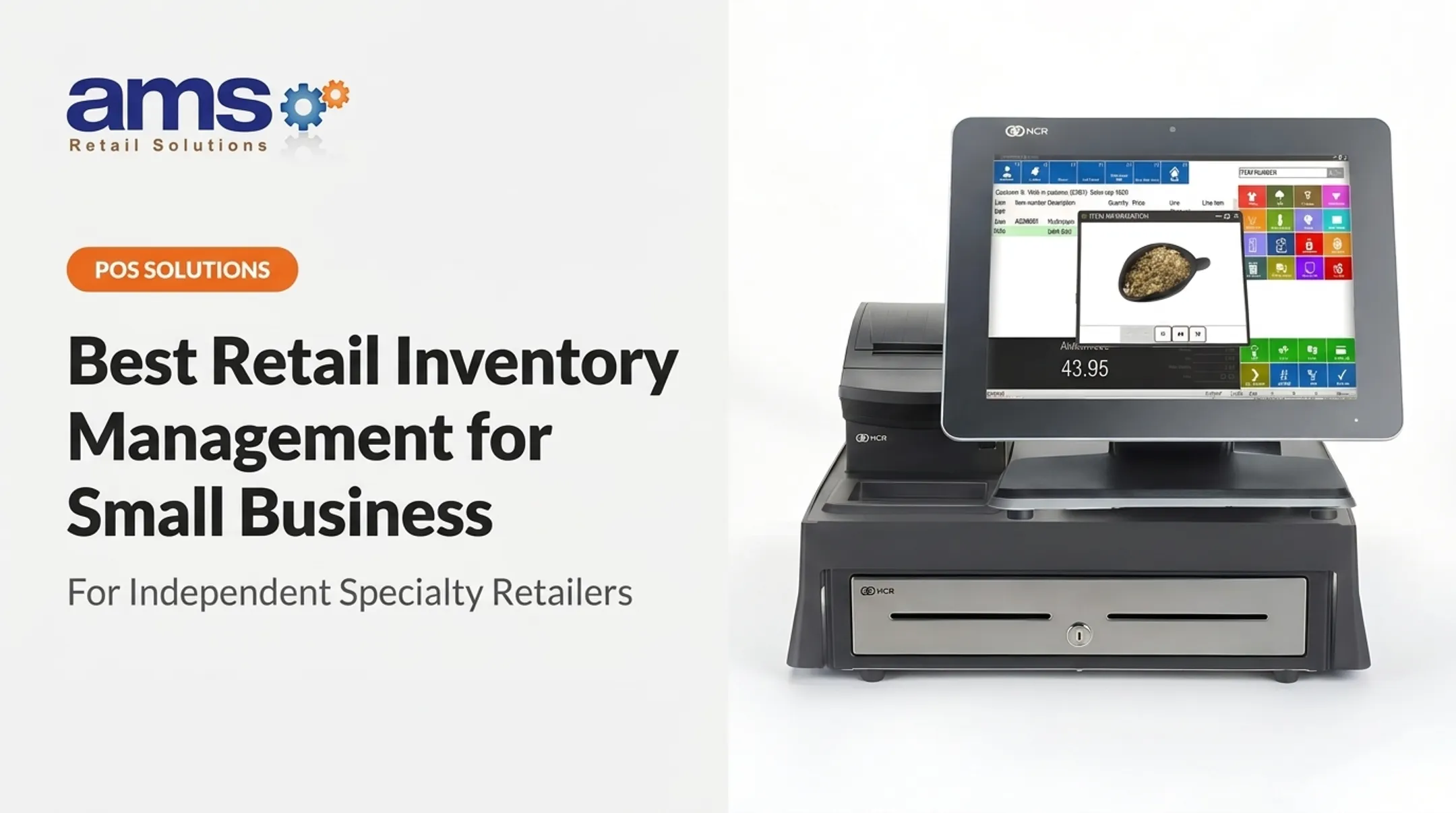
- AMS Retail Solutions delivers NCR Voyix Counterpoint as a customizable, scalable, single-source POS.
- Free or low-cost tools suit small catalogs; growing multi-location shops need deeper purchasing features.
- Weigh total ownership cost—hardware, payments, implementation, support—not just the subscription price.
Overview of POS Inventory Management Software in the US Specialty Retail Market
POS inventory management software processes a sale and automatically connects that transaction to product quantities, customer records, purchasing activity, and business reporting. When a customer checks out, the system adjusts the stock count, flags reorder needs, and feeds data into your margin reports.
Specialty retailers need more than generic stock tracking. Seasonal merchandise, product variants, vendor-managed catalogs, and bulk goods all demand industry-specific controls that a basic checkout app can't provide.
The Core Inventory Workflow
A functional POS inventory system typically follows this cycle:
- Receive products and assign SKUs, costs, and vendor details
- Sell or process returns, updating stock automatically at the point of sale
- Generate reorder recommendations based on stock levels and sales velocity
- Review margins and shrink through built-in reporting tools

Simple stock-count tools fall short of true inventory management. Advanced platforms also handle:
- Purchase orders and vendor records
- Stock transfers between locations
- Demand forecasting and cycle counts
- Multi-location visibility and reporting
Hardware and Connectivity Matter Too
Barcode scanners, receipt printers, cash drawers, and mobile devices all factor into total cost and daily usability. Retail-hardened equipment and offline checkout capability matter especially for farm and garden retailers in rural areas with unreliable connectivity.
The products below are evaluated for specialty-retail fit, inventory depth, ease of use, scalability, support, and total cost of ownership.
Best POS Inventory Management Software for Specialty Retail
These five products are ranked by fit for U.S. specialty retailers rather than by generic popularity alone. Each serves a different type of operation, from single-location boutiques to multi-store chains with complex vendor catalogs.
AMS Retail with NCR Voyix Counterpoint: Best Specialty-Retail POS Inventory Management Solution
AMS Retail Solutions is a single-source POS partner for specialty retailers, providing NCR Voyix Counterpoint as its core retail platform. The platform is built for the operational realities of independent specialty businesses, not a generic checkout app adapted after the fact.
The fit shows up most clearly in vertical-specific configurations:
- Garden centers and nurseries track plant material by size and grade
- Farm and agriculture retailers need lot and batch detail plus warehouse-to-store transfers
- Feed and seed stores and outdoor sporting-goods businesses carry SKU complexity generic POS platforms rarely handle well
What makes it work for growing operations:
- Customizable touchscreen checkout with suggested add-ons and gift card management
- Real-time management alerts and detailed inventory and purchasing history reports
- Track and control inventory alongside supplier management tools
- Offline POS capability when the network drops
- Retail-hardened equipment built for daily store use
- Accounting integration and the ability to easily add new stores as the business grows
AMS Retail positions itself as a partner and trusted advisor rather than a vendor that sells software and disappears. Support includes 24/7 availability, one-on-one training, and ongoing repair and maintenance. Current 2026 pricing, implementation costs, and hardware bundles are quote-based and depend on store count, catalog complexity, and configuration. A direct consultation is the only reliable way to get accurate numbers.
| Factor | Details |
|---|---|
| Best for | Specialty retailers with complex or seasonal catalogs, including garden centers, farm markets, feed and seed stores, and outdoor sporting-goods businesses operating one store or many |
| Inventory capabilities | Real-time stock tracking, supplier management, detailed inventory and purchasing reports, slow-moving inventory identification, offline operation, and accounting integration |
| Key considerations | Pricing and configuration are quote-based; best suited to retailers who want a system built around their specific operation rather than a generic entry-level POS |
Retailers with unique operational needs, multiple locations, or complex vendor relationships should request an AMS Retail consultation rather than defaulting to a one-size-fits-all POS.
Lightspeed Retail: Best for Advanced Retail Inventory Features
Lightspeed Retail's X-Series lists Basic at $89, Core at $149, and Plus at $289 per month, with pricing and inventory tools detailed on Lightspeed's current retail pricing page. Each listed plan includes one register, so multi-terminal stores need to factor in additional costs.
This platform fits retailers with large catalogs, frequent reordering, and multiple vendor relationships. The pricing page outlines purchasing and product-variant functionality alongside catalog management tools, though exact plan-by-plan feature breakdowns should be confirmed directly with Lightspeed before purchase.
Where Lightspeed tends to perform well:
- Product variant and catalog management for retailers with deep SKU counts
- Purchase order and vendor record tools
- Barcode-driven receiving and stock-count workflows
- Reporting built for multi-location visibility
Lightspeed Payments lists a 1.5% card-present rate, subject to qualifications on the pricing page. Independent reviews on Capterra show Lightspeed Retail at 4.0 out of 5 stars across 975 reviews, a respectable but not top-tier score compared to some competitors.
| Factor | Details |
|---|---|
| Best for | Retailers with large, variant-heavy catalogs, frequent reordering, and multiple vendor relationships |
| Inventory capabilities | Purchasing tools, product variants, catalog management, barcode workflows, and reporting |
| Key considerations | Pricing scales with plan tier and register count; feature depth varies by configuration, so confirm specifics before committing |
Square for Retail: Best for Simple or Budget-Conscious Inventory Management
Square's unified pricing lists Free at $0, Plus at $49, and Premium at $149 per month per location, according to Square's October 2025 pricing and packaging announcement. Advanced inventory functionality lives in the Plus tier and above — the free plan covers basics only.
This makes Square a reasonable starting point for new or small specialty retailers that need fast setup and straightforward checkout. It's not built for complex operations, but it doesn't pretend to be.
What Square handles well at the entry level:
- Basic product catalogs and barcode scanning
- Low-stock alerts
- Simple, fast checkout flow
Where it falls short for growing specialty retailers:
- Purchase orders and vendor management require paid upgrades
- Inventory valuation and detailed reporting are limited on lower tiers
- Complex product matrices (size, color, grade) aren't Square's strength
Card-present processing rates run 2.5% + 15 cents on Plus and 2.4% + 15 cents on Premium, with the Free tier's standard rate around 2.6% + 15 cents under current terms. The free subscription doesn't eliminate payment-processing fees, which matters when comparing true total cost.
| Factor | Details |
|---|---|
| Best for | New or small specialty retailers with simple catalogs and limited SKU complexity |
| Inventory capabilities | Basic stock tracking, barcode scanning, low-stock alerts; advanced tools require Plus or Premium |
| Key considerations | Payment processing fees apply regardless of plan; retailers with complex catalogs will likely outgrow Square's inventory depth quickly |
Shopify POS: Best for Retailers Selling Online and In Person
Shopify's core subscriptions run Basic at $39, Grow at $105, and Advanced at $399 per month, with POS Pro adding $89 per month per retail location on top of the base subscription. Basic in-person POS comes included with any paid Shopify plan, but deeper in-store inventory tools require POS Pro.
For retailers already running a Shopify storefront, this centralizes product records across online and in-store channels. Stock updates flow through sales, returns, and receipts across every selling location.
Core inventory and omnichannel tools include:
- Product variants and barcode support
- Stock transfers between locations
- Purchase order creation
- Buy-online-pickup-in-store workflows
- Location tracking (the Basic plan supports up to 10 inventory locations)
In-person payment rates scale with plan tier, from 2.6% + 10 cents on Basic down to 2.4% + 10 cents on Advanced. Hardware runs roughly $349 for a POS terminal, $49 for a card reader, and $139 for a cash drawer.
| Factor | Details |
|---|---|
| Best for | Specialty retailers already selling on Shopify or needing strong omnichannel capability |
| Inventory capabilities | Cross-channel inventory sync, transfers, purchase orders, and location tracking; deeper tools depend on POS Pro |
| Key considerations | Total cost stacks a Shopify subscription plus POS Pro per location; in-store workflows may not match dedicated retail POS depth for complex specialty catalogs |
KORONA POS: Best for Multi-Location Retail Inventory Control
KORONA's pricing lists Core at $59, Retail at $79, and Plus at $99 per terminal per month. Multi-location inventory, store comparisons, and per-store pricing are reserved for the Plus tier specifically.
KORONA calls itself processor-agnostic, meaning it doesn't lock retailers into a single payment processor — a notable difference from Square and Shopify's bundled payment models.
Retail and Plus tier tools include:
- Real-time stock tracking and cycle counts
- Barcode-driven workflows
- Supplier ordering tools
- Multi-location inventory visibility (Plus tier)
Retailers with large SKU counts across multiple stores may find KORONA's centralized model appealing. That said, ecommerce integration, industry-specific workflows, and forecasting tools appear less developed than what specialty verticals like garden centers or farm retailers typically need.
| Factor | Details |
|---|---|
| Best for | Multi-location retailers needing centralized product management and store-level inventory control |
| Inventory capabilities | Real-time tracking, barcode tools, supplier ordering, multi-location visibility on Plus |
| Key considerations | Multi-location inventory requires the top-tier plan; hardware and integration details require direct vendor inquiry |

How We Chose the Best POS Inventory Management Software
This comparison combines vendor documentation, published pricing pages, and third-party review data. It does not represent controlled hands-on testing of every product across all five specialty verticals.
Evaluation priorities included:
- Inventory functionality — real-time updates, variants, purchase orders, vendor records, transfers, counts, and valuation
- Specialty-retail fit — support for seasonal products, bulk or case-based items, serialized goods, and department-level pricing
- Checkout operations — payment methods, returns, discounts, employee permissions, and offline capability
- Scalability and integrations — e-commerce, accounting, payment processing, and business intelligence connections
- Total cost of ownership — subscription, hardware, implementation, training, and support, not just the sticker price
Mistakes to Avoid
Choosing a POS based on advertised pricing alone is the most common misstep. Other frequent pitfalls include:
- Overlooking plan restrictions that hide key inventory features behind upgrades
- Skipping a test import of your actual product catalog before signing a contract
- Ignoring offline checkout procedures until the network goes down mid-season
- Failing to confirm exactly how returns and transfers affect stock counts
A Practical Buying Process
A structured buying process helps you catch those issues before you sign:
- Document your current sales, purchasing, and stock-count workflows
- Build a representative sample of your product catalog for testing
- Request a tailored demonstration, not a generic sales pitch
- Test receiving and stock-count features with real data
- Get a written quote covering software, hardware, and support
- Confirm who's responsible for implementation and ongoing support

Conclusion
The best POS inventory management software matches your catalog complexity, selling channels, number of locations, and growth plans — there's no universal winner.
Match the platform to your operation:
- AMS Retail Solutions with NCR Voyix Counterpoint for specialty retailers who need a configurable, single-source system
- Lightspeed Retail for catalogs that need advanced inventory depth
- Square for simpler, budget-conscious operations
- Shopify POS for omnichannel sellers already in that ecosystem
- KORONA POS for multilocation retailers who need centralized control
Before choosing, compare real operating workflows, full ownership costs, offline resilience, and support responsiveness: not just the advertised monthly price.
Ready to talk specifics? Contact AMS Retail to discuss NCR Voyix Counterpoint, retail-hardened hardware, implementation timelines, and a configuration built around your store.
Call 757.495.4995.
Frequently Asked Questions
How much does a POS system cost?
Cost depends on software plans, register count, locations, hardware, payment processing, implementation, and support. Get a written 2026 quote from vendors directly rather than relying on advertised starting prices alone.
Do POS systems include inventory management features?
Many include basic stock tracking by default. Advanced features like purchasing, vendor management, transfers, and inventory valuation often require higher-tier plans or add-ons.
Is there a free POS or inventory management software available?
Some providers offer free entry-level plans, but check transaction fees, hardware costs, SKU limits, and pricing for advanced inventory features before assuming it's truly free.
What is the best POS system for inventory management?
It depends on your business type, catalog complexity, sales channels, and locations. This guide's specialty-retail recommendations reflect that — there's no single universal answer.
What is the best software for managing inventory and billing?
An integrated POS combines billing, payments, sales records, and inventory updates in one system. Businesses with warehouse or supply-chain complexity may also need standalone inventory software alongside it.
What is POS in inventory management?
POS in inventory management refers to the connection between a completed sale or return and the resulting stock adjustment, product record update, and replenishment workflow.