The fix starts with matching the printer to the labels you actually produce. GS1 US says barcode quality is critical to readability, and the printer is where that quality begins.
This guide covers printer technologies, formats, key specifications, retail use cases, POS integration, and ownership considerations.
Key Takeaways
- Label lifespan, volume, environment, and your inventory software drive the right choice.
- Direct thermal suits short-term labels; thermal transfer suits heat, moisture, abrasion, or long storage.
- Compare duty cycle, media, connectivity, and service, not just purchase price.
- A printer that fits your POS workflow cuts repetitive data entry.
Why Retail Inventory Needs the Right Barcode Label Printer
A barcode label printer turns product, price, SKU, or inventory data into scannable labels and tags. Thermal models print the image on label stock, either by heating treated stock or by transferring ink from a ribbon.
Labels touch nearly every step of the inventory flow:
- Receiving and item creation
- Shelf placement and price changes
- Transfers between stores or departments
- Cycle counts
- Checkout
Clear, consistently formatted labels mean fewer manual lookups and more dependable scans. Poor print quality breaks that chain at every step.
Inventory tasks that benefit most
Anything that needs a label on demand benefits from an in-house printer:
- New-product labeling and replenishment
- Markdowns and repricing
- Shelf identification
- Returns and stock transfers
- Seasonal product changes
Specialty retail adds its own wrinkles:
- Garden centers need plant and pot tags that survive watering and sun
- Farm markets print package or lot labels
- Feed and seed stores label bagged goods
- Outdoor equipment retailers tag items with odd shapes and materials
Printer, scanner, and POS roles
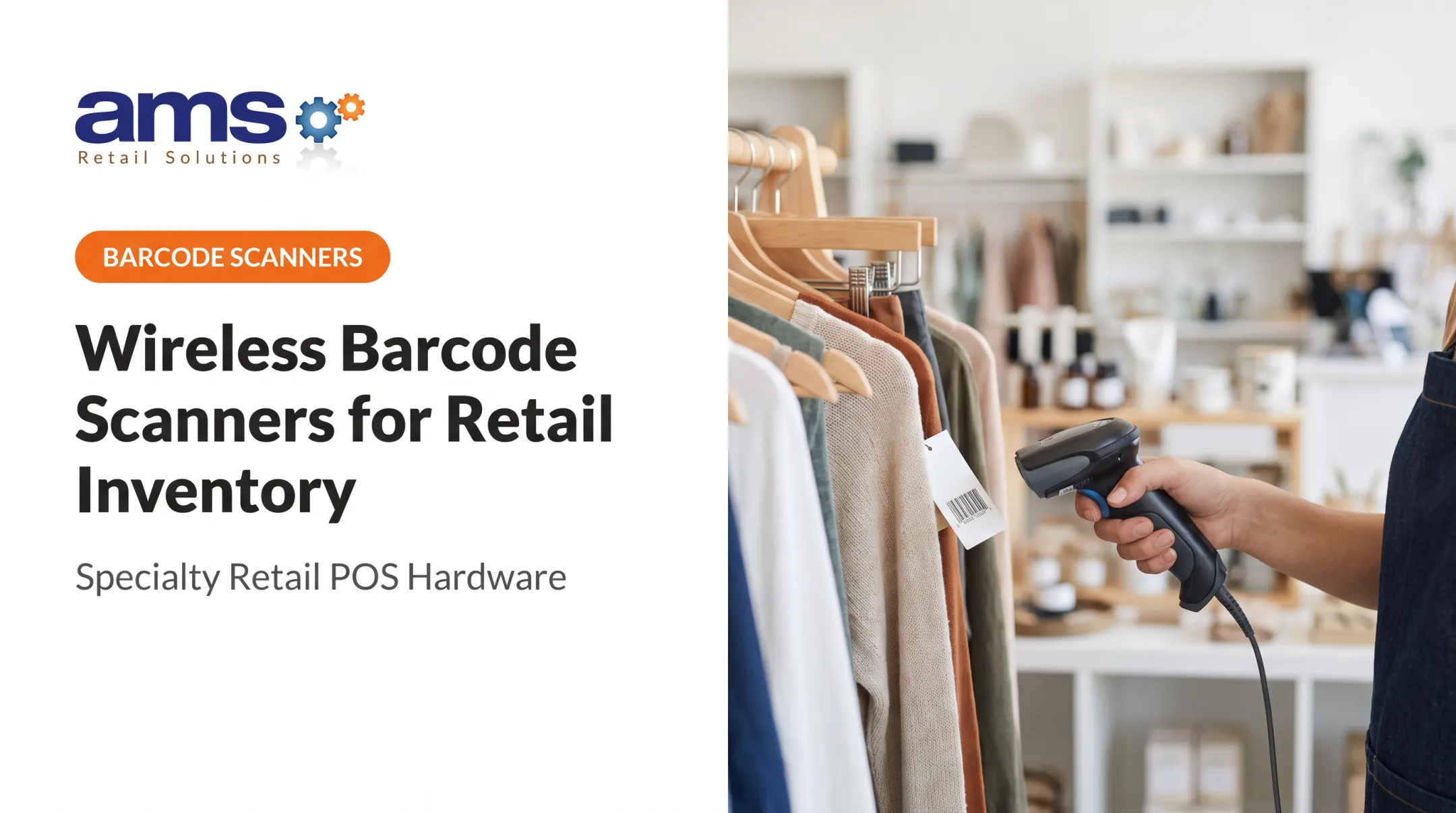
Three pieces work together. The printer creates the barcode, the scanner reads it, and the POS or inventory software stores the item data behind it.
That is why you shouldn't buy a printer as a standalone device. When several employees or locations need identical label formats, the software, templates, and printer must agree.
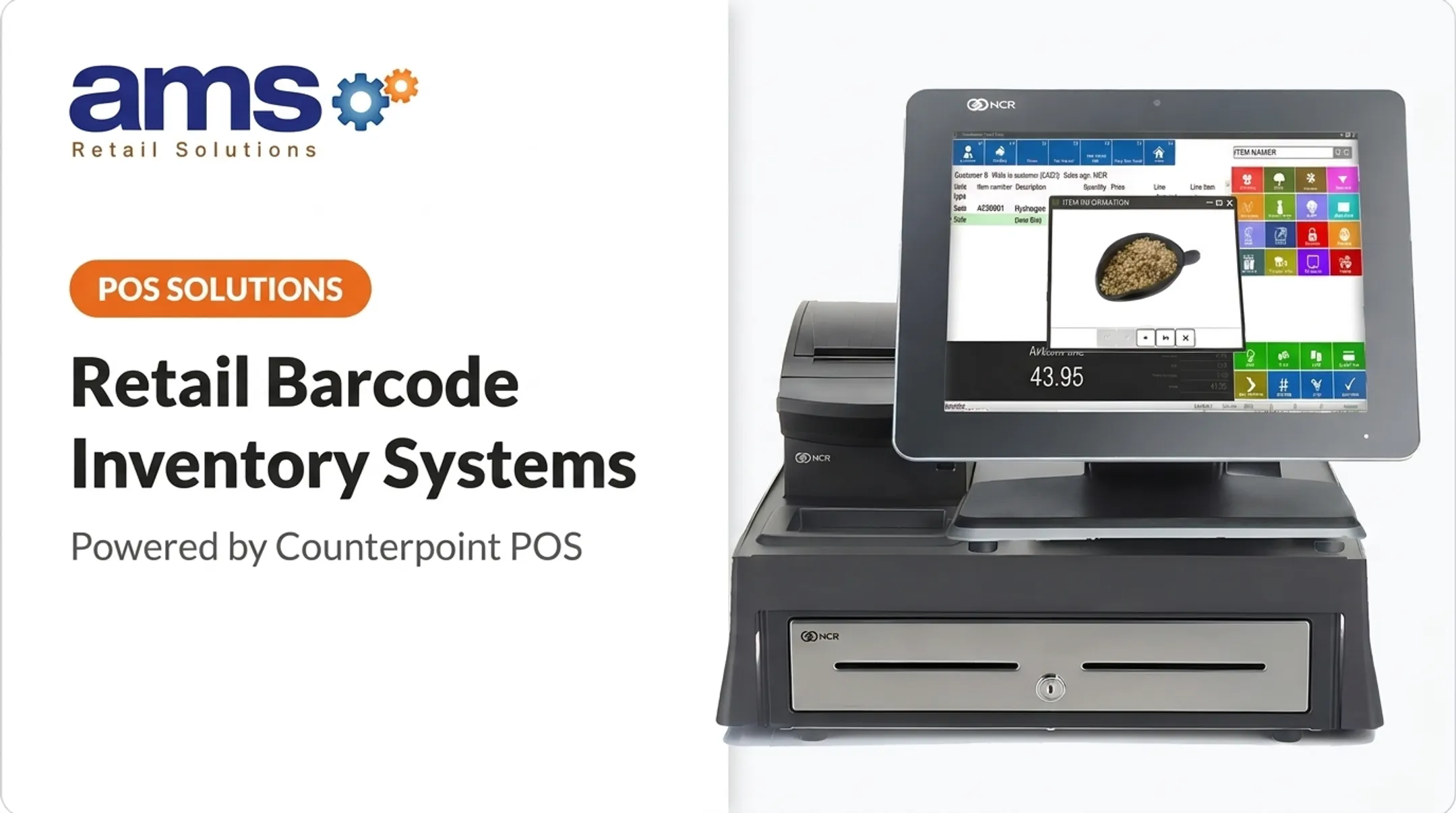
NCR Voyix Counterpoint is a single POS platform covering selling, inventory management, and reporting for one store or many. AMS Retail's garden center configuration supports barcode tag and signage printing.
Barcode Printer Types for Retail
Direct thermal versus thermal transfer
Direct thermal printing uses heat-sensitive stock and no ribbon. Thermal transfer uses a ribbon to create a more durable image.
Zebra's guidance says direct thermal labels aren't well suited to heat, prolonged sunlight, or abrasion, and excess heat or light can darken them until barcodes are unreadable. Properly matched thermal transfer stock and ribbon can resist heat, moisture, abrasion, UV, and chemicals.
| Factor | Direct thermal | Thermal transfer |
|---|---|---|
| Ribbon | None | Required |
| Typical use | Indoor, short-to-medium term | Indoor/outdoor, medium-to-long term |
| Durability | Fades with heat, light, friction | Depends on matched stock and ribbon |
| Running cost | Labels only | Labels plus ribbons |
Shelf price labels and receiving labels often fit direct thermal. Outdoor plant tags, refrigerated shelves, and long-term product labels usually call for thermal transfer.
Zebra lists nursery-oriented tag materials rated for one to two years outdoors, plus shelf label stock built for refrigeration and freezing. Always check the manufacturer's compatibility table, since ribbon and stock must be matched.

Desktop, mobile, and industrial formats
Desktop printers suit checkout counters, offices, and stockrooms. Honeywell's PC41E-D and PC42E-D, for example, are rated for up to 1,000 labels per day.
Mobile printers let staff print next to the product. Zebra describes its ZQ600 series for shelf-edge and markdown labeling, inventory management, and cycle counts. That fits floor replenishment, receiving docks, and garden center aisles.
Industrial printers handle sustained volume, larger rolls, multiple shifts, dust, or temperature swings. Brother specifies more than 1,000 labels per day for its TJ series. Request current duty-cycle specs for any model you consider.
Wired and wireless connectivity
- USB: simple and reliable, but ties the printer to one computer.
- Ethernet: shares one printer across workstations and stays stable.
- Wi-Fi: frees placement. Zebra notes WPA3 support on certain ZQ600 Plus models, so confirm security by model.
- Bluetooth: suits handheld and mobile use. Range depends on power, antenna, and environment, per the Bluetooth SIG.
Features to Compare Before Buying
Throughput and duty cycle
Compare your daily and peak label volume with the rated duty cycle, print speed, and media capacity. Peak speed rarely reflects real performance. Media changes, label processing, and cleaning all cost time, so a spring rush at a garden center will expose an undersized printer fast.
Print quality and barcode support
- Resolution: 203 and 300 dpi are common; some series offer 600 dpi. Small labels and dense 2D codes benefit from higher resolution.
- Symbologies: Honeywell's PC42E-T lists EAN-8, EAN-13, Data Matrix, and QR Code. Confirm which formats your POS can generate.
- Quiet zones: GS1 specifies a 4X quiet zone for QR codes and 1X on each side for Data Matrix.
Test-print and scan at the intended size, especially for narrow shelf labels and curved packaging. GS1 recommends verification against ISO/IEC 15415 and 15416.
Label media and supply compatibility
Confirm before you buy:
- Label width, roll diameter, and core size
- Adhesive type and material
- Gap or black-mark sensing
- Support for tags or continuous stock
Honeywell's PC42E-T, for example, lists 25.4 and 38.1 mm cores and rolls up to 127 mm. Match material to the setting next: refrigerated storage, outdoor plant areas, dusty stockrooms, plastic packaging, or high-touch equipment.

Connectivity and software compatibility
Check operating-system support, printer languages, drivers, and mobile device compatibility. Honeywell lists DPL, ZPL II, and EPL emulation on some models; TSC lists TSPL-EZD and compatibility with EPL, ZPL, and DPL. Compatibility is model- and driver-specific.
For multiple stores, ask about centralized configuration, remote monitoring, and consistent templates. TSC lists SOTI Connect and TSC Console for its MH241 family.
Durability, service, and total cost of ownership
Price the whole system: labels, ribbons, printheads, platen rollers, warranties, and spares. Warranties vary by brand. Honeywell lists one year on the PC42E-T and SATO one year on the PW2NX. TSC lists two years on the MH241, with printhead and platen wear limits.
Easy media loading, tool-free maintenance, and a spare unit all reduce downtime. Ask the vendor for specifics.
Match the Printer to Your Retail Inventory Tasks
Use this framework as a starting point:
| Task | Format |
|---|---|
| Routine counter and stockroom labels | Desktop |
| Floor replenishment, receiving, markdowns | Mobile |
| Sustained volume or harsh conditions | Industrial |
Merchandise matters as much as task:
- Small shelf labels need fine resolution
- Carton labels need strong adhesive
- Plant and produce tags need weather-resistant stock
- Outdoor equipment and moisture-exposed goods call for thermal transfer with matched ribbons
Growth matters too. Seasonal peaks, extra departments, additional stores, and frequent promotions push you toward larger media capacity, wireless connectivity, template management, and equipment that scales.
Integrating Labels Into Your Retail Workflow
The ideal data flow is: item data in the POS or inventory system, to a label template, to the printer, to the printed label, to the scanner, and back to the inventory record.

AMS Retail Solutions works with NCR Voyix Counterpoint, which includes item label design tools. AMS Retail's Specialty Foods & Wine POS also supports shelf tag and shelf-talker printing. Confirm specific printer compatibility with your provider before purchase.
Before rolling labels out across a store or category:
- Standardize templates for SKU and price accuracy
- Check barcode placement, quiet zones, and font legibility
- Scan-test every label type
Operating checklist
- Clean the printhead with each new roll and the platen as needed (Zebra ZD421/ZD621 guidance).
- Store media and ribbons away from heat and light.
- Keep firmware and drivers current.
- Stock spare labels, ribbons, and a printhead.
- Document a reprint procedure.
- Review label costs and failure rates periodically.
Frequently Asked Questions
What is the best label printer for commercial use?
It depends on volume, label durability, environment, media size, software compatibility, and service needs. Desktop fits counters, mobile fits floor work, and industrial fits sustained, demanding use.
What type of barcode printer is best for retail inventory?
Choose by label lifespan and exposure. Direct thermal works for short-term labels without ribbons; thermal transfer fits longer-lived labels if ribbons are acceptable.
Should a retail store use direct thermal or thermal transfer labels?
Direct thermal suits short-term price and inventory labels. Thermal transfer suits outdoor, refrigerated, abrasive, or long-term applications.
What features should I look for in a retail barcode label printer?
Look at duty cycle, print quality, media compatibility, connectivity, software support, maintenance, and total cost of ownership.
Can a barcode label printer connect to POS or inventory software?
Often, but it depends on drivers, printer languages, label software, network setup, and your platform. Confirm supported integrations before buying.
How do I maintain a barcode label printer?
Use approved media, load it correctly, and clean regularly. Check print quality, keep firmware and drivers updated, and replace worn parts promptly.