The common purchasing mistakes are predictable. Retailers buy consumer-grade equipment that fails in dust and moisture, overlook driver and port compatibility, or end up with hardware that can't handle barcode, payment, inventory, and receipt workflows together.
This guide covers the core register components, the specifications to verify, specialty-retail peripherals, environment-specific setups, and a final compatibility checklist.
Key Takeaways
- Select hardware from current NCR Voyix guidance and test it with your exact Counterpoint version.
- A typical station needs a terminal, display, payment device, cash drawer, receipt printer, and scanner.
- Specialty retailers should weigh durability, mobile inventory, labels, scales, and outdoor conditions.
- Network, power, security, and support are part of the requirement, not afterthoughts.
The Core Counterpoint Hardware Setup: What You Need at Each Register
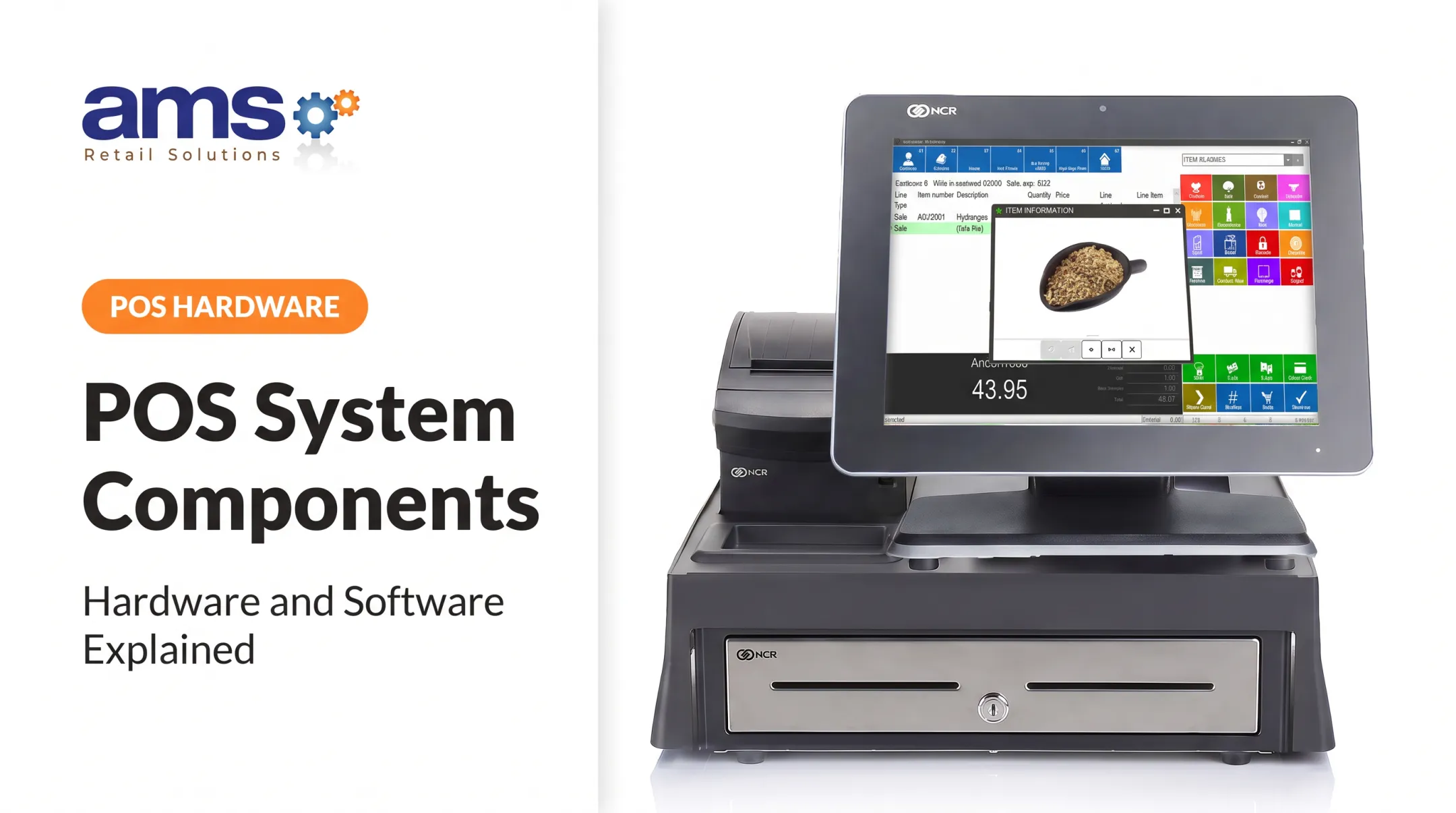
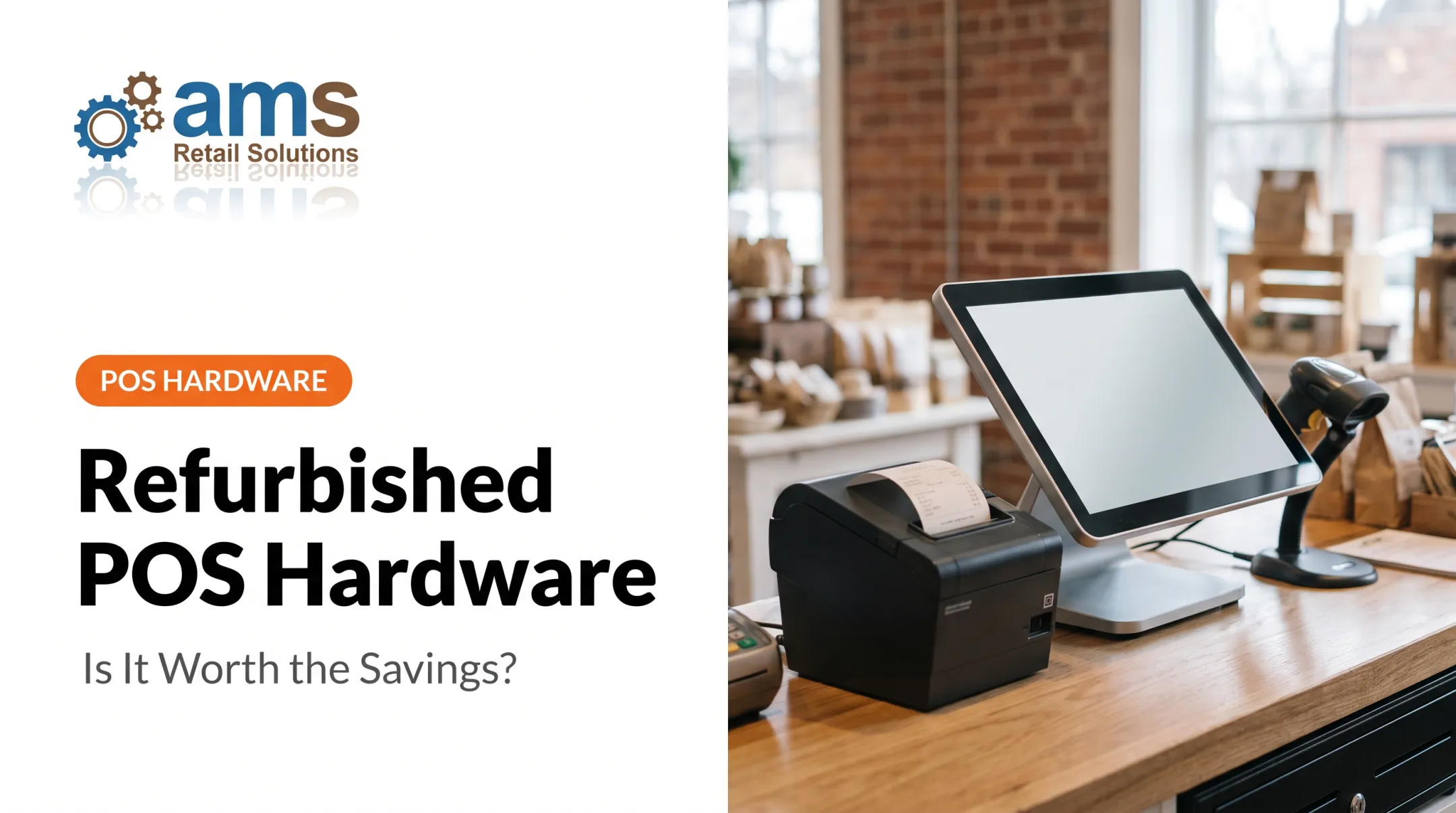
A standard Counterpoint register is a terminal with a touchscreen, a compact receipt printer, and a cash drawer. Add a payment device and a scanner, and you have the basic checkout station. Everything else depends on your workflow.
One caution first: a public, current, version-specific Counterpoint compatibility matrix is hard to find. Legacy NCR material lists older workstation models, but that doesn't prove they are sold or supported today. Confirm the current configuration with NCR Voyix or an authorized provider.
Terminal and Display
Confirm whether your deployment calls for a dedicated Windows workstation, an all-in-one terminal, or another supported configuration. For the display, judge by how it behaves at a busy counter:
- Touch responsiveness under fast, repeated input
- Brightness and viewing angle in your lighting
- Screen size and ergonomics for staff who stand all day
Don't trust exact specs unless NCR Voyix documentation confirms them.
Payment Device
Look at EMV chip, contactless, and PIN entry, plus your processor and the Counterpoint integration. Older NCR help describes Ingenico devices and notes that some models don't support signature capture, but that is historical. Validate any terminal against your merchant account and software configuration before you buy.
Cash Drawer and Receipt Printer
Check supported connection types, automatic drawer opening, printer drivers, and receipt formats. Thermal printers suit most counters, though Epson's TM-T20II is only an example of the technology, not a Counterpoint certification. Plan a backup printing procedure for when a printer jams or fails.
Barcode Scanner
Decide between 1D and 2D scanning, handheld or presentation style, and wired or wireless. If you scan small labels or phone-based codes, you need imaging scanners. Whatever you choose, confirm it works with Counterpoint item lookup and inventory workflows.
Counterpoint Terminal Specifications: How to Match Hardware to the Software
The numbers below come from NCR's legacy V8.5.7-era configuration manual. They are not current purchase requirements, and the manual does not label each as a minimum or a recommendation.
| Component | Legacy NCR listing |
|---|---|
| Server | 2 GHz Pentium dual-core or better, 8 GB RAM, internet connection |
| Workstation | 1.3 GHz Celeron M (WAN) or 1.6 GHz Pentium M (LAN), 4 GB RAM |
| Workstation OS | Windows 11/10/8.1 (64-bit), Windows Embedded POSReady 7 |
| Server OS | Windows Server 2019/2016/2012 R2, plus Windows 11/10/8.1 |
Treat these as a historical floor, not a shopping list. Ask NCR Voyix or your provider for current requirements for your version.
What the Specs Mean in Practice
A faster processor and more RAM keep transactions, inventory lookups, reports, and updates responsive, especially when other approved apps run alongside Counterpoint. Weak hardware shows up as a lag at the register, and customers notice.
Operating system lifecycle matters too. Several systems on NCR's legacy list are out of Microsoft support: Windows 8.1 ended January 2023, POSReady 7 ended October 2021, and Windows 10 Home/Pro ended October 14, 2025. Server 2016 support ends January 2027. Buying hardware tied to an unsupported OS creates security and compliance exposure.

For storage, an SSD is a practical choice for speed. A USENIX flash study found flash had a lower field replacement rate than hard drives, though it isn't a Counterpoint benchmark. Also confirm whether your data lives locally, remotely, or in a hybrid setup.
Compatibility Validation Step
Before buying, verify each of these against your exact setup:
- Counterpoint version and workstation or server roles
- Peripheral drivers and Windows update policy
- Antivirus rules, required ports, and remote support tools
- Integrations for payments, accounting, ecommerce, loyalty, or inventory
Specialty-Retail Peripherals for Counterpoint
Specialty stores need more than the basic register kit.
Scanners and Mobile Devices
Scanners and mobile devices support receiving, price checks, and floor sales. NCR Counterpoint Mobile runs on iPhone, iPod touch, and iPad. It supports item lookup across locations, customer lookup, and POS sales. Confirm receiving, counts, and transfers separately for your version. A nursery associate checking stock in the yard is a typical use.
Labels and Documents
Counterpoint supports on-demand item labels and labels after receiving or transfers. Garden center POS supports barcode tag and signage printing. Verify supported printer models, print languages, media sizes, and label software before purchase.
Weighing
Feed-and-seed and farm market operations often sell by weight. AMS Retail's feed and seed software supports integrated or stand-alone scales, multiple units, and fractional quantities. For commercial sales, NIST guidance says scales need an active NTEP certificate and approval from an authorized body in your state. Confirm the scale, label format, and Counterpoint integration for your operation.
Checkout Accessories
Customer-facing displays, signature pads, and PIN pads add transparency and usability. Weigh them against counter space and accessibility.
Hardened Equipment
Dust, moisture, heat, cold, and heavy traffic wreck consumer devices. Check sealed components, cable protection, mounting, cleanability, warranty, and manufacturer duty-cycle guidance. IEC IP ratings give a common yardstick: the first digit covers dust, the second covers liquids. AMS Retail supplies retail-hardened equipment, including hardware rated for greenhouse dust, dirt, and moisture.

Configure Hardware for Your Retail Environment
Lean Single-Register Setup
A small specialty shop needs:
- POS terminal
- Payment device
- Cash drawer
- Receipt printer
- Scanner
Some pieces are optional. A mostly card-based store may skip the drawer, and a low-SKU shop may not need a scanner. Base the mix on your cash, receipt, and inventory habits.
Multi-Register or Multi-Location
Standardize workstation specs so drivers and images match. Plan for:
- Shared printers only where supported
- Centralized administration
- Quality network equipment
- Backup procedures
- A repeatable process for adding registers
Legacy NCR documentation describes a Hub and Multi-Site synchronization with site-to-site VPN replication. Confirm the current architecture before designing.
Fixed, Mobile, or Mixed
- Fixed counters: best for high-volume checkout with predictable power and network.
- Mobile: suits lot sales at landscape supply yards, farm markets, and outdoor areas.
- Mixed: common for garden centers with a main counter plus roaming devices.
Match each device to connectivity, weather exposure, security, charging, and transaction needs.
Network, Power, Security, and Deployment Requirements
Network
Legacy NCR material calls for a managed hardware firewall and a VPN for Multi-Site replication. Ask your NCR partner or network provider for bandwidth and latency guidance for your store rather than assuming fixed targets.
Use wired Ethernet for registers, servers, and printers where you can. Managed Wi-Fi can serve mobile devices, but unstable wireless is a risk at the register. Keep payment devices segmented where possible, since PCI guidance says proper segmentation can reduce assessment scope.
Power and Continuity
Surge protectors don't provide backup power. A UPS does. Put one on the server, network gear, and key registers. Charge mobile devices on a schedule, and consider backup internet.
Counterpoint's Offline V2 lets a workstation use a local database when it can't reach the server, covering selected POS and drawer functions with later synchronization. It doesn't mean every function or payment authorization works offline, so confirm your exact outage workflow.
Security and Deployment
- Restrict user access and patch the operating system
- Use PCI-listed payment devices and inspect them for tampering
- Mount equipment securely and manage cables
- Document replacement procedures and support contacts
- Test everything and train staff before go-live
AMS Retail Solutions is an authorized NCR Voyix Counterpoint provider that offers retail-hardened equipment, compatibility checks, deployment, and 24/7 support including training, repair, and maintenance. You can reach them at 757.495.4995.
Counterpoint Hardware Buying and Compatibility Checklist
Document Your Needs First
Before you request quotes, write down:
- Number of registers and transaction volume
- Product and barcode types
- Payment methods
- Receipt, label, and weight-based selling needs
- Mobile workflows and environmental conditions
- Growth plans
Pre-Purchase Test
Using your exact Counterpoint version and proposed equipment, run each of these:
- Sale, return, and exchange
- Barcode lookup and payment
- Receipt print and cash drawer open
- Inventory transaction and label print
- A report
- Outage recovery

Total Cost of Ownership
Count more than the terminal. Factor in:
- Stands, scanners, printers, and cash drawers
- Payment devices and scales
- Cabling, network gear, and UPS units
- Consumables, warranties, and replacement availability
- Installation, training, updates, and ongoing support
No authoritative Counterpoint-specific price benchmark exists, so get itemized quotes.
Frequently Asked Questions
What are the hardware requirements for a POS system?
Most systems need a supported terminal, display, payment device, cash drawer, and receipt printer, with optional scanners or specialty peripherals. Exact requirements depend on the software and your workflow.
What are the common types of POS hardware?
Terminals, touch displays, card readers, cash drawers, receipt and label printers, barcode scanners, customer displays, scales, and mobile devices. Network and power equipment support them all.
Does Counterpoint require a dedicated POS terminal?
It depends on your deployment and the current supported configuration. Verify workstation, operating system, and peripheral requirements with NCR Voyix or an authorized Counterpoint provider.
Do I need a barcode scanner and receipt printer with Counterpoint?
Scanners are close to essential for barcode-heavy retail, and printers matter when customers want receipts or you handle cash. Confirm supported models and drivers first.
Can Counterpoint POS hardware work if the internet goes down?
Offline V2 allows selected POS and drawer functions on a local database, then syncs later. Payment processing and other functions may still need connectivity, so confirm your outage workflow before relying on it.
How do I choose hardware for multiple Counterpoint registers or locations?
Standardize on supported equipment, design the network carefully, and centralize management. Plan for expansion, keep peripherals consistent, set up backups, and get implementation support.