The decision looks different for US specialty retailers. A garden center with seasonal plant variants, a feed store selling by the pound, and an outdoor shop tracking serialized items all ask more of a POS than a simple coffee counter does. This article covers workflow complexity, inventory, connectivity, security, total cost of ownership, staff experience, scalability, and vendor support.
Key Takeaways
- Windows POS is a stack: operating system, retail software, payments, peripherals, data, and support.
- Fits complex catalogs, accounting integrations, multiple locations, and demanding hardware needs.
- Offline selling, security, and speed depend on the software and setup, not Windows alone.
- Judge fit by workflows and total cost of ownership, not by operating system.
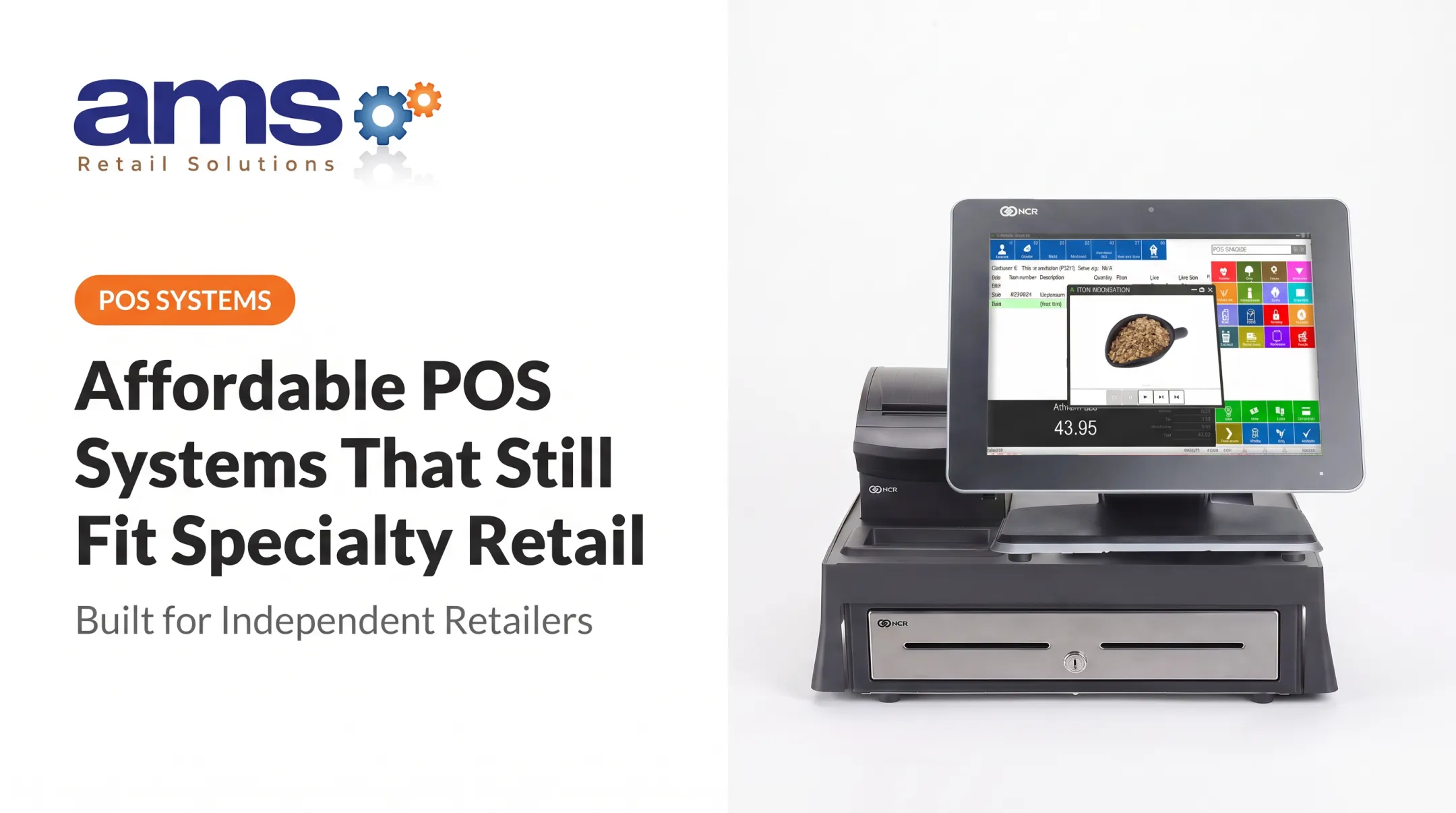
What a Windows POS System Includes
"Windows POS" is not just a PC at the register. Several separate pieces work together:
- The Windows operating system
- The POS application that runs sales and inventory
- A touchscreen terminal
- A payment device
- Barcode scanners, receipt printers, and cash drawers
- Scales, label printers, and other connected equipment
Core functions
A retail POS typically covers:
- Checkout
- Product and inventory management
- Purchasing and receiving
- Customer records
- Reporting and employee permissions
- Returns and multi-location administration
Which of these you actually get depends on the software you buy.
What to verify before buying
Windows lifecycles matter. Ordinary Windows 10 support ended October 14, 2025, and paid Extended Security Updates cover a maximum of three more years, per Microsoft's ESU program.
Long-life editions last longer: Windows 10 IoT Enterprise LTSC 2021 runs to January 13, 2032, and Windows 11 IoT Enterprise LTSC 2024 to October 10, 2034. Even those still need monthly security patches.
Ask the provider:
- Which Windows edition and version ships on the terminals?
- What is its support end date?
- What are the hardware requirements and update process?
- Which payment integrations are supported, and where is data hosted?
Why Windows POS Still Works for Retail
Peripheral compatibility
Windows supports a wide range of scanners, printers, drawers, scales, and payment devices. OPOS and JavaPOS define common interfaces, but hardware vendors still write the device-specific drivers.
Epson's OPOS ADK 1.14.27, for example, lists Windows 11 Pro/Enterprise and .NET Framework 4.0 or later. Compatibility is never automatic, so get the vendor's supported-hardware list in writing.
Full desktop environment for integrations
A desktop-class system can connect to accounting, ERP, and e-commerce tools. Documented NCR Counterpoint examples include:
- A QuickBooks Online interface from RCS for general-ledger and accounts-payable entries
- ERP and accounting synchronization through iPaaS.com, naming NetSuite and Dynamics 365 Business Central
- A BigCommerce connector from Modern Retail
These are separate offerings, not features every license includes. For specialty retail, that might mean a nursery syncing sales to QuickBooks or a feed store linking customer accounts to its books.
Customization and detailed workflows
Windows-based software can support detailed retail workflows when the product includes them:
- Role-based permissions
- Purchasing, transfers, and returns
- Customer accounts and promotions
- Multi-store management
Confirm which modules ship with your license before you buy.
Fixed, retail-hardened terminals
Busy counters favor stable, serviceable hardware. Elo's 15-inch EloPOS offers a splash-proof housing, Windows 11 IoT Enterprise LTSC configurations, and a three-year warranty.
Advantech's UTC-515K describes an IP65 front bezel and fanless design for 24/7 use (the rating covers the front bezel, not the whole unit). These are manufacturer claims. No independent benchmark compares failure rates against consumer tablets.
Offline selling, handled carefully
Offline capability belongs to the POS software, not to Windows. In Counterpoint, an offline workstation is disconnected from the database server. Counterpoint's help documentation says it permits new tickets and customers but does not allow ticket posting until reconnection.

Payments add another layer. Adyen's documentation notes:
- Offline EMV checks the PIN against the chip, but most debit cards don't support it
- Store-and-forward approves without verification and risks issuer declines
- Merchants can set maximum amounts and offline-payment counts
- Merchants stay liable for failed captures and chargebacks
Ask any vendor how it handles limits, synchronization, conflicts, and recovery.
Where Windows POS May Not Be the Best Fit
Cost
Costs stack up: terminals, peripherals, software licenses or subscriptions, payment services, installation, training, support, and replacement hardware. Published examples show the spread (vendor pages, not a national price range):
| Item | Published example |
|---|---|
| RetailEdge software | $495 first workstation, $225 each additional |
| RetailEdge support | $5 per workstation/month (Silver), $45 per location/month (Gold) |
| eHopper Essential Plus | $10/month, 1,000 products |
| Windows terminal | Volcora 18.5-inch, $699 |

Low prices often carry conditions. eHopper's free Windows-PC offer, for instance, requires its credit card processing. Penn State Extension's POS selection guide separates hardware, software, processing fees, user counts, and add-ons, which is the right way to compare quotes.
Maintenance burden
Windows devices need care:
- Monthly cumulative security updates, released on the second Tuesday
- Antivirus and security-intelligence updates
- Account permissions and backups
- Testing application updates before they hit checkout
Someone owns this work, either you, your IT contractor, or your provider. Settle that before signing.
When something else fits better
Consider alternatives for:
- A very small shop with simple transactions
- A highly mobile seller or temporary location
- A business that wants minimal hardware and fast self-setup
Compare the full workflow and support model, not just the device. A tablet system isn't automatically better, and neither is Windows.
Is Windows POS a Good Fit for Specialty Retail?
Workflow questions to ask
Can the system handle seasonal products, variants, variable units of measure, special orders, purchasing and receiving, customer accounts, returns, discounts, and transfers? Examples by segment:
- Garden centers: Attleboro Farms (MA) switched over item-attribute search, low-stock alerts, multipack units, and accounting limits. RCS's 2023 case study reports better inventory reporting on Counterpoint (ROI not quantified). AMS Retail also lists kit items, tag printing, delivery scheduling, and bulk soil and mulch tickets.
- Farm markets: RetailEdge documents scale integration for weighed produce and meat, plus variable-weight barcodes. AMS Retail lists weighed and bagged goods and grower accounts on terms.
- Feed and seed: AMS Retail's Counterpoint offering covers scales, fractional quantities, multiple units of measure, recurring orders, customer-specific pricing, and custom blends, plus receivables with terms, credit limits, and statements.
- Pet supplies: AMS Retail lists pet supplies among its industry solutions. RetailEdge documents customer item histories, stock minimums and maximums, and automatic purchase orders.
- Outdoor sporting goods: RetailEdge documents matrix sizing, alternate item codes, case-lot splitting, and serial tracking. AMS Retail lists special orders, layaway, trade-ins, and loyalty.

Firearms are a special case. ATF Ruling 2016-1 allows qualifying licensees to keep electronic records under specified conditions. Serial tracking alone doesn't establish compliance.
Inventory visibility
Required features differ by shop. Seasonal swings, lot and batch detail, serialized goods, bulk items, and warehouse-to-store transfers matter a lot to some and not at all to others. Confirm with the provider which of these ship standard. Ask whether botanical-name and live-goods shrinkage fields ship standard; public materials for the Windows products cited here often omit them.
Connectivity checklist
Rural and outdoor sites need a plan. USDA's August 2025 report found 85% of farms had internet access, with 74% using cellular data plans. That's farm-sector context, not retailer outage data. Ask:
- Does offline mode exist, and what can staff do in it?
- Is there an internet failover, such as a cellular backup?
- How are transactions synchronized after reconnecting?
- How are card payments authorized, and what limits apply?
- What should staff do when service returns?
Staff and customer experience
Watch checkout speed, screen layout, training time, permissions, returns, loyalty, customer lookup, and receipts. During a spring rush, a layout that cuts taps matters. Test with your own staff.
A quick fit test
Windows is more compelling when you need robust peripherals, complex integrations, detailed reporting, multi-location control, or a managed terminal environment. An alternative may win when mobility, simplicity, low startup cost, or self-service setup matters most.
The Bottom Line: Windows POS Can Still Be a Smart Retail Choice
Windows POS remains relevant when compatibility, control, durability, integrations, and specialty features solve real problems rather than adding complexity.
Evaluate in this order
- Document checkout and inventory workflows.
- List required integrations and peripherals.
- Assess connectivity at each location.
- Calculate total cost of ownership.
- Test with representative products.
- Confirm who handles implementation and support.
Questions for vendors
- Which software and hardware are certified together?
- How is payment security handled?
- What are the offline rules?
- Who controls updates?
- Who owns the data, and how do I export it?
- How are backups handled?
- What training, response times, and warranty coverage are included?
- How does it scale, and how is failed hardware replaced?
On data ownership, RetailEdge documents TXT/CSV exports of customer lists and balances, but export tools don't settle contractual ownership. Get that in writing.
One provider to investigate
AMS Retail Solutions is an authorized NCR Voyix Counterpoint provider for specialty retailers. The company states that it offers:
- A single-source approach
- Customizable tools
- Retail-hardened POS equipment
- Offline POS capability
- Scalability from one store to many
- 24/7 support
Confirm fit, availability, implementation scope, and pricing directly with AMS Retail Solutions, and ask which Windows versions its current Counterpoint release supports.
Frequently Asked Questions
What does "POS" mean?
POS means point of sale. It's the system that processes transactions and often manages inventory, payments, customer data, and reporting.
How much does a POS system cost, and are there free options?
Expect costs to cover software, hardware, payment processing, implementation, support, and locations. Free options may limit features, integrations, or support, or lock you into the vendor's payment processing.
Is Windows POS compatible with barcode scanners, receipt printers, and payment terminals?
Compatibility hinges on the POS software, drivers, payment provider, and supported hardware list. Confirm every peripheral before you buy.
Can a Windows POS work without an internet connection?
Only if the POS application supports it. Ask how sales, payments, inventory synchronization, and data conflicts are handled offline.
Is Windows POS secure for retail?
A secure setup needs solid software controls, device protection, network security, timely updates, backups, and payment security. Retailers must follow current vendor and PCI guidance.
How do I know whether my retail business needs a Windows POS system?
Weigh workflow complexity, integrations, peripherals, inventory needs, locations, mobility, connectivity, staff skills, budget, and support level. If several of those are demanding, Windows is worth a serious look.