Introduction
For a specialty retailer, a point-of-sale system is far more than a cash register. It ties together checkout, payments, inventory, customer records, and reporting in one place.
The stakes are real. Seasonal swings, deep product catalogs, shrink, and selling spots that range from a fixed counter to a muddy greenhouse aisle all put pressure on the system.
NRF reported average retail shrink of 1.6% in FY2022, about $112.1 billion in losses across retail. That figure covers retail broadly, not just independents, but it shows why tracking stock matters.
This article compares traditional, cloud-based, mobile/tablet, hybrid/offline-capable, and multichannel POS systems, then shows how to match one to your store.
Key Takeaways
- A POS combines software and hardware for sales, inventory, payments, and reporting.
- POS types overlap: cloud describes data, mobile describes the device, omnichannel describes sales channels.
- Prioritize inventory accuracy, ease of use, offline continuity, integrations, and security.
- The best fit depends on your products, connectivity, locations, budget, and growth plans.
What Is a POS System for Specialty Retail?
A POS system is the software, checkout hardware, and payment tools that complete and record a sale. Bank of America describes the system as hardware, software, and support that act as a central data hub.
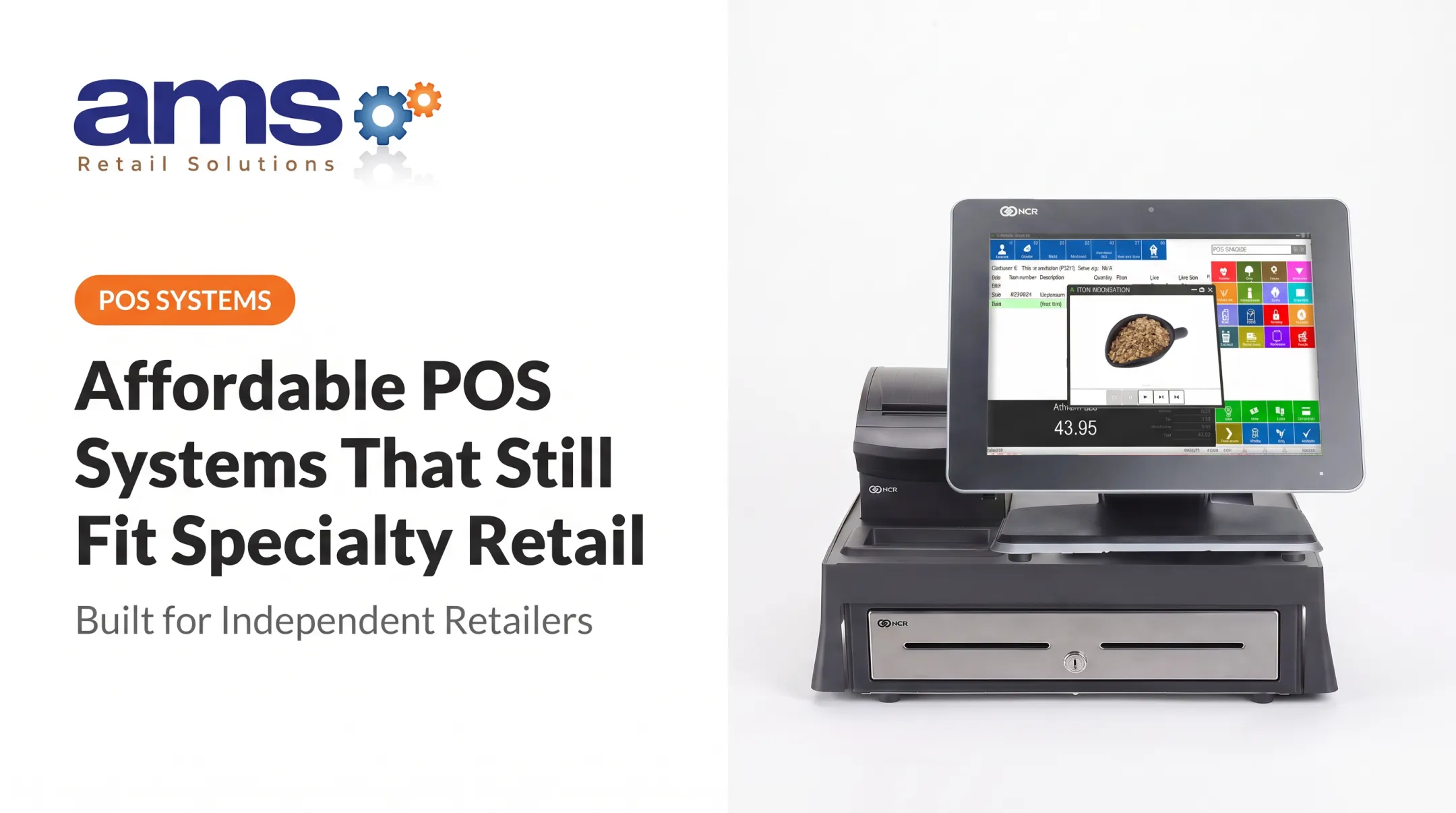
A card reader is one piece of hardware, not the system. A typical counter setup adds a touchscreen, receipt printer, scanner, and cash drawer.
Specialty retailers use it for:
- Barcode scanning and product lookup
- Payments, returns, and discounts
- Inventory updates and reporting
- Customer records and loyalty
- Online or mobile sales, in some cases
Why Is a POS System Important for Specialty Retail?
A connected POS gives you more reliable stock numbers, faster checkout, and clearer views of sales and margins. It also cuts manual work and keeps service consistent.
Disconnected tools or spreadsheets create predictable problems:
- Inaccurate inventory and missed reorders
- Inconsistent pricing
- Difficult returns
- Little visibility across locations or channels
Needs differ by segment. A garden center needs flexibility for seasonal plants and size-and-grade tracking. A farm market needs to sell from anywhere and take cards in the field. An outdoor and sporting goods store manages deep size, color, and model-year matrices.

Types of POS Systems for Specialty Retail
These types are not mutually exclusive. Compare them by deployment model, device, connectivity, and channel coverage, and expect one product to combine several.
Traditional or On-Premises POS
Traditional systems keep software and data on local servers or computers at the business. Shopify's guide defines on-premises data as stored locally.
Best for: retailers with fixed checkout areas, existing local infrastructure, and a preference for local control.
Strengths:
- Dedicated equipment
- Local operation that doesn't hinge on a web connection
Trade-offs:
- Hardware commitments and maintenance
- Limited remote access
- More involved upgrades and setup
Cloud-Based POS
Cloud POS stores data on provider-managed remote servers, reachable from internet-connected devices. That suits growing retailers who want centralized reporting, remote management, automatic updates, and visibility across stores.
Trade-offs:
- Dependence on internet service
- Recurring software fees
- Data-security responsibilities
- Unclear offline support, so confirm whether offline sales sync later
Mobile and Tablet POS
Mobile POS runs on handhelds or tablets so staff can look up items and ring sales away from the counter. It fits line-busting, high-touch selling, pop-up events, farm markets, nursery sales yards, and outdoor sporting environments.
Benefits:
- Portability
- Better customer engagement
Limits:
- Device durability and battery life
- Peripherals, spotty networks, and cash handling
Many stores still want a fixed station too.
Hybrid or Offline-Capable POS
A hybrid system pairs centralized or cloud features with the ability to keep selling when the connection drops, then syncs afterward. That matters in big facilities, outdoor areas, temporary locations, and rural regions.
Offline terms vary by vendor. Square, for example, documents that offline payments must reconnect within 24 hours or be declined, with the seller bearing the risk. Don't assume that applies elsewhere.
Ask any vendor:
- Which transactions work offline?
- How are card payments handled?
- How do inventory changes sync?
- How are conflicts resolved?
- Which reports stay available?
Multichannel or Omnichannel POS
Multichannel POS connects sales across stores and ecommerce. Omnichannel aims for one unified view of inventory, orders, customers, and fulfillment.
Common capabilities include:
- Online ordering and in-store pickup
- Shipping from the store
- Shared customer records and loyalty
- Consistent availability across channels
The cost is complexity: integrations, inventory sync, fulfillment rules, returns, permissions, and implementation. If you only sell in one store today, you may not need it yet.

How to Choose the Right POS System for Specialty Retail
Let your workflows, constraints, and plans decide, not the newest hardware or the longest feature list.
Business Model and Inventory Complexity
Map the complexity you actually run:
- Product range, variations, and seasonal shifts
- Receiving, transfers, and cycle counts
- Returns, discounts, and shrink risk
Demand demos with your real products, such as a plant with size and grade, or a jacket in six sizes and colors.
Checkout Environment and Connectivity
Decide whether you need fixed registers, handhelds, or both. Weigh peak-season queues, outdoor areas, events, network reliability, and offline mode before you commit to a setup.
Store Count and Growth Plans
Match the system to today's locations. Also verify centralized product data, pricing, permissions, reporting, and transfers so a second or fifth store does not force a redesign.
Total Cost and Hardware
Compare the full picture, not the sticker price:
- Software subscriptions and payment fees
- Hardware and peripherals
- Installation and training
- Support, upgrades, and integrations
- Replacement cycles
Vendor pages list plan subscriptions and transaction fees as separate components, so ask for a complete quote.
Integrations, Reporting, and Customers
Verify compatibility with accounting, ecommerce, payments, loyalty, marketing, and payroll. Reports should cover sales, inventory, margins, and customer activity.
Vendor Support and Implementation
Evaluate onboarding, data migration, training, troubleshooting, security practices, and the vendor's product roadmap alongside features.

AMS Retail Solutions is one option worth investigating. As an authorized NCR Voyix Counterpoint provider for independent specialty retailers, it offers customizable tools, retail-hardened equipment, offline POS capability, scalability from one store to many, and 24/7 support. Compare those capabilities against your requirements and confirm current offering details before you decide.
What to Check Before Finalizing a POS System
Skip the most advanced system if a simpler one reliably handles your products, checkout, inventory workflows, and growth.
Test your shortlist with realistic scenarios:
- Receive inventory
- Search for products
- Apply a promotion
- Process a return
- Complete a mobile sale
- Unplug the internet and keep selling
- Reconcile end-of-day activity
Then confirm the long-term terms in writing:
- Data ownership and export
- Contract length and payment processing terms
- Hardware compatibility
- Support response expectations
- Security controls
- Integration costs and upgrade policies
On security, PCI SSC notes that a PCI-approved terminal does not guarantee compliance for the merchant. Ask which compliance tasks fall to you and which to the provider.
Conclusion
Specialty retailers can choose among traditional, cloud-based, mobile, hybrid, and omnichannel approaches. Most systems on the market blend more than one of these models.
The strongest choice matches the POS to your operation:
- Inventory complexity and SKU mix
- Checkout conditions and peak traffic
- Connectivity and offline needs
- Store count and multi-location plans
- Integrations, support, and long-term growth
Frequently Asked Questions
What is a POS machine?
A POS machine or terminal is the device that accepts payment or runs checkout. The POS system is broader, adding software for inventory, reporting, customers, and operations.
What is the best type of POS system for specialty retail?
No type is best for everyone. Match cloud, traditional, mobile, hybrid, or multichannel capabilities to your inventory, connectivity, checkout setup, and growth plans.
What is the difference between a cloud-based and traditional POS system?
Cloud POS keeps data on remote provider servers, accessed online with automatic updates. Traditional POS stores data locally, giving more control but requiring more hardware upkeep and offering less remote access.
Can a POS system work without internet?
Some traditional and hybrid systems can. Verify which sales, payments, inventory changes, and reports continue offline, and how data syncs afterward.
Do specialty retailers need mobile POS?
It helps during busy seasons, on large sales floors, in outdoor areas, at events, and for high-touch selling. It usually complements fixed checkout stations rather than replacing them.
What features should a specialty retail POS system have?
Look for retail-focused inventory, purchasing and receiving, barcode or product lookup, returns, reporting, permissions, payments, and integrations. Add loyalty, offline capability where needed, and multi-location support.