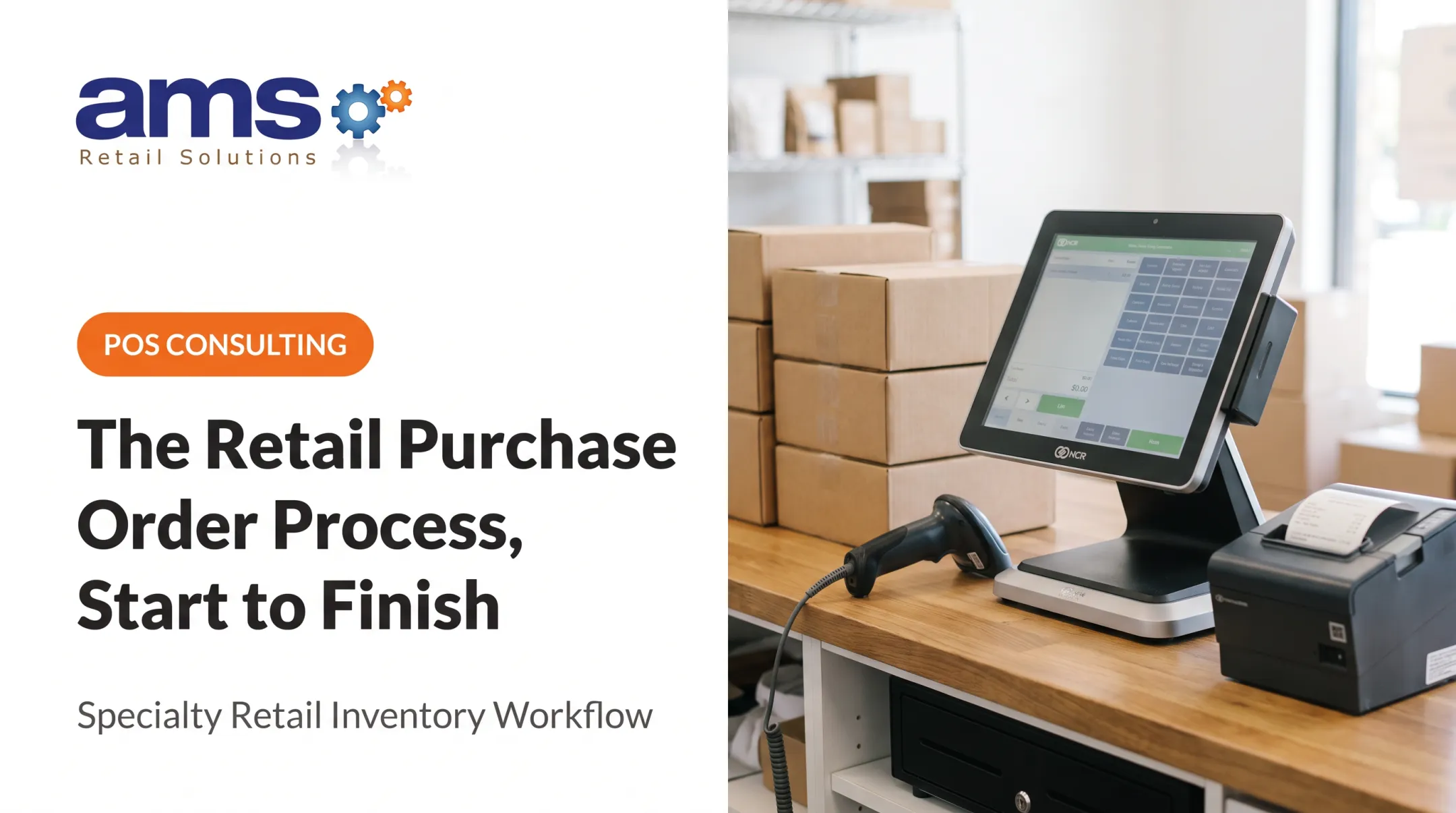
NCR Voyix Counterpoint is a specialty retail management system that pairs POS with real-time inventory management. Sales, receiving, transfers, adjustments, and reporting all feed the same item records.
This guide follows the order that works in practice: build the foundation, set replenishment rules, manage daily movement, verify accuracy, and train your team.
Key Takeaways
- Counterpoint ties sales, receiving, transfers, and adjustments to location-level quantities.
- Clean item, vendor, barcode, and cost data comes before any reporting.
- Pick replenishment methods by demand pattern, lead time, and storage space.
- Counts, variance reviews, and permissions keep inventory data trustworthy.
What Is Inventory Management in NCR Counterpoint?
Inventory management here means following a product from creation to receiving, then to sale, return, transfer, adjustment, or count. Each event updates a record, so the numbers stay tied to real activity.
Item Records and Inventory Status
Items represent products or services and carry unique item numbers. Inventory is an item's quantity at a particular location. Several quantity labels matter in day-to-day work:
- Qty on hand: quantity at the location before posting transactions
- Qty committed: quantity on unposted transactions
- Qty available: on hand minus committed
- Qty on PO's: vendor orders not yet received
- Qty on order: customer orders, a different thing entirely
Keep that last distinction straight. Mixing vendor POs with customer orders skews every purchasing decision. Label names can vary by version, so confirm them on your own screens.
Specialty examples show why units matter. A feed store stocks the same product in 50 lb bags and by the pound. A nursery sells one plant variety in different pot sizes. Each needs its own clear unit and item setup.
Inventory Visibility Across Locations
Counterpoint can track inventory across locations. A retailer with a store and a greenhouse can see where product sits, where it is overstocked, and where it is needed.
The optional Multi-Site setup uses Hub and Remote databases that replicate periodically, on a schedule that can run through the day or overnight. Not every business uses it, so don't assume instant synchronization between sites.
Why Integrated Inventory and POS Data Matters
When a sale posts, the quantity moves. That gives buyers, managers, and floor staff the same basis for purchasing, availability checks, and reporting. That shared view supports reduced shrink, better gross margins, and easier day-to-day operations. Those outcomes depend on the data being right.
The NRF's survey put retail shrink at 1.6% of sales for fiscal 2022, up from 1.4% in 2021. That is a broad U.S. retail figure, not a specialty-store target.
Setting Up NCR Counterpoint for Accurate Inventory Management
Treat setup as a controlled project. Define business rules first, configure second, clean and load item data third, and validate before anyone trusts a report.

Item Master and Category Structure
Review these fields for every item:
- Item number, description, category, and department
- Stocking unit (what you sell and count) and purchasing unit (what the vendor sells)
- Vendor item number and primary vendor
- Tax category and item status (Active, Discontinued, Inactive)
- Barcode and barcode type
- Min and max quantities
- Grid dimensions for items like size and color
Duplicates, inconsistent names, wrong units, and missing vendor numbers cause receiving errors, bad reports, and bad reorder suggestions. A pot of 1-gallon hydrangeas entered twice splits its sales history in half.
Inventory Control Settings
Setup > Inventory > Control defines inventory behavior. Decide these before go-live and write them down:
- Cost method (Average is the default, with separate costs by location)
- Barcode types and profiles
- Item types: Inventory, Non-inventory, Service, Discount
Changing foundational settings after transactions exist can affect valuation and historical comparisons. Confirm current documentation or ask your implementation partner before changing the cost method on a live system.
Location, Vendor, and Purchasing Configuration
Define stocking locations under Setup > Inventory > Locations. On vendor and item records, set:
- Cost and purchasing unit
- Minimum order quantity and order multiple
- Lead time
Set rules per location. A greenhouse, a retail floor, and a warehouse differ in demand, storage, climate, and supplier access. One rule for all of them won't fit.
Pricing and Item Relationships
Counterpoint supports up to three price levels, or up to six with the Advanced Pricing Option. You can also use location prices plus contract, promotional, and special price rules.
Keep cost, selling price, margin target, and reorder quantity as separate decisions. Example: a $4.00 bag of seed sells at $7.00, a 43% margin. A promotion at $5.50 drops margin to 27% and likely pulls demand forward. Your reorder quantity should reflect that spike.
Data Migration and Go-Live Validation
Before launch, review:
- Duplicate SKUs and inactive items
- Missing barcodes and incorrect costs
- Vendor associations and location assignments
- Negative quantities
Then test the full cycle with staff watching:
- Receive a purchase order
- Ring a sale and a return
- Post an adjustment
- Run a transfer out and in
- Complete a small physical count
- Generate purchasing advice
- Run inventory reports and compare to expected figures
Managing Replenishment, Purchasing, and Inventory Movement
Good replenishment balances availability against carrying cost, storage limits, product life cycles, and supplier lead times.
Replenishment Methods and When to Use Them
Counterpoint documents three Purchasing Advice methods:
| Method | How it works | Best fit |
|---|---|---|
| Maximum | Finds items below minimum and suggests quantities to restore the maximum | Stable-demand staples |
| Replenishment | Replaces quantities sold in a chosen date range, with a multiplying factor | Fast movers |
| Days of Supply | Orders enough to last a set number of days, based on sales in a date range | Seasonal and fast-moving items |
Seasonal forecasting is separate. Inventory > Forecast uses historical sales to calculate a forecasted quantity, and Generate Min/Max can update minimums and maximums. It depends on historical aggregates from the Counterpoint Data Aggregation scheduled task, so confirm that task runs.
Set minimums and maximums from lead time, sales history, and shelf space. Classic inventory theory sets reorder point at expected lead-time demand plus safety stock, per MIT course notes.

That is general theory, not Counterpoint's native formula, and no default values apply universally. Check your version's help for exact fields.
Perishables need short review periods and low maximums. Dry goods can carry more depth.
Turning Recommendations into Purchase Orders
A workable review routine:
- Run Purchasing Advice with Purchase requests and Open POs considered
- Scan exceptions
- Check vendor restrictions such as minimums and order multiples
- Adjust quantities
- Generate requests, then post them to create open purchase orders
Human review still matters. The system can't know a product is being discontinued, a promotion is coming, a supplier is delayed, or demand just shifted.
Receiving and Updating Available Inventory
Receive against the purchase order. Check quantities and costs, record partial shipments, set damaged goods aside, and confirm the right location. Unreceived quantities can stay as backorders on the PO or be canceled.
Errors here ripple outward: wrong available quantities, wrong costs, skewed vendor performance, and bad reorder advice later.
Transfers and Multi-Location Balancing
Before ordering from a vendor, check whether another location holds the excess. Posting Transfer Out reduces the sender's on-hand, but the receiver's quantities don't update until Transfer In posts. Transfer Status shows open transfers in transit.
Assign someone to authorize transfers, receive them promptly, and document discrepancies.
Daily Exceptions and Inventory Adjustments
Handle these as they happen:
- Returns and damaged goods
- Display or internal-use items
- Shrink and negative quantities
- Wrong-SKU receipts
Use Inventory > Adjustments > Enter with a reason code. Require authorization and an explanation for material adjustments, and review Inventory > Reports > History filtered to Adjustments.
Inventory Accuracy, Counts, and Reporting
Physical Inventory and Cycle-Count Procedures
A full physical inventory counts everything at once, while cycle counts rotate through subsets. Counterpoint can freeze inventory by item, vendor, category, and location. Frequency should follow value, velocity, shrink risk, seasonality, and staffing. ASCM guidance suggests counting high-value, fast-moving items more often.

Preparation steps:
- Choose the scope and freeze it, capturing quantity and cost
- Count by location or category, by hand or scanner import
- Review the Physical Count Edit List for variances
- Investigate large variances before posting
- Decide how uncounted items are treated: zero, assume correct, or skip
- Post, which creates adjustment transactions
- Document completion
The freeze captures a snapshot. Don't assume it blocks sales, so plan around register activity.
Reporting and Performance Review
Reports worth running regularly:
- Inventory Status and Inventory Snapshot for stock on hand
- Valuation and Inventory Analysis for value and activity
- Sell-Through and Sales Analysis by Group for selling performance
- Purchasing Advice for low stock
- Transfer Status and Transfer Advice Report for transfers
- Physical Count Edit List and History for counts and adjustments
Counterpoint also includes slow-moving inventory identification, real-time alerts, and a dashboard, which AMS Retail helps specialty retailers put to use. Review by department, vendor, location, and season. A healthy company-wide total can hide an overstocked greenhouse.
Controls, Permissions, and Continuous Improvement
Function-level security can hide costs from staff who don't need them, and menu codes restrict who can reach adjustment functions. Give cashiers sales access, receivers receiving access, and managers adjustment rights.
Then hold a recurring review: compare system quantities to what you see on the floor, check supplier performance, and look at sales trends and upcoming seasonal events. Track your own variance over time instead of borrowing outside benchmarks.
How AMS Retail Solutions Supports Your Counterpoint Inventory Workflow
AMS Retail Solutions is an authorized NCR Voyix Counterpoint provider focused on specialty retail. The company works with garden centers and nurseries, farm markets, feed and seed, pet supplies, outdoor sporting goods, and other specialty retailers.
The team learns how your business operates before proposing a solution. Support covers:
- Implementation planning
- Item and location setup
- Inventory workflow configuration
- Staff training, including one-on-one
- Troubleshooting, with 24/7 support
To talk through your inventory process and Counterpoint needs, call AMS Retail Solutions at 757.495.4995.
Frequently Asked Questions
Is Counterpoint an inventory management and POS system?
Yes. NCR Voyix Counterpoint includes both POS and inventory management. Verify the modules, options, and version your business needs.
How does NCR Counterpoint track inventory?
Item records, sales, receiving, returns, adjustments, transfers, and physical counts all update quantities at each location.
How do I set reorder points or min/max levels in Counterpoint?
Review demand history, lead times, seasonality, and supplier constraints first. Then enter Min and Max quantities, or use Forecast to generate them, per your version's settings.
Can NCR Counterpoint manage inventory across multiple locations?
Yes. Counterpoint supports location-based tracking and transfers. Multi-Site Hub/Remote setups replicate on a schedule, so capabilities depend on your configuration.
How often should I perform physical inventory counts in Counterpoint?
Match frequency to item value, velocity, shrink exposure, and seasonality. High-value, fast-moving items need counts more often than slow stock.
What should I do if my Counterpoint inventory quantities are inaccurate?
Review recent receiving, sales, returns, transfers, adjustments, and units of measure. Correct the source transaction, and document any authorized adjustment.