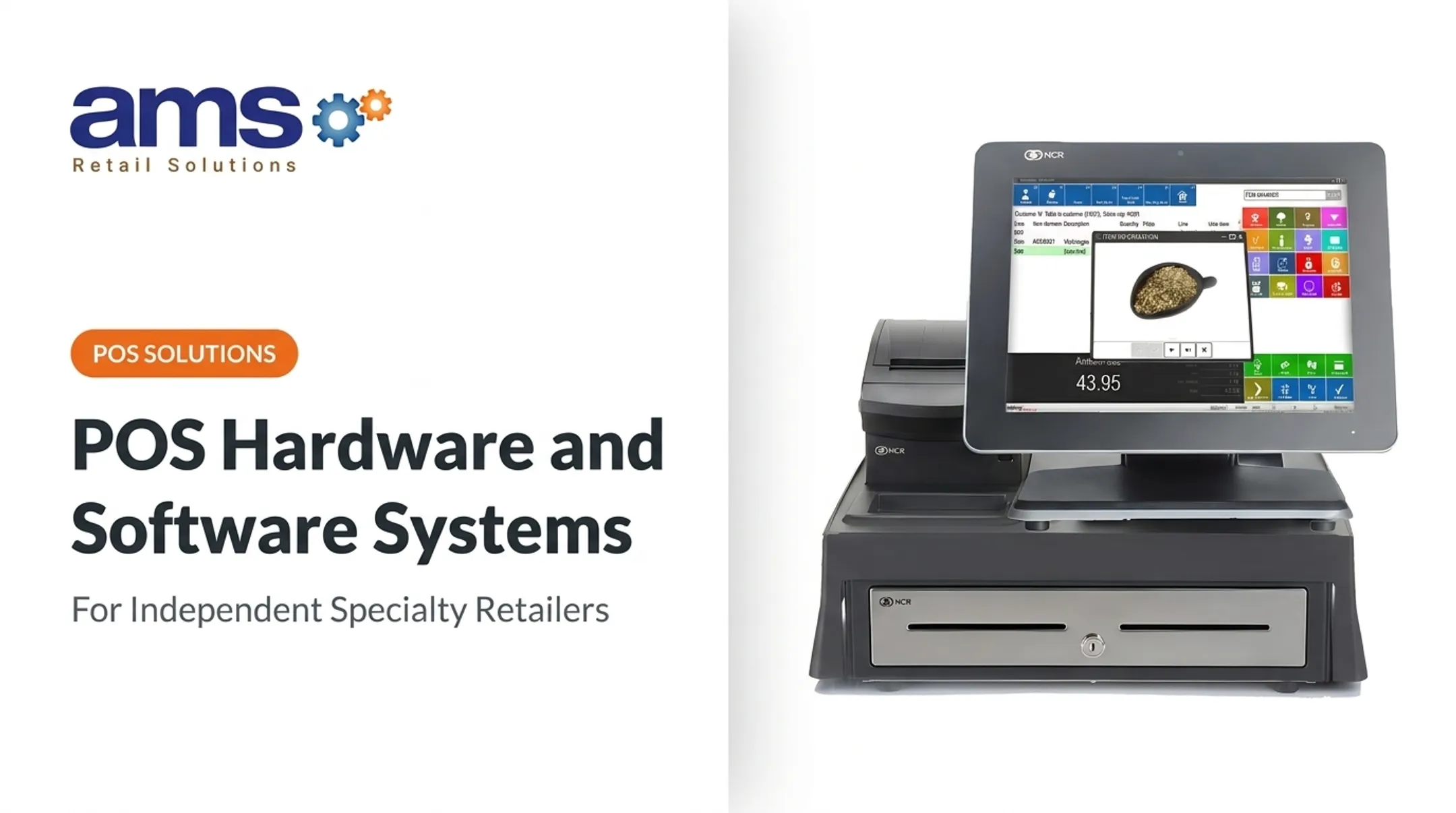
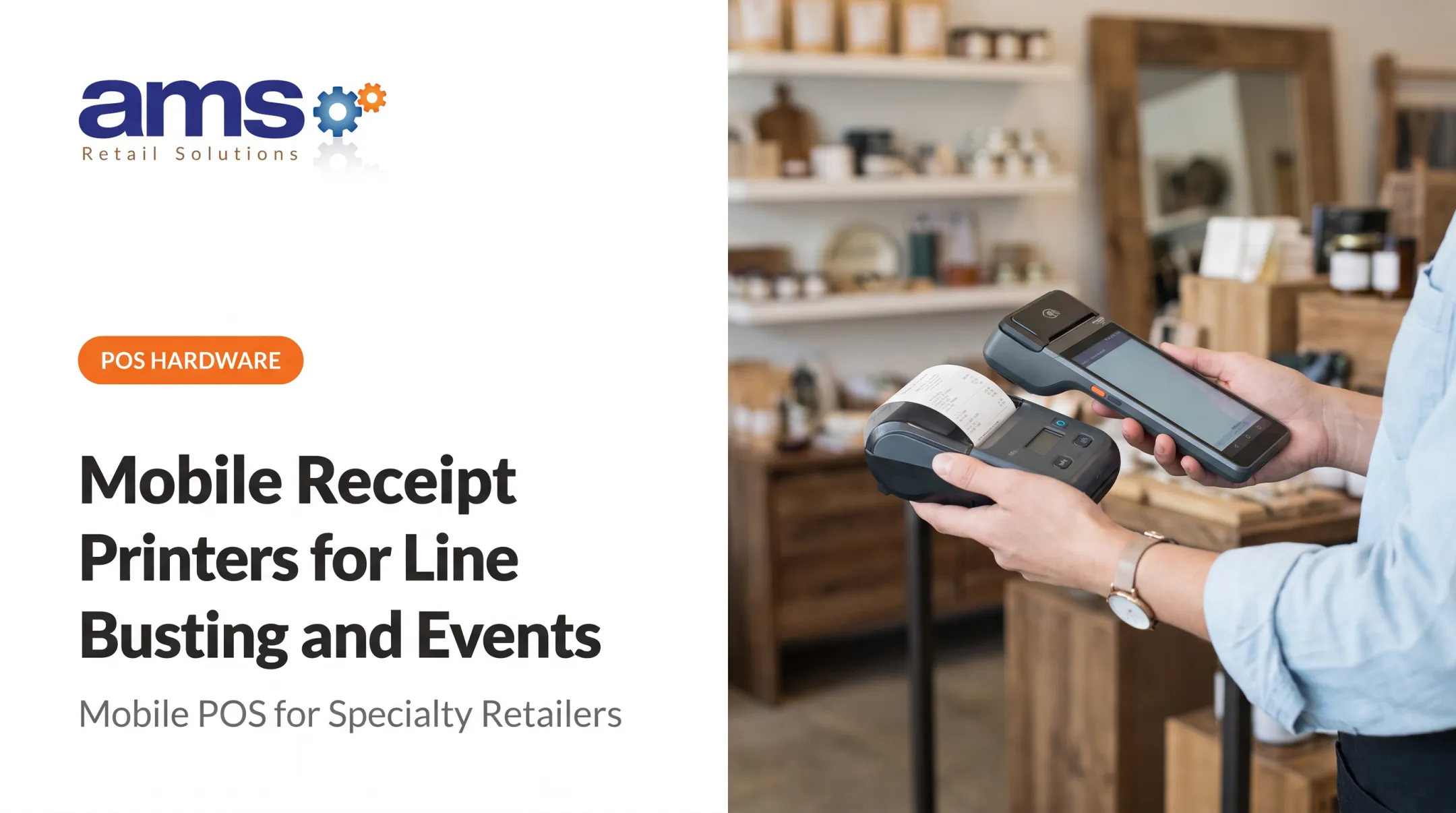
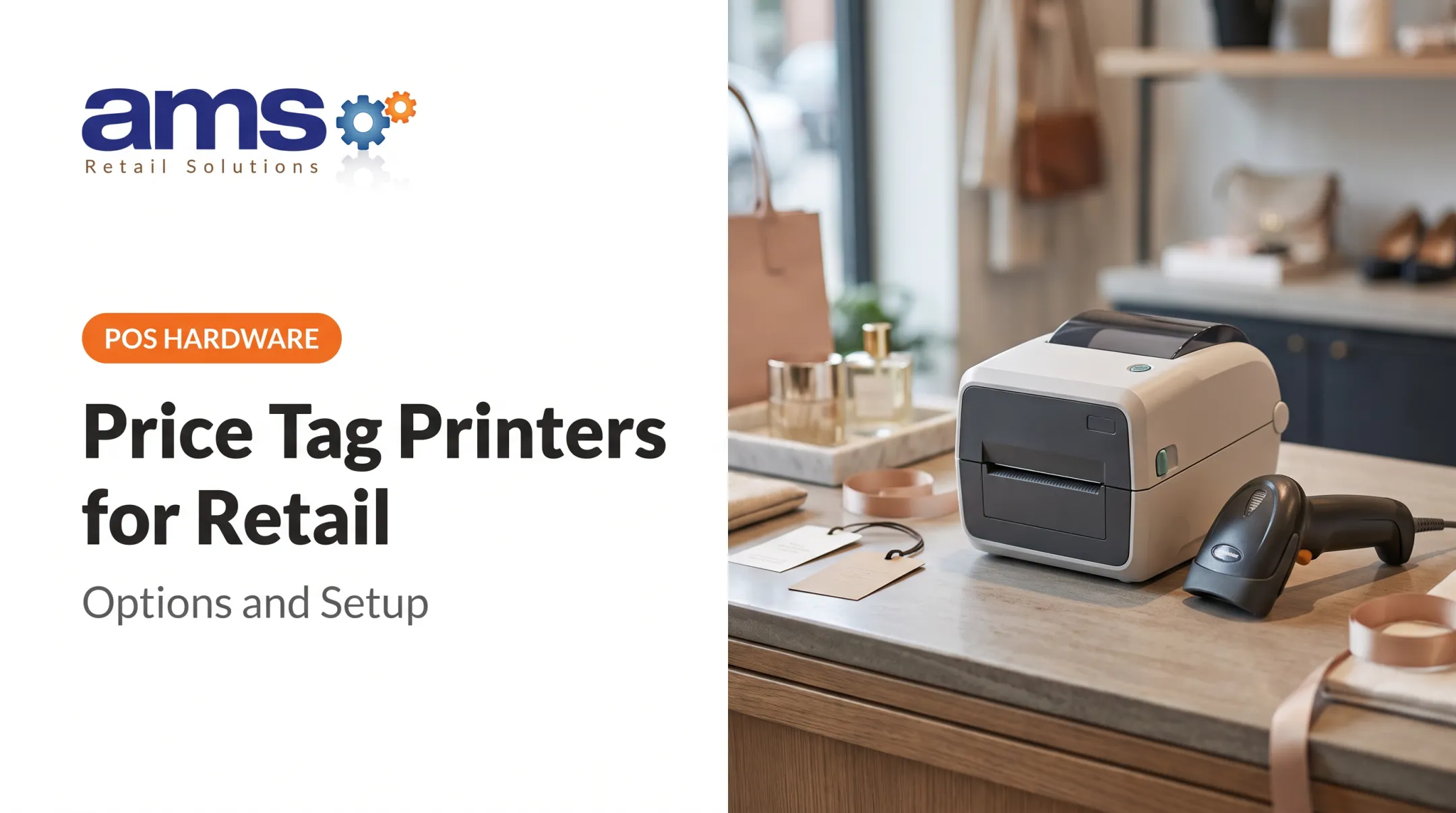
Customers still want paper. A 2023 Tulchin Research survey of 1,000 US adults found 72% prefer paper receipts and 25% prefer electronic. The survey was industry-sponsored, but it matches what most counters see.
This guide gives garden centers, farm markets, feed and seed stores, outdoor sporting-goods retailers, and other specialty businesses a practical framework for choosing a printer.
Key Takeaways
- A receipt printer turns POS transaction data into paper; thermal, impact, and inkjet suit different jobs.
- POS compatibility, connection type, volume, and environment matter more than sticker price.
- Direct thermal fits most standard receipts, with paper-storage limits.
- Compare total cost, offline behavior, and scalability before buying.
What Is a Receipt Printer for Retail POS?
A receipt printer is a POS-connected device that produces transaction records at checkout. That includes sales receipts, return slips, invoices, barcodes, and loyalty or customer-information messages.
Types of Receipt Printers
| Direct thermal | Impact / dot matrix | Inkjet | |
|---|---|---|---|
| Method | Heats thermal-sensitive paper | 9-pin head strikes a ribbon | Dedicated POS inkjet |
| Consumables | Paper only | Ribbon and paper | Ink cartridges and paper |
| Example | Epson TM-m30III | Epson TM-U220II | Epson TM-J7200 (European example) |
| Published speed | Up to 300 mm/sec | About 4.7 lines/sec at 40 columns | 100 mm/sec |
Direct thermal is common for standard receipts because there is no ink or ribbon to replace. Impact printers can suit narrower needs, and Epson positions its inkjet as more water- and light-resistant than dot matrix. Confirm US availability of that inkjet model with the supplier before planning around it.
Speed units differ by technology, so don't compare them directly.
How Does a POS Printer Work?
The POS software formats the transaction and sends print commands through a driver, SDK, or command set such as Epson's ESC/POS. The connection can be USB, network, or wireless. The mechanism then applies the image, advances the roll, and fires the cutter if one is installed.

Printing is separate from payment authorization. J.P. Morgan's documentation shows receipt data returned in the transaction response, while the POS generates and prints the receipt. Offline printing depends on your POS software, configuration, and connection design, not the printer alone.
Core Components of a Retail POS Receipt Printer
Each component affects a practical buying decision:
- Print mechanism: drives print consistency and service life. Epson rates the TM-m30III head at 150 km.
- Paper holder and feed path: affects jams and how fast staff can reload.
- Autocutter: the TM-m30III cuts partially by default or fully, rated at 2.2 million cuts.
- Sensors: paper-end, near-end, and cover-open sensors prevent mid-sale surprises.
- Status indicators: let employees diagnose problems without calling for help.
- Ports or wireless module: determine where the printer can sit.
- Firmware and drivers: decide long-term compatibility with your POS.
Print-head, cutter, and impact ratings use different units (distance, cuts, characters). Manufacturers present these figures as estimates, not warranties.
Benefits of a Receipt Printer in Retail
- Faster checkout with a fast-printing, auto-cutting unit
- Clear transaction records and easier returns
- Readable barcodes for returns or loyalty lookups
- Low routine maintenance with thermal printing
- Consistent store procedures across shifts
These gains depend on correct configuration, reliable paper supply, staff training, and compatibility with the whole POS.
What to Consider When Choosing the Best Receipt Printer for Retail POS
Transaction Volume, Print Speed, and Queue Flow
Published speeds are model maximums. The Star MCP31 reaches 400 mm/sec only in high-speed mode at 72 mm print width; other widths top out at 250 mm/sec. Voltage, head temperature, and slow data transmission also change real speed.
Manufacturers rarely publish a standard receipts-per-day rating. Instead, estimate your peak hour, such as a spring Saturday at a garden center, and ask whether a few seconds per receipt would lengthen the line.
POS Compatibility and Software Support
Test the exact printer with your exact POS setup. A generic compatibility claim isn't enough. Before buying, confirm:
- The model is supported by your POS software and operating system
- Drivers or SDKs are available and current
- Installation requirements and update paths are documented
- Receipt templates print correctly
- Who owns troubleshooting when the issue spans printer, software, and network
Connectivity, Offline Operation, and Network Reliability
No connection is universally best.
- USB: direct link to one device. Shopify supports compatible USB printers offline through its POS Hub.
- Ethernet: the TM-m30III supports 10BASE-T/100BASE-TX. Square states Ethernet can't be used with offline payments.
- Wi-Fi: depends on the access point; connecting Ethernet on the TM-m30III disables its wireless LAN.
- Bluetooth: Square recommends staying within 10 feet and discourages it for performance reasons. Epson warns its "Low" security mode permits pairing at any time.
Internet loss and local-network failure are different conditions. Verify offline behavior in your POS documentation, not by assumption.
Receipt Width, Paper, and Output Features
Most counters use 80 mm or 58 mm rolls. Actual TM-m30III widths are 79.5 mm and 57.5 mm, with a maximum roll diameter of 83 mm. The Epson TM-U220II impact model uses 76, 69.5, or 57.5 mm.
Choose width by what the receipt must carry: barcodes, logo, return terms, loyalty messages, tax detail. Also confirm partial cuts, reprint, and paper-out alerts.
Thermal paper needs care. Mitsubishi recommends storage at 18–25°C (64–77°F) and 40–60% RH, away from sunlight, alcohol, and hand lotion. Unprinted paper has a three-year shelf life, and image life is a separate claim. Koehler's BPA-free KT 44 FA lists 10-year durability with correct storage.

On compliance, the FTC's FCRA text limits electronically printed card receipts to the last five digits and no expiration date. Record retention varies by state and tax authority. California, for example, generally requires at least four years for sales-tax records. Ask your accountant, not your printer vendor.
Retail Environment, Durability, and Placement
Think about dust at a feed store, moisture in a greenhouse, heat at an outdoor farm stand, and a busy sporting-goods counter. Both the Epson TM-m30III (IPX2, front-exit only) and Star MCP31 (IP22) carry modest ratings, with operating temperatures of 5–45°C (41–113°F).
IPX2 means protection against vertically dripping water with the enclosure tilted up to 15 degrees. The X means no dust rating was specified. "Splash proof" marketing does not expand that rating, and these models carry no published drop-test classification. Check the manufacturer documentation, and keep these printers indoors and covered.
Total Cost of Ownership, Support, and Future Growth
Price the whole life of the unit:
- Paper (thermal), ribbon plus paper (impact), or cartridges plus paper (inkjet)
- Replacement cutters or printheads
- Warranty: Epson and Star both offer two years; Star's excludes ribbon consumables and failures from unapproved media
- Downtime during peak season
To estimate cost per transaction, divide your actual monthly supply spend by monthly receipts. No authoritative per-receipt benchmark exists across technologies.
For growth, look at fleet tools. Epson's Deployment Tool installs drivers on multiple printers and builds silent installation packages. Star Device Management offers a cloud dashboard with paper-out and cover-open alerts across locations. Keep a spare unit on hand, and ask vendors how long they will support drivers and firmware.
How AMS Retail Solutions Can Help
AMS Retail Solutions is a single-source POS partner for specialty retailers. Rather than picking a printer in isolation, you can evaluate it alongside software, registers, peripherals, and store workflows.

AMS is an authorized NCR Voyix Counterpoint provider. That means you can pair printers with a Counterpoint setup that includes:
- Customizable POS tools and touchscreens
- Single-store or multi-store operation
- Retail-hardened POS equipment
- Offline POS capability when the network is down
AMS takes a partner and trusted-advisor approach, learning how a store operates before recommending a solution. Support and service run 24 hours a day, 7 days a week, including training and repair.
Confirm printer model compatibility for your configuration before purchase.
To discuss your transaction volume, store environment, and POS setup, call AMS at 757.495.4995.
Conclusion
The best receipt printer fits your POS software, checkout workflow, connection setup, receipt needs, environment, and support expectations. Skip the popular or fastest-looking model and pick the reliable one that keeps your checkout moving, your records accurate, and your costs predictable.
Revisit the choice when volume, store format, connectivity, receipt policies, or register count changes.
Frequently Asked Questions
Which printer is best for printing receipts?
A compatible direct thermal printer suits most standard retail receipts because it needs no ink or ribbon. Impact or inkjet may fit specific needs, such as multi-part forms or greater water resistance.
How does a POS printer work?
The POS software sends formatted transaction data through a driver or connection. The printer applies the image to paper and may cut the receipt.
What is the difference between a thermal and impact receipt printer?
Thermal printers heat special paper and use no ribbon. Impact printers strike a ribbon, which adds consumables and noise but uses ordinary paper.
Do receipt printers work with any POS system?
No. Compatibility depends on software, operating system, drivers, print commands, and connection method. Confirm the exact model before purchase.
Should a retail store choose USB, Ethernet, Wi-Fi, or Bluetooth?
It depends on layout, mobility, and offline needs. USB is simple and local, while network options add flexibility but depend on your router. Your POS architecture decides the practical choice.
What size receipt printer does a retail store need?
Most stores use 80 mm or 58 mm paper. Choose by receipt detail, barcodes, logos, counter space, and your POS template.