Introduction
A POS computer sits at the center of every checkout. It runs the software, talks to the scanner, printer, cash drawer, and card reader, and decides whether a line moves or stalls.
Many retailers struggle here because they shop by headline numbers. The newest processor or biggest RAM figure doesn't guarantee a good fit with your software, peripherals, aisles, or greenhouse.
A weak fit shows up in checkout speed, and that matters to shoppers. Zebra's 18th annual shopper study found 74% of shoppers satisfied with checkout time, versus 82% of retail decision-makers. That gap is about perception, not hardware alone, but it shows why checkout deserves attention.
This guide covers which specs matter, how to read ratings, how to validate compatibility, and what goes wrong when the match is poor.
Key Takeaways
- Evaluate the computer as part of a full system: software, payment devices, scanners, printers, drawers and network.
- Compatibility, storage type, ports, durability and support lifecycle matter as much as raw speed.
- Size for your lanes, catalog, seasonal peaks and growth, not just today's quiet Tuesday.
- Test the exact model with your POS software and peripherals before rollout.
What POS Computer Specs Represent in Retail
A POS computer is the workstation that runs or supports your POS application, shows the checkout workflow, and connects to peripherals. It may also store or sync transaction and inventory data.
Bank of America describes a full POS system as hardware, software, and support working together. The computer is one piece of that.
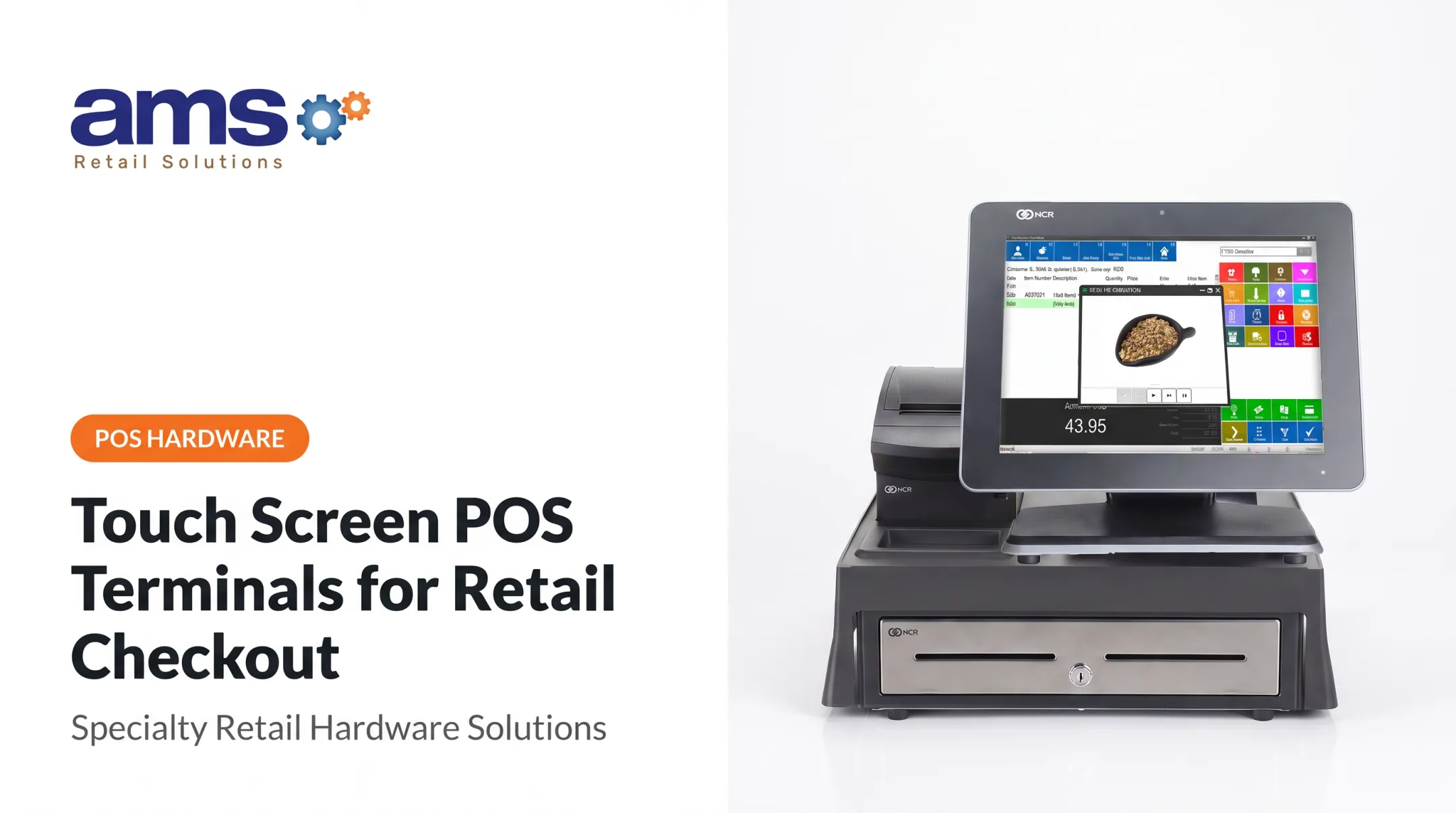
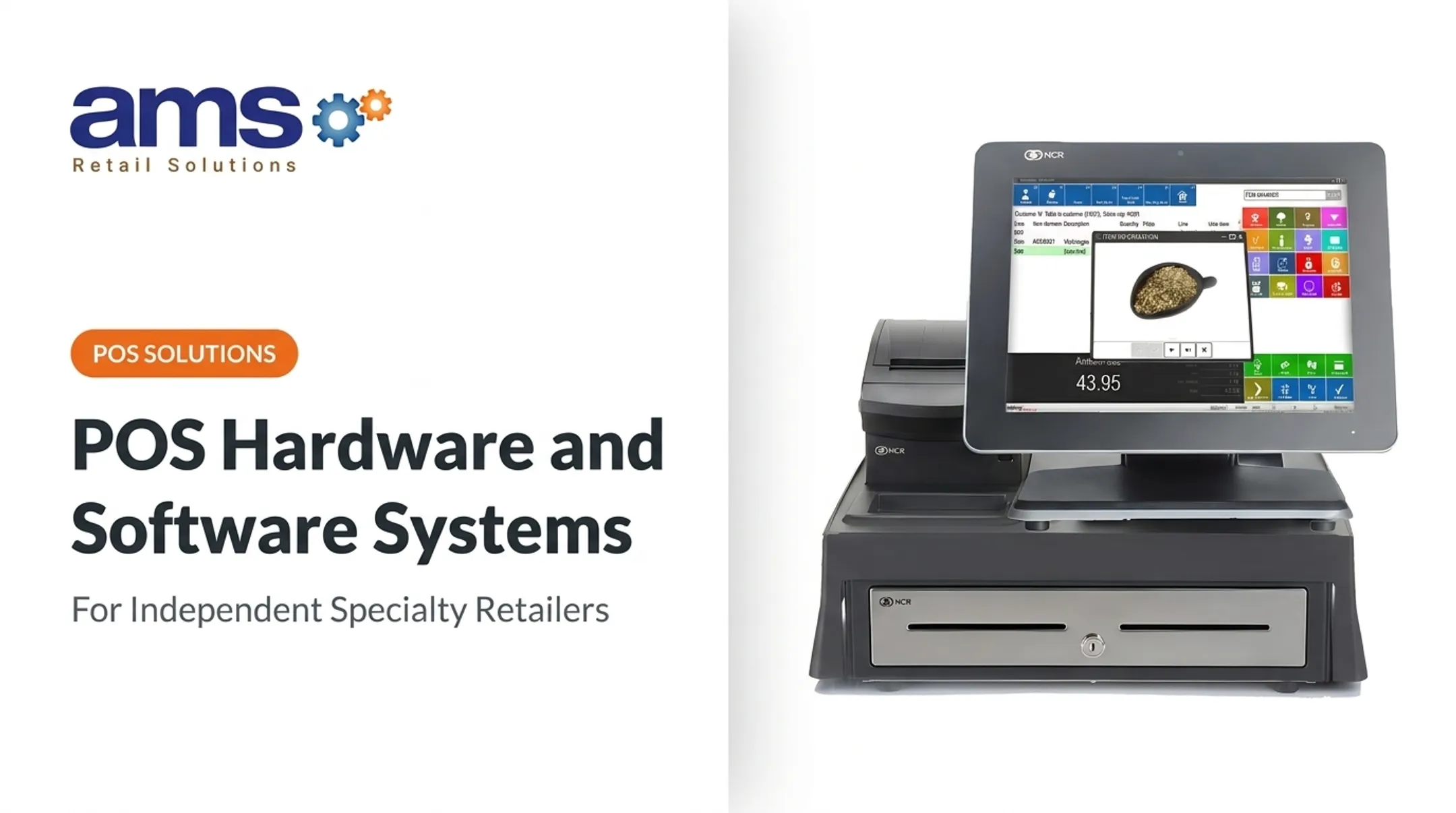
Inputs arrive from employees, scanners, payment devices and inventory workflows. The computer applies pricing and business rules, then sends output to the screen, receipt printer, cash drawer and reports. A typical NCR setup pairs a touchscreen, compact receipt printer and cash drawer.
Three Kinds of Numbers
- Published specification: what the manufacturer lists, such as processor model, RAM or ports.
- Operating requirement: what the software vendor says is needed to run the application.
- Derived performance: how fast checkout actually feels with your catalog and devices.
A processor model or memory figure doesn't guarantee fast, reliable checkout. Only the third category tells you that.
Retail Workloads That Influence the Required Specification
Single Lane Versus Multiple Lanes
A one-lane shop with a modest catalog places light demands on a workstation. Multiple lanes or locations add concurrent users, more peripherals, heavier reporting, and constant inventory synchronization.
Specialty Retail Conditions
Specialty stores add their own wrinkles. Consider what these categories handle:
- Garden centers: seasonal inventory swings, plant tracking by size and grade, barcode tag printing
- Farm markets and feed and seed: weighed and bagged goods, lot and batch tracking, mobile selling
- Outdoor and sporting goods: special orders, layaway, trade-ins, e-commerce inventory sync
Not every store in a category has the same needs. A small nursery and a multi-yard garden center may need very different machines. Network reliability matters too, especially at outdoor stands or rural stores.
One caution: a specific processor or RAM level is not dictated by retail category. Size by your own workload, then confirm with your software vendor.
Factors That Influence POS Computer Performance in Real-World Operation
Lab results and demo-day behavior rarely match a busy store. Real performance shifts with:
- Software updates and background applications
- Peripheral drivers and network quality
- Heat, dust, vibration, and cleaning routines
- Duty cycle and how staff use the system
Microsoft makes a similar point for its retail applications: minimums are for testing functionality and aren't representative of production. It calls for performance testing before go-live.
A machine that feels fine in a quiet demo can struggle at the Saturday-morning rush in May. It can also slow after years of updates, or once you turn on added reporting, inventory, and customer tools.
Benchmarks that count only frequency and cores miss this. Intel-hosted analysis from Moor Insights & Strategy argues for measuring real application workflows instead.
Range and Key Technical Properties of POS Computers
Treat specs as an operating range with a floor, a ceiling and a safety margin, not one "minimum" number. Back every figure with current manufacturer and software documentation.
Range of POS Computer Specs
A standard checkout configuration covers a processor, memory, storage, supported operating system, a touchscreen, enough ports, a network connection, and support for your peripherals.
Any recommendation rests on assumptions: which POS application, how many simultaneous users, how many devices, how heavy the reporting, cloud versus local processing, and whether offline sales are required.
Keep three tiers distinct:
- Minimum supported: the software will run
- Recommended: the vendor's suggested production setup
- Expansion-ready: built for added lanes, devices and features
Don't mistake a vendor minimum for an ideal retail configuration. Ask the vendor for current NCR Voyix Counterpoint processor, RAM and storage figures for your release.
Allowable Tolerance and Safe Operating Margin
Check these boundaries before you buy:
- Supported operating systems and processor architecture
- Memory capacity and available storage
- USB, serial and network ports
- Display requirements
- Payment-device compatibility and peripheral driver support
Then leave headroom. Updates, new peripherals, added reports and new staff workflows all consume capacity. Sizing exactly to today's needs means replacing sooner.
Core Technical Properties That Matter
CPU, RAM and SSD. The processor affects how quickly application actions respond. Memory holds the POS application and background processes. Solid-state storage has no moving parts, and a hardware maker's explanation credits that for greater physical resilience and faster Windows startup and application access. That's general manufacturer guidance, not a Counterpoint benchmark.
Operating system and compatibility. Strong specs don't help if the software or peripherals aren't supported. Lifecycles differ by edition: standard Windows 10 support ended October 14, 2025, while Windows 10 IoT Enterprise LTSC 2021 has extended support through January 2032. A Microsoft date doesn't prove your POS vendor supports that edition, so confirm it. Also check scanners, printers, cash drawers, customer displays and vendor drivers.

Connectivity, build and serviceability.
- Ethernet is generally preferred over Wi-Fi; NCR's CX8 guide states that preference.
- Ports vary: one EloPOS model lists powered USB, serial, Gigabit Ethernet and a cash-drawer connection.
- Operating ranges differ by model. The NCR CX8 and HP Engage One Pro G2 list 10-40°C, and the Elo example lists 0-35°C.
- Ratings have limits. HP's IP44 covers the head unit only.
- Ventilation needs clearance; NCR specifies 100 mm (4 in) at ventilated sides.
- Warranty and service life differ: Elo lists a three-year warranty, while HP separately cites a ten-year service life.
- Payment security is handled by the payment ecosystem. A PCI PTS-approved device alone doesn't guarantee PCI DSS compliance.
How POS Computer Specs Are Specified, Measured, and Validated
Your spec sheet should be both a purchasing document and an operational checklist. Record each item exactly:
- Model and processor
- RAM, storage, and operating system
- Display, ports, and network hardware
- Accessories, warranty, and support terms
- Software compatibility
Specification and Documentation
Compare the manufacturer datasheet against your POS provider's current system requirements. Label each item as minimum, recommended, tested or optional.
Build a compatibility checklist covering:
- NCR Voyix Counterpoint or your chosen POS platform
- Payment devices
- Scanners, printers and cash drawers
- Customer displays and network equipment
- Backup procedures and any existing retail software
Third-party peripherals matter here. NCR's CX8 guide says they must be certified with the terminal to avoid potential ESD issues.
Measurement and Verification Methods
Test the whole checkout, not the computer alone. Run through a real session:
- Scan products and apply discounts
- Process payments and print receipts
- Open the cash drawer
- Perform a return
- Review inventory and run representative reports

Then add stress under your actual temperature and cleaning conditions:
- Peak checkout activity
- Many connected peripherals
- A software update during operation
- Multiple employee logins
- A network drop, then reboot with recovery
Single-Source Spec and Support
AMS Retail Solutions is an authorized NCR Voyix Counterpoint provider offering software, retail-hardened POS equipment, installation, training and support from a single source. That pairing matters: you specify hardware and software together. Garden center and nursery hardware is rated for greenhouse dust, dirt, and moisture. Confirm the exact supported configurations with them directly.
If you're weighing a supported solution, compare more than specs:
- Implementation help
- Troubleshooting coverage
- Offline POS capability
- Replacement procedures
- Ongoing 24/7 support, including repair and maintenance
Implications of Operating Outside the Recommended POS Computer Specification
The damage goes beyond a slow screen. An underpowered or mismatched computer can cause checkout delays, failed peripheral connections, delayed inventory updates, payment interruptions, staff workarounds and a worse customer experience.
Performance Loss, Wear, and Failure Risks
Common causes and symptoms:
- Too little memory or old storage leads to lag and crashes
- Poor cooling or too few ports leads to device disconnects
- Unsupported drivers lead to unreliable printing and drawer operation
- Weak networking leads to slow recovery and sync problems
Environment accelerates wear. Heat, dust, vibration, power interruptions and heavy duty cycles all take a toll, and warranties can exclude damage from them.
Elo's warranty, for example, excludes unsuitable environments, liquid intrusion, electrical-power problems and operation outside specifications. NCR also recommends a dedicated, unswitched power line for its CX8.

Published crash rates and hourly downtime costs for independent specialty stores are scarce, so estimate your own from queue length, average ticket value and labor cost.
Common Misinterpretations of POS Computer Specs in Practice
- Treating GHz or RAM as proof of speed. Only testing with your software and peripherals shows real performance.
- Buying the top spec. It adds cost and sometimes compatibility complexity.
- Buying the cheapest unit. It can limit upgrades, support options and service life.
- Ignoring non-computer needs. Payment security, offline behavior, OS support, port availability, vendor support and replacement planning all count.
On offline behavior, NCR's help describes Counterpoint workstations entering tickets offline, but tickets can't be posted while disconnected. Don't assume that means every payment type works offline.
Conclusion
POS computer specs set real requirements for reliable checkout. Match the machine to your application, peripherals, workload, environment, and growth plans.
Test before you commit, and lean on vendor guidance. A partner that learns how your store operates, the way AMS Retail does, will catch mismatches a spec sheet won't.
Frequently Asked Questions
What is a POS computer?
It's the computer that runs or supports your POS software. It connects to payment devices, barcode scanners, receipt printers, cash drawers and displays.
Is it hard to learn a POS system?
It depends on the software's interface, how workflows are configured, staff training and available support. Good hardware improves responsiveness but doesn't replace usability or training.
What specs should a retail POS computer have?
Look at the processor, RAM, SSD storage, supported OS, ports, connectivity, display, peripheral compatibility and security, plus headroom for updates and growth. Check your POS vendor's exact requirements.
How much RAM does a POS computer need?
It depends on the application, operating system, background tools, users and workflows. Separate vendor minimums from recommendations, and confirm current guidance with your vendor.
Can a POS computer work if the internet goes down?
Sometimes. It depends on the software, payment setup, device configuration and transaction rules. Confirm which sales, payment, inventory and sync functions continue during an outage.
Do POS computers need an SSD?
SSDs support faster startup and responsiveness, but storage type alone doesn't determine reliability. Also consider capacity, durability, backups and manufacturer support.