Introduction
A touch screen POS terminal is more than a touchscreen monitor. It combines a display, computing hardware, an operating system, POS software, and connections for checkout peripherals like scanners, printers, and cash drawers.
Specialty retailers ask a lot of that checkout station. Transactions can be long and complicated. Inventory changes constantly. Counter space is tight, and new seasonal hires need training fast.
Customers also expect to tap, swipe, or insert. Tap to pay made up 66% of face-to-face transactions on Visa's U.S. network in fiscal 2025.
This guide covers how terminals work, why retailers use them, how terminals differ from monitors, what to look for when buying, and how they fit specialty retail.
Key Takeaways
- An all-in-one terminal saves counter space; a standalone monitor needs a separate computer.
- Hardware only works as well as the POS software, peripherals, and support behind it.
- Budget for software, payment fees, installation, and support, not just the screen.
- Verify durability, peripheral compatibility, and offline behavior before you buy.
What Is a Touch Screen POS Terminal?
A touch screen POS terminal is a checkout computer with a built-in display. Its processor, memory, storage, and operating system run the POS application, while network and USB ports connect the rest of the counter.
The terms get mixed up, so here is how they differ:
- Touchscreen display: shows the interface and accepts touch, but has no computing power on its own.
- POS terminal: display plus computer, running checkout software.
- Payment terminal or card reader: reads cards and wallets and passes data to the processor.
- POS system: the full package of hardware, software, and support.
A typical transaction runs in a straight line. An employee or customer selects items, the system applies pricing and discounts, payment is accepted, a receipt prints, and inventory and sales records update.

Core Components of a Retail Touch Screen POS Terminal
Display and touch technology
Judge the screen by how it behaves in your store. Check brightness under your lighting, viewing angle from where the cashier stands, and resolution for dense product grids.
Touch technology matters too. Projected capacitive (PCAP) screens support multi-touch, but Elo notes they generally don't work with heavy gloves. Five-wire resistive and infrared are better for thick gloves, which is relevant at a nursery loading dock.
Computing and compatibility
Processor, memory, and storage specs mean little in isolation. What matters is whether the terminal meets your POS application's requirements and supports its operating system.
Check lifecycle dates as well. Microsoft ended support for Windows 10 22H2 on October 14, 2025, though the separate Windows 10 IoT Enterprise LTSC 2021 edition runs on a longer schedule.
Peripherals to evaluate
- Barcode scanners
- Receipt printers
- Cash drawers (confirm the connector and voltage)
- Customer-facing displays
- Scales, where you sell by weight
- Card readers
Connector shape alone doesn't tell you function. A drawer port that looks like a phone jack is not a phone line, so confirm compatibility before plugging anything in.
Durability
Retail counters see constant use, frequent cleaning, dust, and sometimes moisture. IP ratings are a useful shorthand: IP54 means dust-protected and splash-resistant, while IP65 means dust-tight and protected against water jets. Neither means immersion-rated, and a rating applies only to the product that carries it.
The software layer
Catalogs, inventory, pricing, promotions, customer profiles, loyalty, employee permissions, and reporting should work as one workflow. If they live in separate tools, staff end up re-keying data, which is where errors creep in.
Why Retail Businesses Use Touch Screen POS Terminals
Visual menus, product search, barcode scanning, and guided steps help employees ring up sales the same way every time. That consistency matters most with seasonal staff. AMS Retail's POS pairs a customizable touchscreen with fast checkout and fewer user errors, so seasonal hires can get up to speed quickly.
Those same systems also strengthen customer experience, inventory control, reporting, and multi-store operations.
Customer experience
- Clear running totals build trust at the counter
- Flexible payment acceptance matches how people pay
- Customer-facing displays and loyalty sign-up keep the line moving
- Fast price and product lookups settle questions on the spot
Inventory accuracy and shrink
The touchscreen itself doesn't cut shrink. The POS data behind it can, through sales tracking, receiving, transfers, adjustments, cycle counts, and exception reports. NRF's 2023 retail security survey put U.S. shrink at $112.1 billion in fiscal 2022, an average of 1.6% of sales.

Reporting and growth
Integrated reports let owners review sales, margins, product performance, and staffing needs in one place. AMS Retail's POS includes reporting on slow-moving inventory and hourly sales volume for scheduling.
Resilience and scalability
Multi-location retailers benefit from centralized management and the ability to add registers, peripherals, and features. Before buying, confirm exactly what keeps working when the internet drops. Offline behavior varies widely by product.
POS Terminal vs POS Monitor: What's the Difference?
A POS monitor is a display with touch input that relies on a separate computer. A POS terminal puts the display and computer in one enclosure.
| Factor | All-in-one terminal | Standalone monitor |
|---|---|---|
| Counter footprint | Smaller | Larger, with a separate computer |
| Cabling | Fewer cables | More connections |
| Deployment | Faster | Requires pairing and setup |
| Upgrades | Replace the whole unit | Swap the computer or screen separately |
| Mounting | Fixed to the design | Flexible |
Elo's catalog shows the split. Its EloPOS is a 15-inch all-in-one with Intel processor options, while its 1502L is a 15.6-inch touch monitor that connects to a separate computer. Both carry a 3-year standard warranty, which is coverage, not a service-life promise.
Neither format wins everywhere:
- Primary cashier station: all-in-one
- Customer-facing display or modular setup: standalone monitor
- IT teams wanting independent hardware control: separate computer and monitor
How to Choose a Touch Screen POS Terminal for Retail Checkout
Map your checkout workflow. List product lookup, scanning, weighing or variable pricing, discounts, returns, loyalty, and receipt preferences. Note how many employees share the station.
Check ergonomics. Consider screen size, viewing distance, counter space, brightness, touch response, and glove or wet-hand needs. Decide who touches the screen: staff, customers, or both. For customer-operated parts, the U.S. Access Board specifies a 15 to 48 inch reach range.
Confirm compatibility first. Verify supported operating systems, ports, drivers, scanners, printers, cash drawers, payment devices, and integrations before ordering.
Review security and reliability. Look at user permissions, updates, backups, and network connectivity. Outsourcing payment processing doesn't remove merchant PCI DSS responsibilities, and offline limits should be spelled out in writing.
Calculate total cost of ownership. Budget hardware, software, and services as separate lines:
- Hardware: Square Register $899; EloPOS Z30 $1,894.99 (CDW); Elo 1502L monitor quoted at $618.91 and $667.99
- Software: Square Retail at $0, $49, or $149 per location monthly
- Add-ons: payment processing, peripherals, installation, training, and service
Assess the support model. Ask about response times, remote help, replacement procedures, and how the system scales to more registers or stores.

How Touch Screen POS Supports Specialty Retail
Specialty retail stresses a POS in ways a simple counter doesn't. What a given system can do depends on its software and how it's configured.
Garden centers, nurseries, and farm markets
Seasonality is sharp. In Garden Center's 2025 survey, 74% of respondents named May their strongest month. AMS Retail's garden center POS covers:
- Seasonal inventory swings
- Plant material tracked by size and grade
- Kit items, tag and signage printing
- Delivery scheduling
- Bulk-material load tickets
Feed and seed, outdoor, and other specialty stores
Large catalogs and product variations are the norm. AMS Retail supports:
- Weight-based sales with integrated or stand-alone scales, multiple units, and fractional quantities
- Recurring orders and customer-specific pricing
- Special orders for items not typically stocked
- Inventory by color and size for boots and apparel
- Size, color, and model-year SKUs plus loyalty programs for outdoor and sporting goods
Single-store and multi-location retailers
Shared product data, permissions, inventory visibility, and transfers help as you add stores. AMS Retail's farm and agriculture POS tracks and transfers products between warehouses and stores, and makes it straightforward to add new locations as you grow.
An example: AMS Retail and NCR Counterpoint
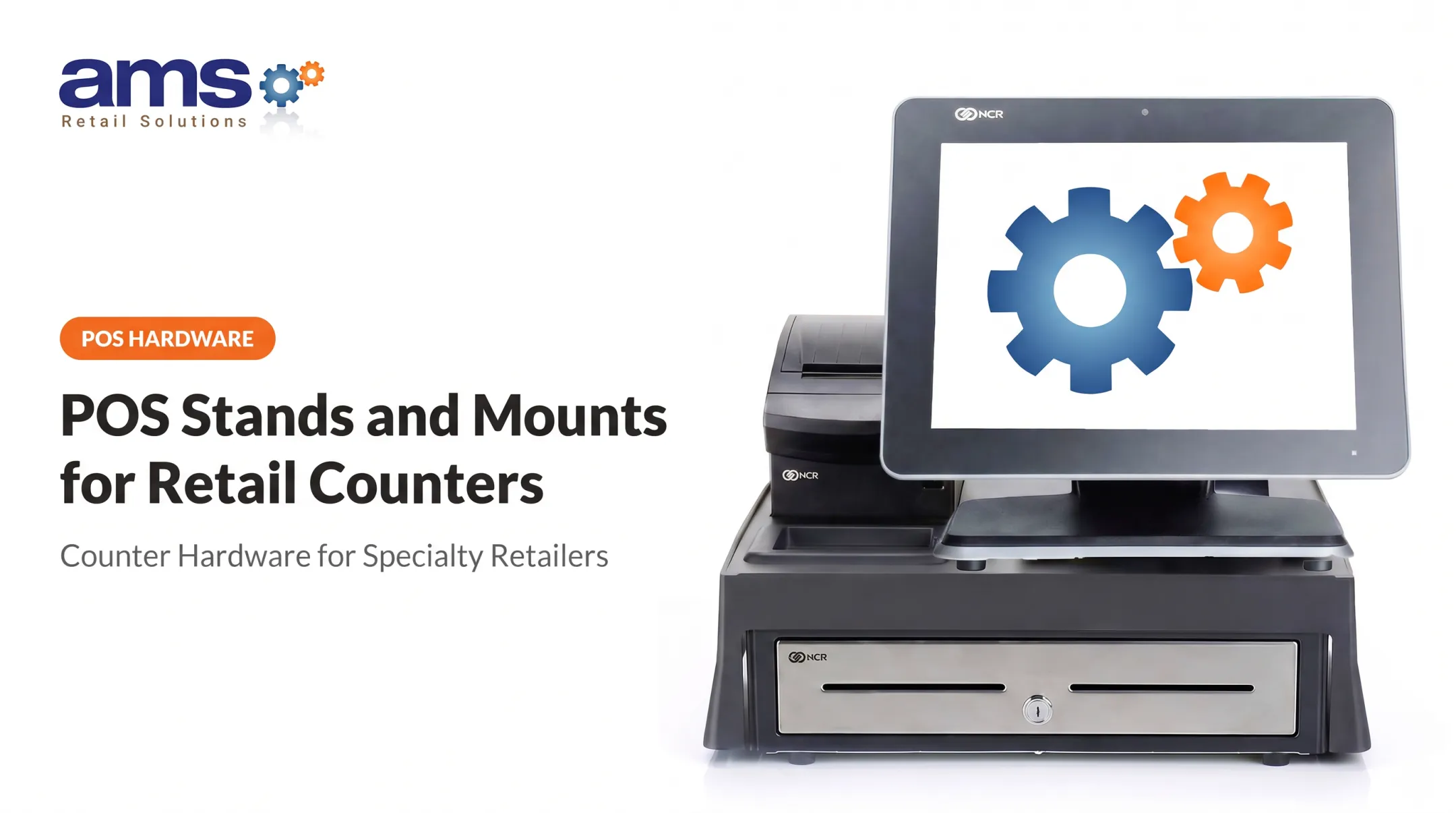
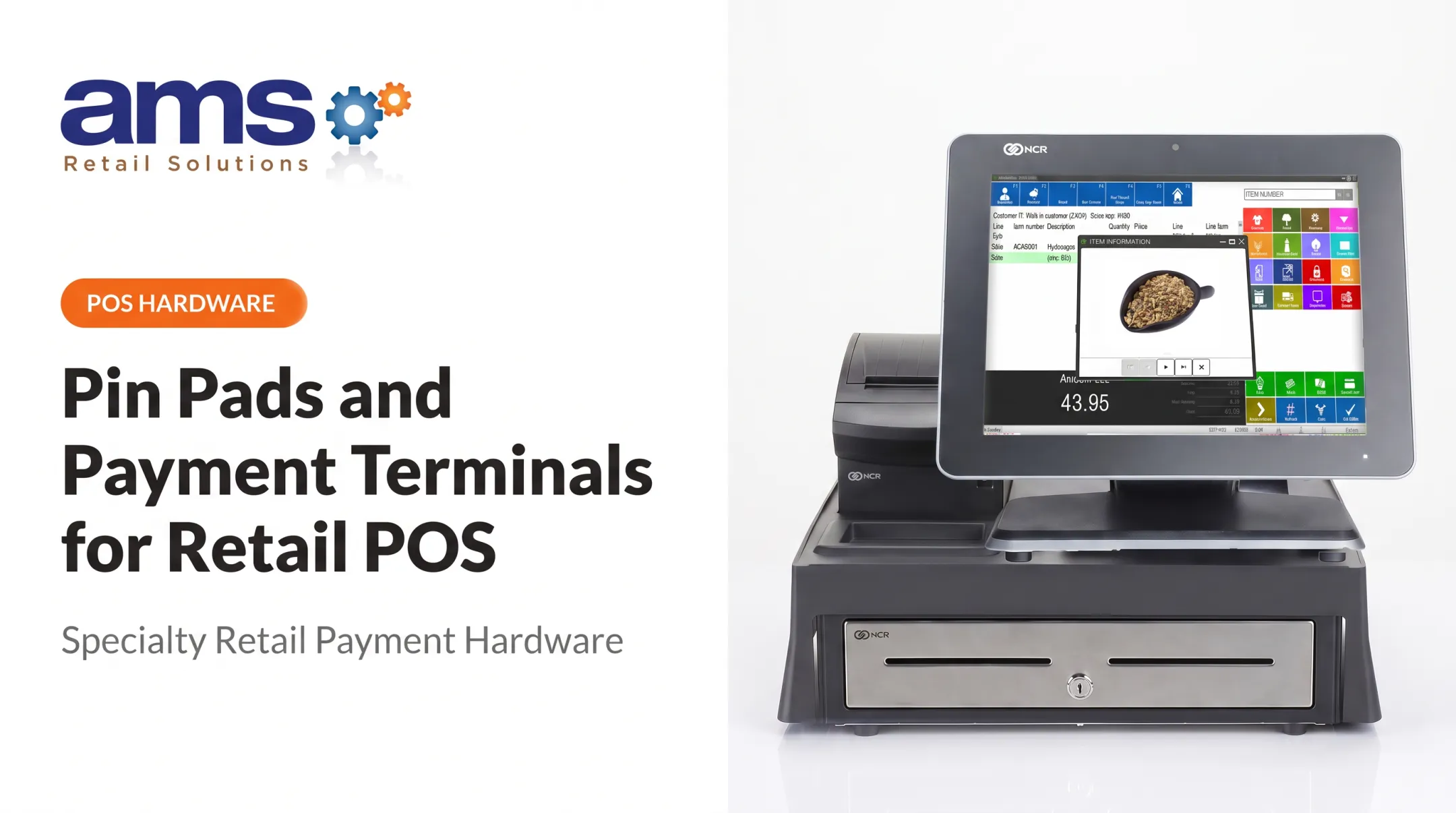
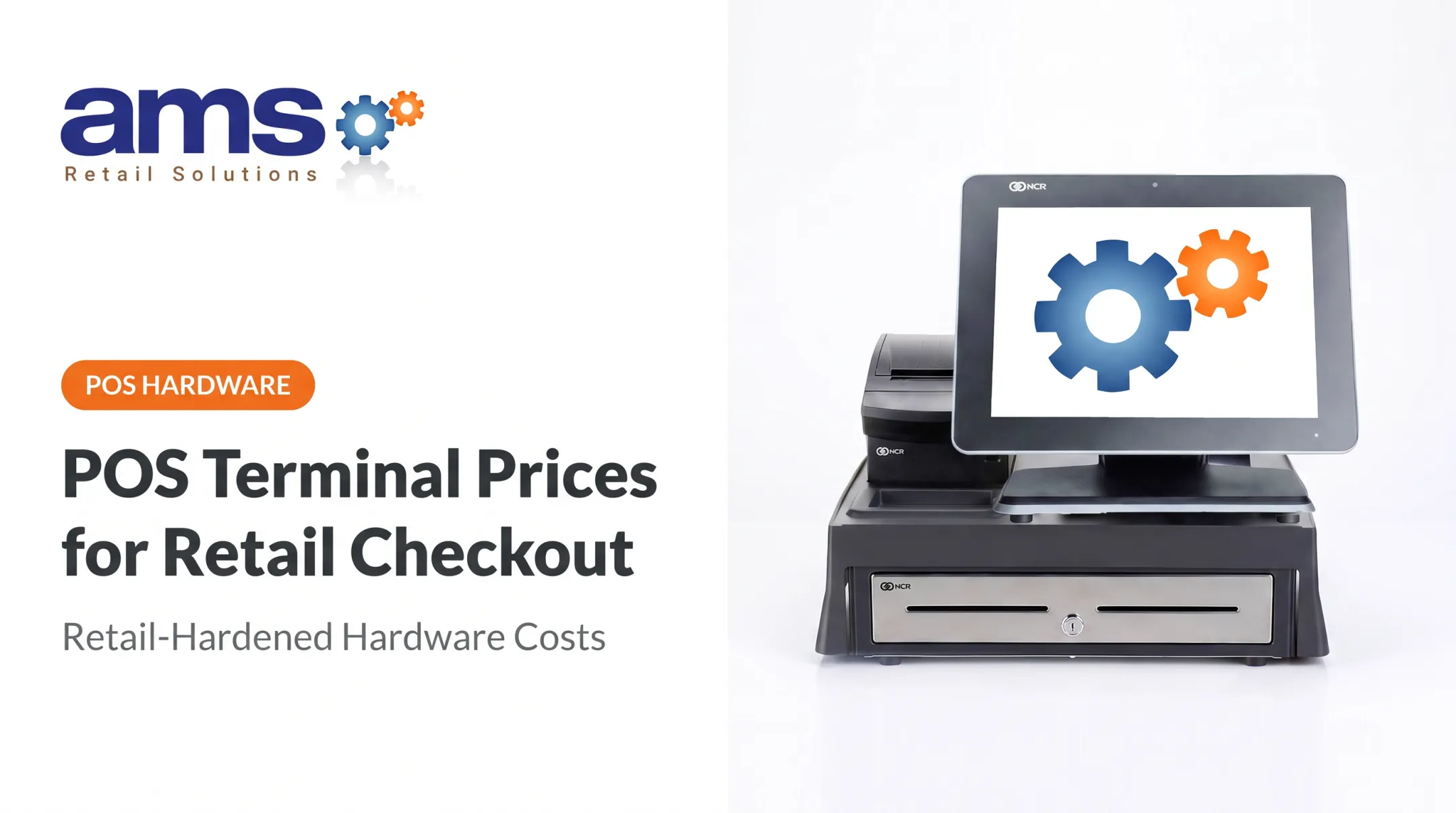
AMS Retail is an authorized provider of NCR Counterpoint and offers a single-source POS for one store or many. That includes a customizable touchscreen, retail-hardened equipment, secure payment processing, and 24/7 support with one-on-one training, repair, and maintenance. Ask about pricing, offline behavior, and configuration details for your own setup.
Frequently Asked Questions
How much does a POS display cost?
It depends on whether you're buying a standalone monitor or a full terminal, plus screen size, touch type, and durability. One Elo 15.6-inch monitor was quoted at $618.91 and $667.99 by different sellers; software, payments, and support cost extra.
What is a POS monthly fee?
Usually it's the software subscription, separate from payment processing, hardware financing, and support plans. Published examples include Square Retail at $0, $49, or $149 per location, but actual costs depend on provider and features.
What is the best POS touch screen monitor?
No model is best for everyone. Choose based on your workflow, POS compatibility, ergonomics, durability, mounting, peripherals, support, and total cost.
What is a POS monitor?
It's a display, usually with touch, that needs a separate computer to run checkout software. An all-in-one terminal builds the computer into the same unit.
Can a touch screen POS terminal work without an internet connection?
Sometimes, depending on the software, hardware, network setup, and payment processor. Storing a sale offline is not the same as getting card approval. Square, for example, requires reconnection within a set window, and you bear the risk if an offline payment is later declined.
How do I choose the right screen size for a retail POS terminal?
Consider counter space, viewing distance, catalog complexity, who operates the screen, peripheral placement, and accessibility. Test your intended layout before purchasing.
Conclusion
A touch screen POS terminal is a full checkout platform. Matching hardware, software, payment processing, peripherals, security, and support to your workflow determines how well it performs day to day.
Start by writing down your checkout requirements, then compare compatible options. AMS Retail's specialty-retail POS approach is one to consider before you request a configuration or quote. You can reach the team at 757.495.4995.