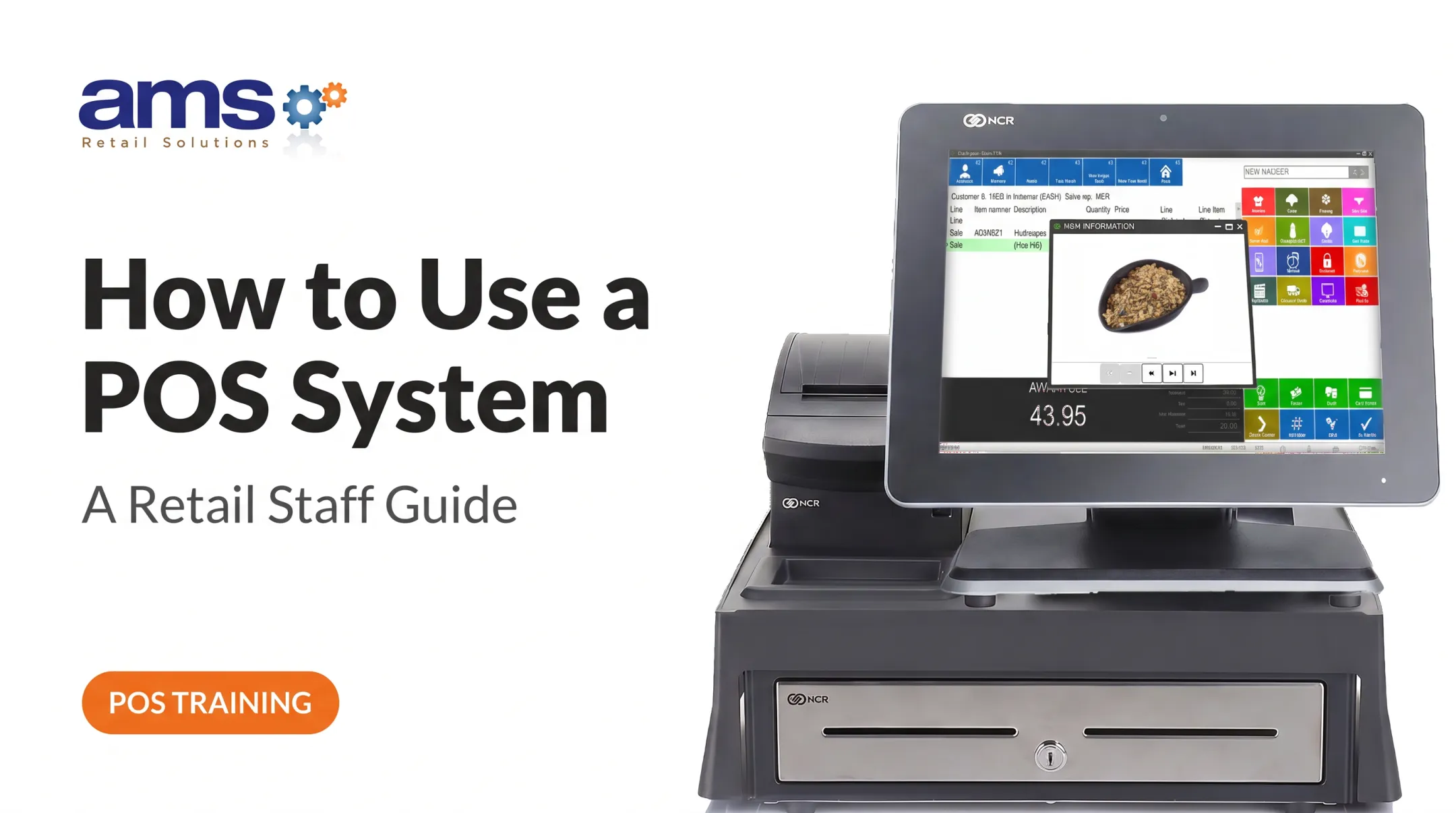
A POS-first approach trains people through the real checkout sequence: login, product entry, payment, receipt, exception handling, and closeout. This guide covers what cashiers need to learn, a step-by-step program, practice scenarios, and a readiness assessment.
Key Takeaways
- Train on complete transactions in your actual POS workflow, not isolated feature demos.
- Pair POS accuracy with cash handling, payment security, and escalation rules.
- Write scenarios around your own products, pricing rules, promotions, and returns.
- Confirm readiness through observed transactions, not course completion.
Cashier Training Essentials: What Retail Cashiers Need to Learn
POS and transaction fundamentals
Cashiers should be able to do the following before they ever see a live customer:
- Sign in with their own credentials and identify their register role
- Find products by barcode or manual lookup
- Enter quantities and apply approved price adjustments
- Verify taxes and confirm the running total
Then teach the full checkout sequence:
- Greet the customer and clarify the purchase
- Enter every item and review the total
- Select the right tender and issue the receipt
- Close the sale so the register is clear for the next person
An open transaction left on the screen causes problems for whoever signs on next.
Cash handling, payments, and security
Cover every tender your store accepts: cash, cards, contactless, and gift cards. Cashiers need to complete each tender correctly, verify amounts where it applies, make change on cash sales, and protect payment information.
The federal Currency Education Program's cashier toolkit points cashiers to genuine-note security features such as color-shifting ink, the watermark, and the security thread. If a bill looks wrong, they follow your procedure.
Account security matters just as much. The PCI Security Standards Council's small merchant guide says each employee should have an individual login and that passwords should never be shared.
Spell out which situations belong to a supervisor:
- Manager overrides, voids, and refunds
- Suspicious bills
- Declined payments that don't resolve
- Drawer discrepancies
Cashiers should never improvise on these.
Customer service and communication
Checkout is the last conversation a customer has in your store. Train cashiers to:
- Greet people and repeat orders back
- Explain totals or delays in plain language
- Answer basic product questions
- Offer approved add-ons when it fits the sale
- Stay professional when a customer disputes a price
Why a POS-First Approach Works in Retail
Product data, pricing, promotions, tax, payment, receipts, and inventory actions all meet at the register. Practicing inside a realistic workflow ties them to the customer interaction instead of teaching each as a separate lesson.
Compare the two approaches:
| Weak approach | POS-first approach |
|---|---|
| Watch a demo | Run complete sales repeatedly |
| Memorize buttons | Handle customer questions mid-sale |
| Learn exceptions in a handout | Practice corrections and payment issues |
| Sign a form | Close out every transaction properly |
The fit with the job itself is strong. O*NET's cashier profile lists tasks like accepting different tenders, issuing receipts, refunds, credits, and change, and counting the drawer at shift start. A full-transaction drill covers nearly all of them.
No strong study proves simulation beats other methods, so treat this as a sound design choice rather than a guaranteed result.
A specialty retail example
Consider a garden center running NCR Voyix Counterpoint through AMS Retail Solutions. Training can follow the store's own configured catalog, user permissions, checkout flow, and, where enabled, offline procedures.
Counterpoint supports that workflow with a customizable touchscreen, suggested add-ons, gift-card tracking, and tools that help reduce user errors.
Screens and capabilities vary by configuration, so confirm what your store actually has before writing training materials.
A Step-by-Step POS-First Cashier Training Program
1. Prepare a safe training environment
Use a training or test workflow where your system offers one. Lightspeed, for example, documents a training mode that keeps practice sales out of live data. Check how your own POS behaves.
Use sample products, strip out real customer data, and state which actions must never happen in a live drawer without approval.
2. Teach the register station and access controls
Introduce each part of the station:
- Scanner
- Touchscreen or keyboard
- Receipt printer
- Cash drawer
- Payment terminal
- Login and access controls
Cover end-of-shift duties too. Stress secure access and careful handling of equipment.
3. Practice the standard sale start to finish
Have trainees repeat a normal sale until it's smooth:
- Greet the customer
- Scan or look up each product
- Confirm quantities and prices
- Apply only authorized discounts
- State the total and accept payment
- Issue the receipt and close the transaction
4. Add retail-specific exceptions
Train your approved procedures for:
- Price checks, out-of-stock items, and substitutions
- Damaged merchandise and loyalty accounts
- Voids, cancellations, returns, and exchanges
- Manager approvals
5. Practice tender handling and closeout
Trainees work through each supported payment type. Then they explain what to do after:
- Declined payment
- Wrong tender selection
- Split payment
- Receipt request
- Change discrepancy
6. Define escalation and outage procedures
Give a clear decision path for:
- Disputes and suspected fraud
- Equipment faults and network interruptions
- POS errors
Say who to call, what to record, and when an offline or manual process is allowed.

AMS Retail offers one-on-one training and 24/7 support for unexpected problems.
Retail Cashier Practice Scenarios to Role-Play
Standard product sale
Use a typical basket from your store. The trainee should complete the full sale without help:
- Identify every item and handle quantities
- Verify prices and state the total
- Take payment and produce the right receipt
Variable-price, bulk, or department-specific merchandise
Build scenarios around items that need a unit, weight, size, plant variety, seasonal price, or department code. The cashier confirms the customer's selection before finalizing the sale. A tree sold by caliper and a flat of annuals priced by variety make good examples.
Promotions, loyalty, and add-on conversations
Have the trainee apply an approved promotion or loyalty benefit accurately. Then they suggest one relevant add-on without pressure and without inventing a discount.
Returns, exchanges, voids, and corrections
Role-play a customer who changes their mind, reports a damaged item, or disputes a price. The trainee follows policy and escalates anything needing approval.
NRF and Appriss return fraud data shows retailers encounter wardrobing (49%) and returns of stolen goods (44%), so include a suspicious return. Those figures reflect types of fraud retailers reported, not a share of transactions.

Payment, customer-service, and system exceptions
Combine problems in one scenario:
- A declined card
- A long line
- A customer question
- A frozen screen
The trainee practices staying calm, protecting payment information, explaining the next step, and escalating instead of guessing.
How to Assess Cashier Readiness and Reinforce Skills
Build an observable checklist covering:
- Secure login and individual credentials
- Product entry, price, and tax verification
- Discounts and tender handling
- Receipt completion and closeout
- Customer communication and privacy
- Exception handling
Watch practice transactions first, then supervised live shifts, using both standard and exception scenarios. Require supervisor signoff only when the trainee completes the workflow consistently under store policy. No industry pass score is published, so set your own standard.
Reinforce with short refreshers after POS updates, seasonal assortment changes, policy changes, or repeated errors. Track your own numbers: corrections, voids, payment issues, customer feedback, and cash discrepancies. Counterpoint's reporting and trackable coupons support that tracking. Mix-and-match and quantity-break pricing also gives you realistic promotions to practice.

Frequently Asked Questions
What training does a cashier need?
POS operation, the full transaction flow, cash and payment handling, customer service, security, and store policies. Observed practice ties it together.
What are the 5 most important skills and qualities of a cashier?
POS accuracy, payment and cash handling, attention to detail, clear customer communication, and reliability with sound judgment.
How do you train a new cashier on a POS system?
Demonstrate the station, then have them practice a complete sale. Add exceptions and payment scenarios, and assess them in a safe or supervised setting.
How long does cashier training take?
It depends on POS complexity, product range, policies, and prior experience. The Bureau of Labor Statistics says cashiers are trained on the job but gives no duration, so base timing on demonstrated readiness.
What should a cashier do when the POS or network goes down?
Follow your documented outage or offline process, preserve the transaction, tell the customer what's happening, and call a supervisor. Procedures depend on how your system is configured.
How do you know when a cashier is ready to work alone?
They handle standard sales, each payment type, and exceptions correctly, communicate well, meet security requirements, and have supervisor approval.