The hard part is knowing which pieces you actually need. Terminals, scanners, card readers, software modules, and add-ons all compete for budget, and a mismatch can leave you with a scale that won't talk to your software or a card reader that duplicates entry.
This guide covers the five foundational component groups, how hardware and software differ, how they work together, and how specialty retailers can evaluate their options.
Key Takeaways
- A complete POS needs both hardware and software; neither delivers full value alone.
- The core setup: terminal, POS software, payment device, product-entry tools, cash drawer and receipt printer.
- Inventory, reporting, permissions, integrations, and offline capability matter as much as checkout hardware.
- Choose by product type, volume, store environment, growth plans, compatibility, and support.
What Are the Main Components of a POS System?
A POS system is the combination of hardware, software, connectivity, and payment tools used to complete and record a sale. Exact devices vary by business, but five groups show up almost everywhere:
- POS software manages transactions, products, inventory, customers, employees, reports, and settings.
- Terminal and display refers to the screen where staff run the POS application and complete sales.
- Payment equipment covers card readers or payment terminals for chip, contactless, and other accepted methods.
- Product-entry tools include barcode scanners, manual entry, and scales that identify items and prices.
- Cash and receipt equipment includes the cash drawer and receipt printer.
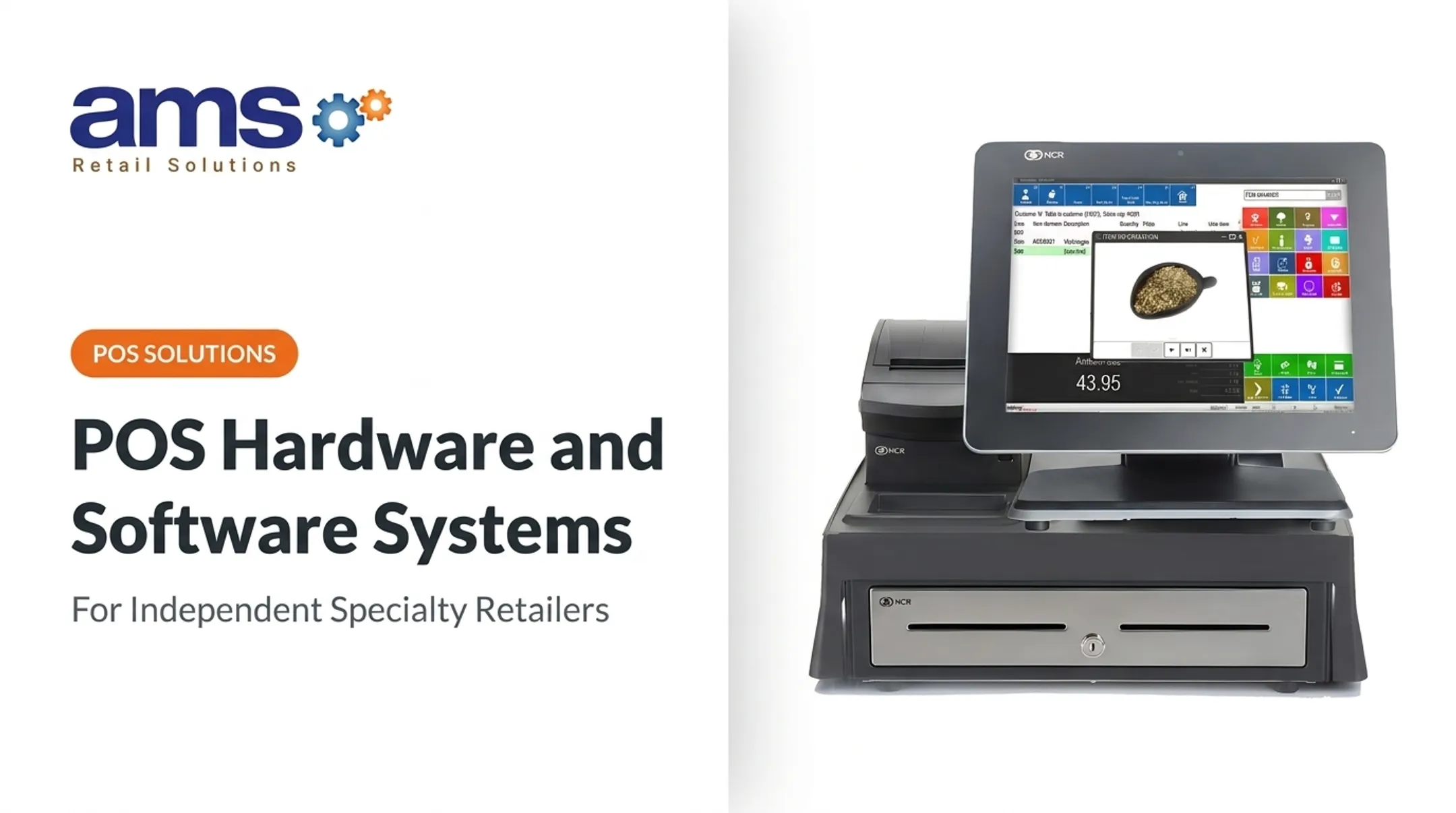
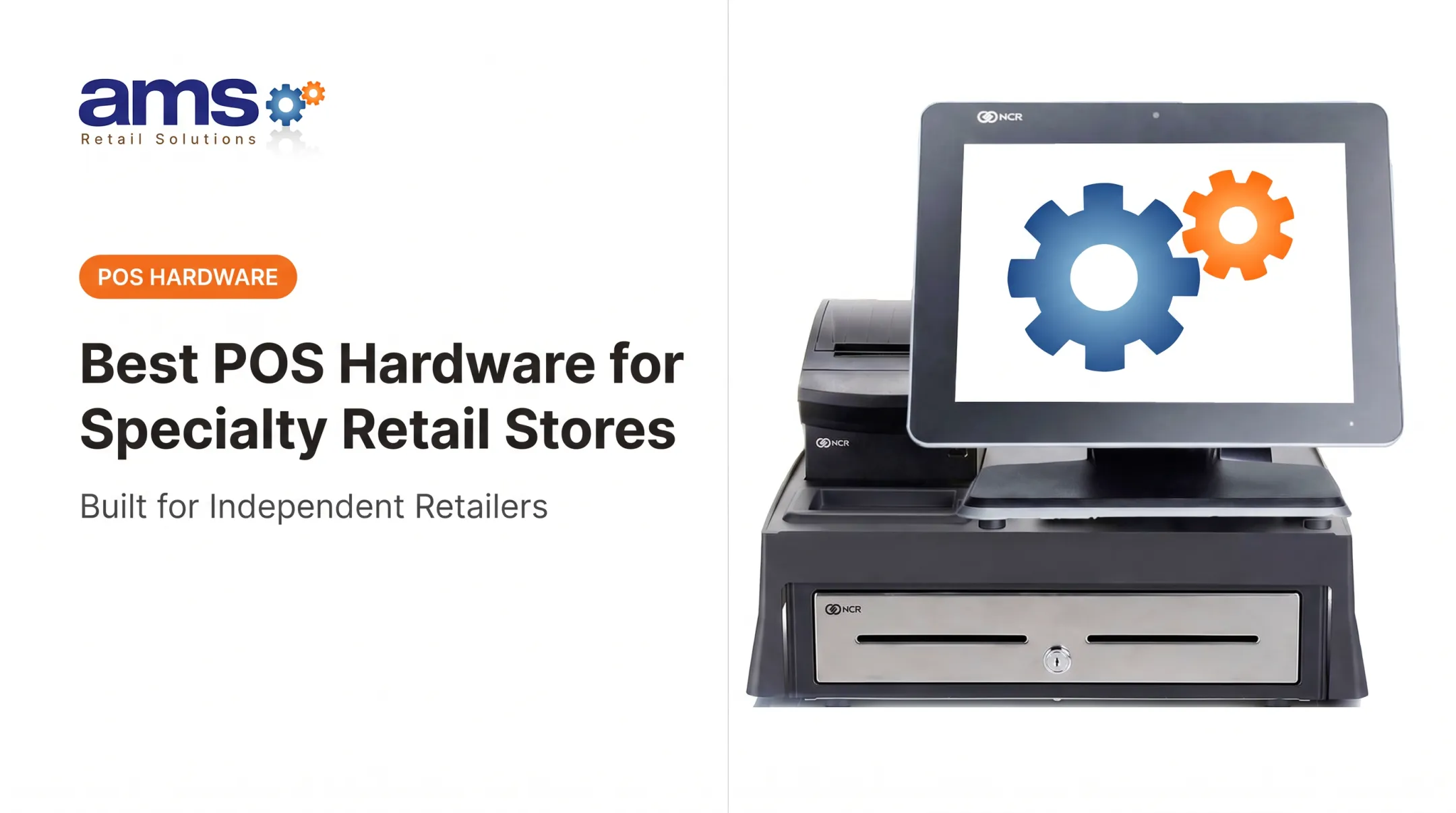
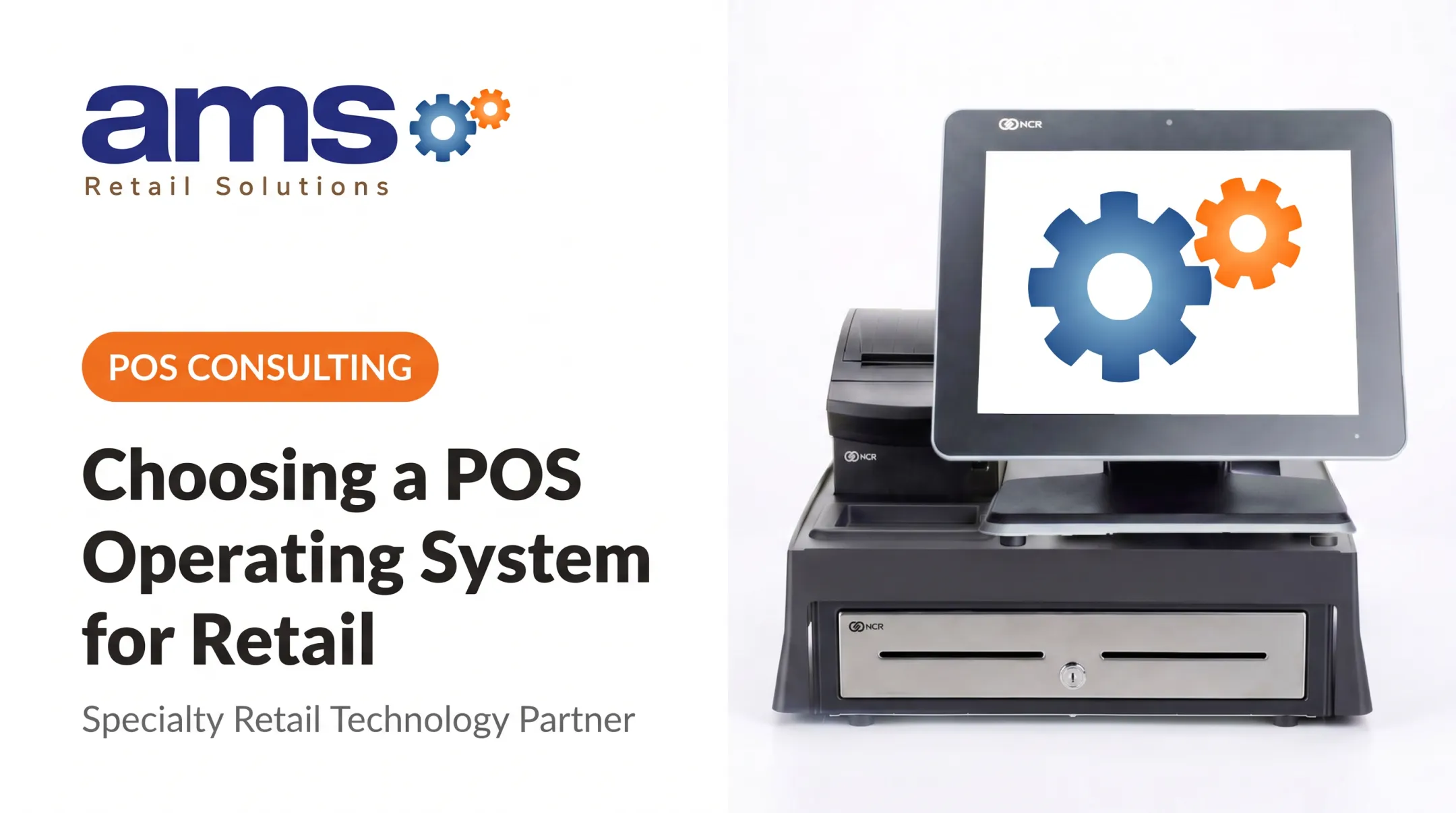
Optional additions include customer displays, label printers, mobile devices, time clocks, and self-service equipment. A typical NCR setup pairs a touchscreen monitor, a compact receipt printer, and a cash drawer as the basic hardware core.
POS Hardware Components
POS Terminal and Display
The terminal is where employees look up products, apply discounts, process returns, and finish transactions. Common formats include:
- Dedicated registers, such as Square's two-screen Register
- Tablet stands built around an iPad
- Handheld devices with a built-in barcode scanner
The right pick depends on counter space, mobility, durability, and volume. A farm market selling from a stand needs something different than a garden center checkout lane.
The terminal may connect to cloud software or local servers, so the device is only one piece of the system.
Barcode Scanners, Scales, and Product-Entry Tools
Scanners cut manual entry and tie each sale to the correct item, price, tax treatment, and inventory record. Specialty retailers often need more:
- Scales for products sold by weight
- Label printers for custom barcodes
- Handheld scanners for floor selling and receiving
Check compatibility before buying. Confirm that scanners and scales work with your POS software and product catalog.
For scales, NIST guidance says commercial scales must comply with state law and receive authorized inspection or approval before use.
Payment Hardware
Card readers and payment terminals accept chip cards, contactless payments, and mobile wallets, depending on your processor. A basic reader simply takes the card. An integrated terminal passes the payment result straight to the POS, which reduces duplicate entry and keeps records aligned.
Some setups, such as Shopify's external terminals, process through their own provider and show only payment status in the POS, not full transaction detail.
Don't assume a device equals compliance. PCI PTS approval covers the device. A validated P2PE solution can reduce PCI DSS requirements but doesn't remove them. Check current guidance from the PCI Security Standards Council and your processor.
Receipt Printers, Cash Drawers, and Customer Displays
Receipt printers produce the transaction record; cash drawers organize and secure cash.
A 2023 poll of 1,000 U.S. adults, sponsored by the Paper Receipts Converting Association, found 72% preferred paper and 25% email or text, while 85% wanted a choice. Offer both paper and digital options.

When comparing printers, look at:
- Print speed and paper type
- Connectivity (USB, Ethernet, Bluetooth)
- Durability in dusty or damp spaces
- Maintenance needs
Customer-facing displays show items and totals and can carry promotions, but many shops skip them.
Connectivity, Power, and Hardware Compatibility
Wi-Fi, Ethernet, Bluetooth, and power supplies all affect how the terminal talks to its devices. A universal connector doesn't guarantee compatibility. Buy only hardware that your POS software and payment processor support.
Plan for failure before it happens:
- Keep a backup power option for the terminal and router
- Know your offline mode (see below)
- Stock or arrange a replacement for critical devices
- Set up network connectivity before you install hardware
Shopify documents that connected Bluetooth and USB scanners and Bluetooth printers keep working offline. Adyen terminals can fail over to cellular, but that covers Adyen services, not your POS application or inventory sync.
POS Software Components
Checkout and Transaction Management
The checkout application builds the sale, calculates prices and tax, applies discounts, records payment, and handles receipts, refunds, exchanges, and voids. Role-based permissions limit sensitive actions to the right people.
Specialty retail makes this harder. Think seasonal pricing, product variants, bundles, and items sold by fractional weight. AMS Retail's feed and seed software, for example, supports buy-one/get-one, mix-and-match, and quantity-break pricing, plus weight-based sales through integrated or stand-alone scales.
Inventory, Purchasing, and Product Management
The software stores descriptions, prices, barcodes, categories, vendors, reorder points, and stock counts. Sales, receiving, transfers, adjustments, and returns all update those records. Bad setup produces bad reports, so get the product data right first.
Specialty needs include:
- Seasonal goods and perishables
- Live plants tracked by size and grade
- Feed and seed blends, saved for recurring orders
- High-value outdoor equipment
- Stock spread across warehouses and stores
Look for purchasing and receiving tools, low-stock alerts, cycle counts, and shrink monitoring. Shrink includes administrative errors, damage, and spoilage as well as theft.
NRF's FY2022 survey put average shrink at 1.6%, but NRF has since stopped publishing an industry average, so treat that as history rather than a target.
Customer, Loyalty, and Promotion Tools
Software can hold customer profiles, purchase history, gift cards, loyalty activity, and targeted promotions. Used well, these tools support repeat visits, though no tool guarantees a revenue lift.
Collect data responsibly. The FTC advises gathering sensitive information only for legitimate business needs, keeping it only as long as necessary, and limiting access. Depending on your state, laws such as California's CCPA may also apply.
Reporting, Employee Controls, and Business Management
Go beyond total sales. Useful reports cover:
- Product performance and slow movers
- Discounts, returns, and voids
- Hourly sales volume for scheduling
- Cost and retail value of inventory
- Purchasing history for buying decisions
For employee controls, assign roles, require manager approval for discounts and refunds, and review exception reports on voids and cash-drawer activity. Unique user IDs and audit trails matter for payment security.
Integrations, Cloud Access, and Offline Capability
Common integrations include accounting (such as QuickBooks), ecommerce, payments, CRM, payroll, loyalty, and marketing tools.
Hosting is not the same as offline ability. Cloud software can leave checkout dependent on a connection, while on-premise systems keep upgrade timing in-house. Offline-capable systems reconcile later, but features vary.
Ask vendors:
- What data is available offline
- How transactions sync afterward
- What payment limits apply
Square, for instance, requires offline payments to be uploaded within 72 hours, doesn't report declines while offline, and leaves the merchant holding the risk. Shopify warns that logging out or powering off can lose offline orders.
How POS Hardware and Software Work Together
Hardware handles the physical steps of a sale. Software is the coordinating layer that ties those devices into one flow. A typical sale runs like this:
- A scanner reads the barcode, or the cashier selects the item.
- The software pulls the price and tax rules and calculates the total.
- It sends the amount to the payment device.
- After approval, it triggers the receipt printer and opens the cash drawer if needed.
- It stores the record and updates inventory.

One transaction then feeds inventory deductions, sales reports, customer history, accounting exports, and loyalty activity. When the hardware-software handoff breaks down, a few issues show up repeatedly.
Common Failure Points
- Unsupported peripherals
- Network interruptions
- Duplicate entry from unintegrated payment devices
- Outdated software
- Incorrect product setup
Reducing Disruption
- Test every device before launch
- Install software updates on a schedule
- Back up transaction data regularly
- Train staff and use individual logins
- Write down an outage procedure everyone can find
Choosing POS Components for Specialty Retail
Assessing Business and Store Requirements
Before comparing vendors, document your product types, transaction volume, checkout stations, mobility needs, payment methods, layout, seasonal peaks, and existing software.
Needs differ sharply by business:
- Garden centers: perishable stock, seasonal swings, tags and signage, dust- and moisture-tolerant hardware
- Farm markets: mobile selling, and EBT/SNAP, which requires FNS authorization and a provider for POS equipment and processing
- Feed and seed: scales, bulk products, fractional quantities
- Outdoor sporting goods: size/color matrices, serialized products, ecommerce inventory sync
Compatibility, Scalability, and Support
Use this checklist:
- Hardware and software compatibility
- Inventory depth and multi-location support
- Ecommerce connectivity
- Offline capability
- Security controls and employee permissions
- Reporting quality
- Upgrades, training, and technical support
Make sure the system can grow with you: another lane, mobile selling, a new location, or more product categories.
AMS Retail Solutions is one example of a single-source approach. It offers NCR Voyix Counterpoint with customizable tools, retail-hardened equipment, offline POS capability, and 24/7 support. It serves independent specialty retailers, and it won't suit every business, so compare it against your own checklist.

Total Cost and Implementation Planning
Look past the purchase price. Count:
- Software subscriptions or licenses
- Payment processing fees
- Hardware and installation
- Training and integrations
- Maintenance, support, and replacements
- Future upgrades
Then test the whole setup with real products, discounts, returns, payments, receipts, inventory adjustments, and an end-of-day close before going live.
Frequently Asked Questions
What are the five main components of a POS system?
POS software, a terminal or display, payment hardware, product-entry tools, and cash-and-receipt equipment. Exact configurations vary by business.
What hardware do I need for a retail POS system?
At minimum, a terminal or tablet, payment device, receipt printer, cash drawer, and reliable connectivity. Add barcode scanners, scales, and other tools if your products call for them.
What software features should a specialty retailer look for in a POS system?
Inventory, purchasing, product management, reporting, employee permissions, and returns handling. Also check customer and loyalty tools, integrations, and support for your specialty products.
Can a POS system work without an internet connection?
Some can. Confirm which transactions and features stay available offline, what payment limits apply, and how data syncs after reconnection.
Do POS hardware and software need to come from the same provider?
No, separate vendors work when compatibility is verified. A single-source provider can simplify setup, support, updates, and troubleshooting.
How do I choose a POS system for my business?
Start with your products, checkout workflow, inventory needs, payment methods, and integrations. Then weigh growth plans, security, budget, and vendor support.