The stakes are practical: label durability, print speed, material waste, labor, and reprints. Labels also have to stay readable in greenhouse humidity and outdoor sun. Labeling is still a manual chore for many growers. A UT Extension survey found only 21% of field nurseries and 20% of container nurseries had automated labeling in 2020.
This guide walks through the technology, media, and cost questions to settle before you buy.
Key Takeaways
- Thermal transfer and laser printers differ in durability, color, speed, and running cost.
- Match the printer to your label media and format before comparing models.
- Compare total cost per label, not purchase price.
- Test with your own plant data, stock, barcodes, and weather before committing.
What Is a Plant Label Printer?
A plant label printer produces identification, pricing, tracking, and care labels for nurseries, growers, and garden centers. Machines are roll-fed or sheet-fed. The main technologies are thermal transfer, laser, and, in limited cases, direct thermal.
You're choosing a whole system: print technology, label media, software, connectivity, and data. The hardware is only one piece.
Print technology
| Technology | How it works | Outdoor notes |
|---|---|---|
| Thermal transfer | Heat moves ink from a ribbon onto the stock | Matched synthetic stock and ribbon can handle rain and sun |
| Laser | Dry toner on laser-compatible media | Weather resistance depends on the toner and material pairing, not ordinary paper |
| Direct thermal | Heat-reactive stock, no ribbon | Heat and prolonged sunlight can darken stock and make barcodes unreadable |
Laser suits full-color photos and logos. Thermal transfer typically produces single-color labels. Direct thermal fits only short-lived indoor labeling.
Label media and physical format
Printer and media must match. Check the supported widths, thicknesses, adhesives, and finishes before buying. Common nursery formats include:
- Stick-in stakes for pots and ground
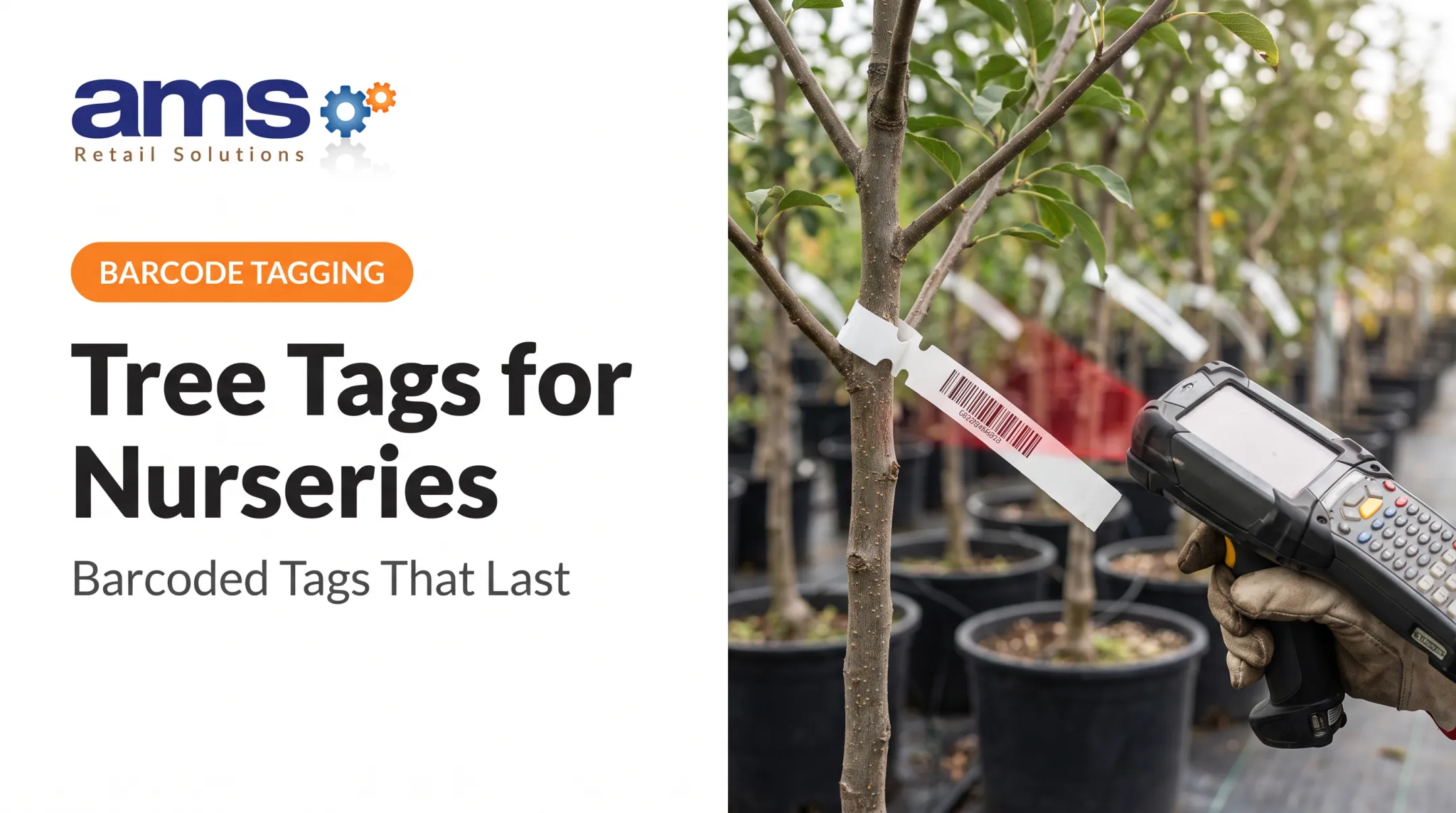
- Self-tie tags that wrap around stems and trunks
- Swing tags, sometimes with care information on the back
- Adhesive pot labels, from full sheets to micro-labels
- Larger signs and bed cards, such as double-topcoated 7.5-mil and 10-mil laser-printable nursery signs
Thick stock is a common trap. Some heavy laser tags need a printer with a heavy card stock setting, so a printer that handles standard sheets may jam on them.
Software, connectivity, and label data
Look at template design, desktop or mobile operation, and USB, network, or wireless connectivity. Confirm the software imports your data and reproduces common and botanical names, prices, variety details, logos, and care text. Barcode and QR support matters too.
Benefits of the right printer
- Faster on-demand or batch labeling
- Fewer transcription errors
- Less label waste
- Consistent branding and clearer customer information
- Readable barcodes
- Fewer reprints after sun, rain, soil, and handling
One greenhouse operation, Cavicchio Greenhouses, moved to label software tied to its ERP. The vendor reports label-design time fell from eight hours to two and labeling accuracy reached 100%. That is an undated vendor case and measures workflow, not printer speed, but it shows what better data handling can do.

What to Consider When Choosing the Best Plant Label Printer
The best printer depends on volume and plant mix, label environment and content, staffing, and retail systems. Before comparing models, document your current label volumes, formats, failure points, and workflow.
Printing technology and color requirements
Match the technology to volume, color needs, single versus batch printing, outdoor exposure, and running-cost priorities. Compare options on:
- Print speed and cost per usable label
- Color capability and waste
- Real labels per hour, not advertised peaks
Thermal transfer often shows high advertised capacity. The SATO TXPEX6, for example, lists 305 dpi, up to 12 inches per second, and stock up to 25 mil. Those are manufacturer maximums, not real nursery throughput.
Laser fits better when you want full-color branding or varied labels on one sheet.
Label durability and environmental exposure
Sun, rain, irrigation, humidity, soil, fertilizer, handling, and temperature swings all attack legibility and adhesive. ITW names UV, moisture, dirt, and mechanical damage as horticultural requirements.
Ribbon choice matters:
- Wax: for paper with little chemical or abrasion exposure
- Wax/resin: for topcoated paper or matte synthetics that need more abrasion resistance
- Resin: for synthetics in harsh chemical or outdoor conditions
Adhesive matters just as much. Mactac, for example, groups options by condition:
- Rubber-based hot melt for light moisture and watering
- All-temperature acrylic for cold
- High-tack or hot melt for rough or ridged pots
Don't accept generic "waterproof" claims. Ask vendors for UV, moisture, and abrasion documentation, then test samples outdoors. Standards such as UL 969 evaluate whole label systems, but a vendor's claim isn't a certification unless they show it.

Throughput, workflow, and labor
Occasional on-demand printing and high-volume batch runs need different machines. Count roll changes, sheet handling, cutting, loading, and reprinting, then measure:
- Labels per shift
- Setup and queue time
- Waste and reprint rates
Print quality and information capacity
Small botanical names, prices, logos, and care details must stay readable. Print your real label designs and scan every barcode and QR code.
Size and spacing matter as much as resolution. GS1 guidance calls for a quiet zone of 4X on all sides of a retail QR code, and black bars on a white background work best. No universal nursery dpi minimum exists, so test.
Software, connectivity, and retail integration
Check operating-system support, templates, user access, data imports, and wireless or network printing. Separate two capabilities:
- Exporting data to a file for printing
- A verified direct integration with your inventory or POS
Gardenware documents import and export, for example, but that isn't a named POS connector.
Total cost, support, and scalability
Compare equipment, labels, ribbons or toner, maintenance, warranty, parts, support, and training. SATO's two-year horticultural warranty excludes the head, platen, and cutter, so budget for those.
Add up cost per label, downtime, labor savings, and reprints. Then ask whether the setup handles more locations, users, products, or seasonal volume.
How AMS Retail Solutions Can Help
AMS Retail Solutions is a retail technology partner for garden centers, nurseries, and specialty retailers. AMS works as a trusted advisor, learning how a business operates before recommending a solution. Labeling touches product, inventory, pricing, and checkout, so the right printer choice depends on how those systems connect.
AMS is an authorized NCR Voyix Counterpoint provider. Counterpoint is a single-source POS for one store or many, with customizable tools. Its garden center and nursery configuration covers seasonal plant inventory, size and grade tracking, kit items, and tag and signage printing.
Clean product and pricing data in a POS gives you a stronger starting point for labeling. Confirm printer compatibility with both vendors before you buy.

Additional benefits include:
- Automates daily operations for easier, more profitable workflows
- Reduces inventory shrink and labor costs
- Improves cash flow and supports adding stores as you grow
- Provides 24/7 support and service, including one-on-one training, repair, and maintenance
You can reach AMS Retail Solutions at 757.495.4995.
Conclusion
Choosing a plant label printer is a workflow and business decision. Prioritize operational fit over brand popularity and upfront price alone.
Weigh your label environment, print volume, content needs, durability, media compatibility, total cost, and fit with your existing nursery and retail processes. Then test before you commit.
Once you've settled on a setup, review it periodically. Check printer performance, label costs, reprint rates, and seasonal changes so the system keeps pace with your operation.
Frequently Asked Questions
What type of printer is best for plant labels?
It depends on your conditions and volume. Thermal transfer generally suits durable, efficient single-color labels on rolls, while laser handles full color on sheets. Compare durability, speed, media, and running cost.
Should a nursery choose a thermal transfer or laser printer?
Thermal transfer may fit durable, high-volume, single-color labels. Laser may fit full-color, branded, or varied sheet-based labels. Test your intended media on either.
How do I make plant labels withstand sun and rain?
Pair weather-resistant stock with a matched ribbon or toner and the right adhesive. Request vendor specifications, then test finished labels outdoors in your own conditions.
Can plant label printers print barcodes and QR codes?
Many can. Readability depends on resolution, label size, contrast, software, and data formatting. Scan-test before deployment.
What label material is best for nursery plants?
No single material wins. The right choice depends on exposure, attachment method, reuse, and printer compatibility. Options include paper, synthetic, adhesive, stick-in, and tie-on tags.
Can a plant label printer work with nursery POS or inventory software?
Compatibility ranges from manual template entry to file exports to verified integrations. Confirm supported data formats, connections, and printer models with both vendors.