That gap matters most for specialty retailers. Seasonal rushes, deep catalogs, shrink, seasonal staffing, and tight cash flow make manual processes more expensive each year. Cash itself is shrinking too: it made up just 14% of consumer payments in 2024, per the Federal Reserve, so checkout now has to handle cards, contactless, and more.
This article compares both options, explains when a cash register still makes sense, and shows what retailers gain by upgrading.
Key Takeaways
- A cash register handles sales and cash; a POS adds software for inventory, reporting, and control.
- POS systems automate stock updates, payments, staff permissions, and loyalty workflows.
- A register can still fit a low-volume, single-counter shop with simple products.
- Compare total operating cost, integrations, support, security, and offline capability before buying.
POS vs Cash Register: Quick Comparison and Definitions
What Is a Traditional Cash Register?
A cash register is a standalone machine that calculates totals, records sales, prints receipts, and holds cash. Britannica describes it as a business machine, usually with a money drawer, built to record sales transactions. Many electronic models sit beside a separate card terminal.
It fits a small single-counter operation or a seasonal pop-up with a limited range and simple pricing. The upfront cost is low. The trade-off is limited reporting and inventory control.
What Is a POS System?
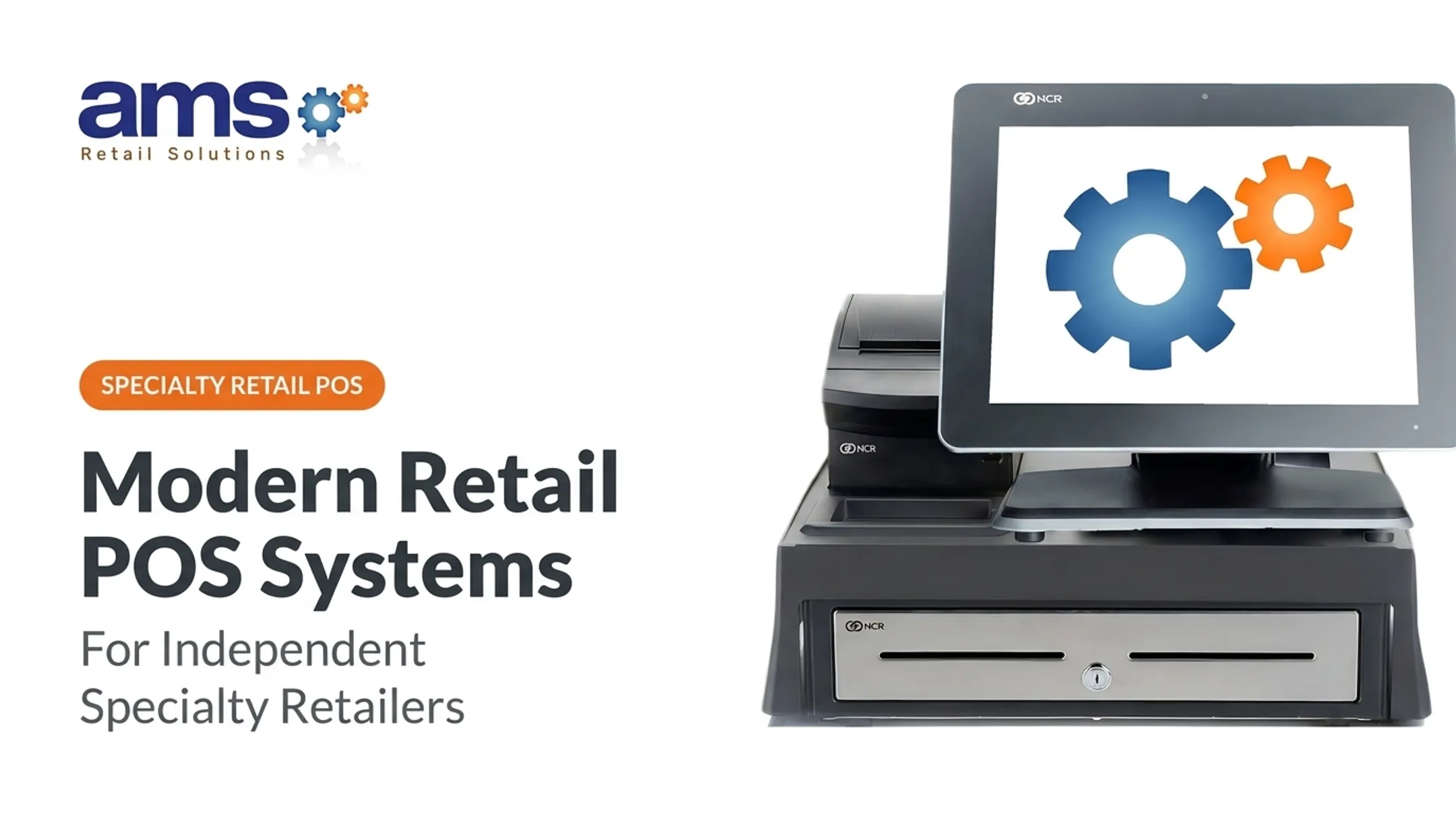
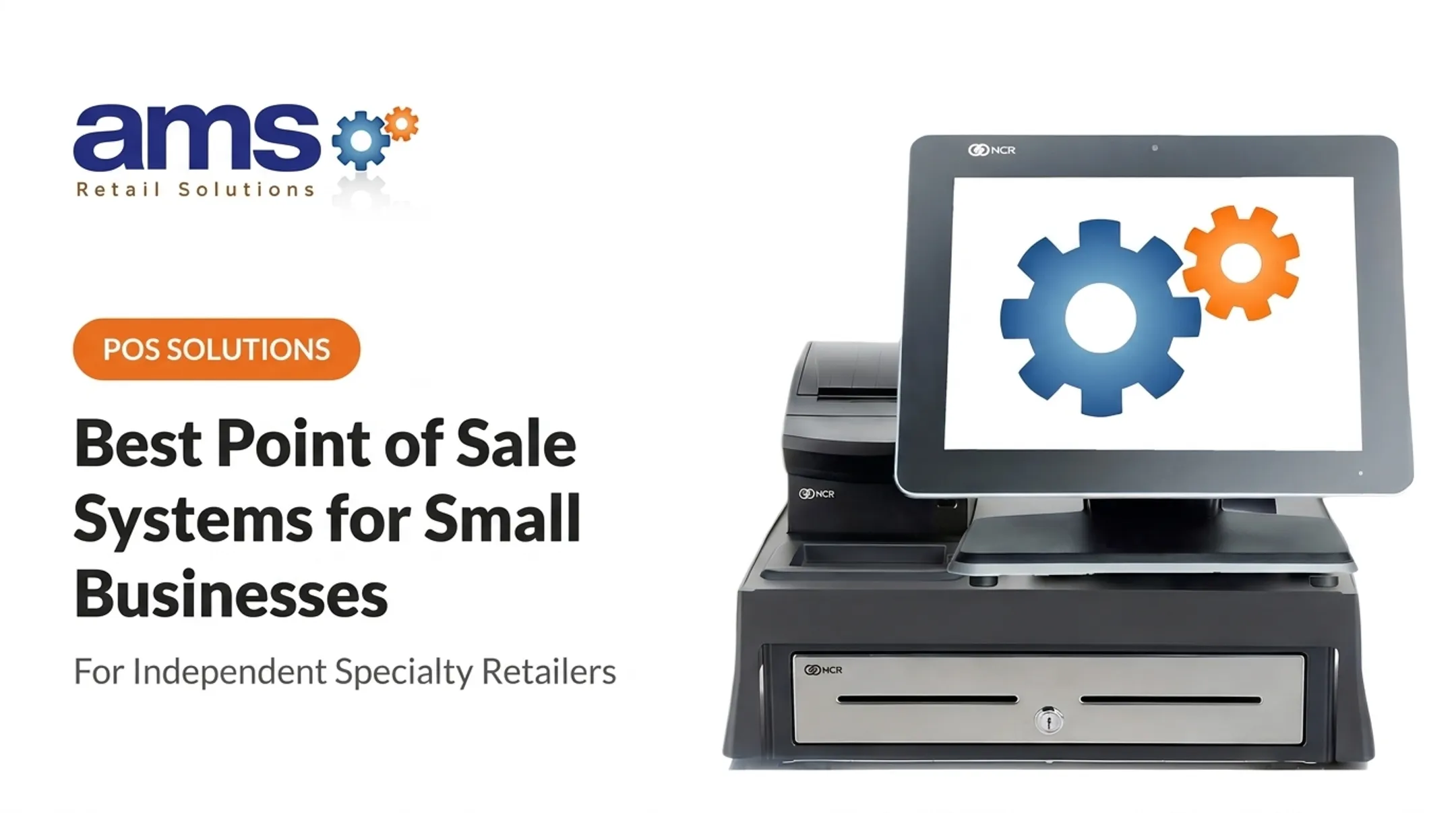
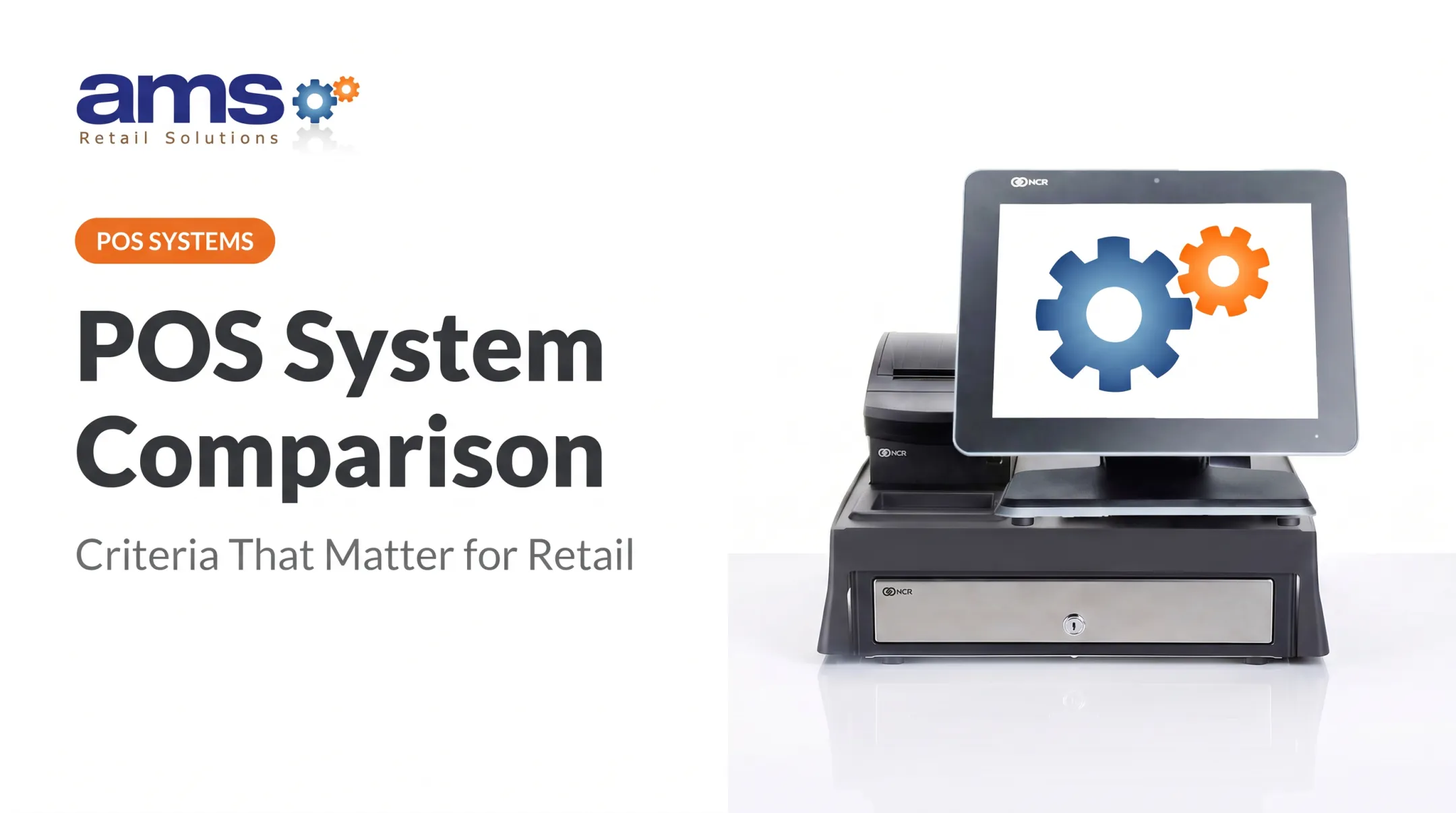
A POS system pairs retail software with connected hardware: a touchscreen terminal, cash drawer, receipt printer, barcode scanner, payment terminal, and sometimes a customer-facing display.
Each transaction links to inventory, product data, staff permissions, reports, customer records, and promotions. It can also cover multiple locations or online channels.
Checkout, Payment, and Hardware Capabilities
| Capability | Cash Register | POS System |
|---|---|---|
| Price entry | Manual keying | Barcode scanning |
| Payments | Separate card device | Integrated card and contactless |
| Receipts | Paper only | Digital and paper |
| Checkout flow | Fixed | Configurable |
Hardware modularity matters too. A register is one box, so adding a lane means buying another full unit. POS hardware is modular, so you can:
- Add a scanner, scale, or second terminal later
- Replace a failed printer without replacing the full setup
- Choose retail-hardened equipment for dusty, wet, or busy counters
Inventory, Reporting, and Operational Control
A register gives you end-of-day totals and relies on manual counts. A POS adjusts stock with each sale and return, and produces product-level reports, sales trends, purchasing history, and transaction logs.
Picture a garden center selling a flat of annuals. On a register, someone keys in a price and counts flats by hand later. On a POS, the scan reduces stock, flags a slow mover or a nearly empty bench, and shows which cashier processed it.
Scalability, Connectivity, and Cost
A register is an isolated tool. A POS can support extra terminals, integrations, multiple stores, and centralized visibility, depending on the platform.
Purchase price is only part of the cost. Factor in software fees, payment processing, hardware, training, maintenance, manual admin time, inventory discrepancies, and missed sales. Vendor pricing pages, such as those from Square and Lightspeed, list these as separate line items, so ask for all of them up front.

What Retailers Gain by Upgrading to a POS
Faster Checkout and Consistent Service
Saved prices, scanning, integrated payments, and configurable workflows cut repetitive entry. New seasonal staff follow the same steps as veterans. That consistency counts during spring weekends at a garden center or a crowded farm market window.
One Colorado garden center, Urban Garden, reported saving 30 minutes a day at checkout after adopting a POS, though that account comes from a vendor-sponsored article and isn't an independent time study.
More Accurate Inventory and Better Shrink Control
When every sale, return, adjustment, and transfer lands in one system, stock visibility beats spreadsheets and hand counts. Item history, user permissions, audit trails, and exception reports help expose process errors, unauthorized discounts, and unexplained adjustments.
The stakes are real. The NRF's 2023 survey put average U.S. shrink at 1.6% of sales, or $112.1 billion. Process and control failures accounted for 27% of it, and employee theft 29%. A POS won't eliminate shrink by itself, but it gives you the records to find where it starts.
Better Margins and Cash-Flow Visibility
Product, department, margin, and promotion reports show fast movers, slow stock, pricing gaps, and purchasing opportunities. AMS Retail's reporting, for example, flags slow-moving inventory and shows inventory at cost and retail value. That helps owners stop tying up cash in product that won't sell.
Lower Administrative and Labor Burden
Automated reports, integrated inventory updates, and consolidated transaction data reduce manual reconciliation and double entry. Accounting integrations, such as QuickBooks, remove another round of retyping.
Managers can also schedule around hourly sales volume instead of guesswork. That's a planning aid, not a promised labor cut.
Stronger Loyalty and Customer Relationships
POS-linked profiles, purchase history, loyalty programs, gift cards, and targeted emails turn one-off sales into repeat visits. Specialty customers often return seasonally or buy related items over time, such as plants and supplies or feed and outdoor gear.
Deloitte's 2025 survey of U.S. loyalty members found 72% said programs made them more likely to spend with a preferred brand. That's self-reported sentiment, not a measured revenue lift.

A Foundation for Growth and Continuity
A POS can add registers and stores, connect to e-commerce, and expand features as you grow. Offline capability matters just as much.
Offline mode usually keeps selling going, but with limits:
- Temporary transaction processing, not full cloud sync
- Card payments may be restricted
- Data syncs after the connection returns
Document a recovery procedure so staff know what to do during an outage.
AMS Retail's NCR Voyix Counterpoint-based solution is one example of a single-source POS for specialty retailers. It includes offline capability, retail-hardened equipment, and support for one store or many. It isn't the only suitable option for every business.
POS vs Cash Register: Which Is Better for Your Retail Business?
The right fit depends on how complex your retail operation is today and how fast you plan to grow. Weigh these factors:
- Transaction volume and seasonality
- Product count and catalog complexity
- Payment methods and inventory needs
- Staff size, locations, and reporting depth
- Near-term growth and integration plans
Choose a cash register if you have:
- A simple catalog and one main checkout
- Low operational complexity
- Minimal inventory reporting needs
- No near-term plans for integrations or expansion
Choose a POS if you need:
- Real-time inventory and barcode scanning
- Detailed reporting and margin visibility
- Employee controls and multiple payment types
- Loyalty tools, multiple locations, or online integration
Once you know which path fits, compare total cost rather than sticker price. Factor in:
- Hardware and subscriptions
- Payment fees
- Implementation and training
- Maintenance and manual work
- Cost of inventory or reporting errors
Questions to Ask Vendors
- How is existing data migrated?
- Which of my current devices are compatible?
- What integrations are supported?
- How is payment data secured? (Outsourcing payments doesn't remove your PCI responsibilities.)
- When is support available?
- What works offline, and how does data sync afterward?
- How does it scale, and what are the contract terms?
- What training is included?
Real-World Upgrade Example and Implementation Path
Attleboro Farm and Garden Supply in Massachusetts moved from a prior POS to NCR Counterpoint through reseller Retail Control Systems. Staff struggled with:
- Searching and tracking item attributes
- A cumbersome accounting interface
- Managing a growing inventory
The reseller case study describes better item reporting and stock control, without before-and-after metrics, training details, or a rollout timeline. Use it as an illustration of the upgrade path, not a performance guarantee.
Retailers with growing SKU counts, clunky tracking, or weak reporting will recognize this situation. A staged rollout keeps disruption low:

- Start with products and checkout
- Add reports next
- Introduce loyalty once the core is stable
If that sounds familiar, AMS Retail can walk through your current checkout, inventory, reporting, and growth needs. Call 757.495.4995. NCR Voyix Counterpoint is one option worth evaluating for a specialty retail POS.
Conclusion
A cash register isn't automatically wrong. For a very simple, low-volume operation, it can stay practical. But its limits cost more as product range, staff size, payment types, and growth ambitions increase.
Choose the option that balances simplicity, control, visibility, scalability, and total operating value. Then judge vendors on implementation support and long-term fit, not price alone.
Frequently Asked Questions
Is a POS the same as a cash register?
Both process sales, but a POS adds software for inventory, reporting, employee controls, customer data, and integrations. It manages the store, not just the transaction.
What should I use instead of a cash register?
A POS or mobile POS suits retailers who need integrated payments, inventory tracking, detailed reports, customer tools, or room to grow.
When should a retailer upgrade from a cash register to a POS system?
Watch for frequent inventory errors, manual reporting, more employees or locations, slow checkout, added payment complexity, or expansion plans.
Does a POS system track inventory automatically?
Many update stock on sales and returns. Setup, receiving, adjustments, counts, and accurate product data still need proper processes.
Can a POS system work without an internet connection?
Some offer offline modes. Confirm which transactions and features still work, and how data syncs once the connection returns.
Is a POS system worth it for a small retail store?
It depends on product complexity, volume, inventory needs, staffing, payment methods, and growth plans more than store size.