Introduction
A checkout line moves at the speed of its slowest step, and that step is often the payment device. The terminal shapes how customers feel at the counter, whether the amount charged matches the sale, and how much re-keying your staff does at the end of a shift.
Buying one is harder than it looks. Terms like PIN pad, payment terminal, semi-integrated, and EMV get used loosely, and a mismatch between your POS, terminal, and processor can stall a rollout.
This guide is for US retailers. It covers how PIN pads and terminals differ, how they connect to a POS, what EMV and PIN privacy features do, and what to check before you buy.
Key Takeaways
- A PIN pad is the customer-facing entry device; a payment terminal is the broader category.
- An integrated terminal receives the amount from the POS and returns the result automatically.
- Chip and contactless support must match your processor, POS software, and compliance needs.
- Judge compatibility, security, design, support, and total cost, not just purchase price.
What Are Pin Pads and Payment Terminals?
Pin pad vs. payment terminal
The PCI Security Standards Council's small merchant glossary defines a PIN pad as the keypad where a customer enters a PIN. A payment terminal is hardware that accepts card payments by swipe, dip, or tap.
The terms overlap. A PIN pad can be one component of a complete terminal, and many products sold as "terminals" include the PIN pad, screen, card reader, and communications. Before buying, confirm what each product includes:
- Screen and PIN entry
- Receipt printing
- Connectivity type
- Encryption and processor certification
- POS integration support
Payment methods and terminal form factors
Form factors fit different store layouts:
- Countertop: fixed lanes with steady traffic, such as a nursery's main register.
- Integrated: a terminal built into the POS station, which saves counter space.
- Handheld or mobile: outdoor yards, sidewalk sales, and line-busting. Ingenico describes its Move/5000 as a mobile terminal for indoor and outdoor use.
- Self-service: unattended checkout, a separate category with its own requirements.
Most terminals support EMV chip, contactless (NFC), and magnetic stripe. Magnetic stripe is increasingly a fallback, and each card network sets its own rules, so confirm current requirements with your processor.
How Pin Pads Work With a Retail POS
The transaction flow from POS to approval
A typical integrated checkout runs like this:
- The POS totals the sale and sends the amount to the terminal.
- The customer inserts, taps, or swipes a card, and enters a PIN if prompted.
- The terminal sends the data to the processor for authorization.
- The approval or decline travels back to the POS, which records the tender.

Global Payments' semi-integration documentation describes this same pattern. Because the POS sends the amount, staff skip manual key-in on the terminal. Fiserv says that automation can improve accuracy, but that is a vendor claim, not an independent measurement. Treat it as a reasonable expectation, not a guarantee.
Integration models and compatibility
- Standalone: the terminal works independently. Staff key in the amount, and sales records do not sync automatically.
- Semi-integrated: the POS drives the terminal, and card data stays on the terminal. Less development work.
- Fully integrated: customized payment flows through an API. More control, more coding.
Terminology varies by provider, so ask vendors to define theirs. Verify that your POS software, terminal model, processor, acquiring bank, operating system, and any required API or certification all work together.
Questions to put to vendors:
- Which tender types are supported?
- How are refunds, voids, and returns handled?
- Can a customer split payment across cards?
- How are receipts produced?
- Does it work across multiple lanes?
- Can devices be managed centrally?
Reconciliation and operational continuity
When the payment result returns to the POS, the tender amount, authorization status, and sale record stay linked. That makes end-of-day reconciliation easier. Exact reporting depends on your POS and payment configuration.
Offline operation needs careful reading. A POS that keeps running without a network is not the same as a terminal authorizing cards offline.
Adyen documents two separate offline modes: offline EMV and store-and-forward. With store-and-forward, the terminal approves without issuer verification and submits later, so the merchant carries the risk of declines and chargebacks. Check your processor's rules before relying on either.
Security and Payment Standards Retailers Need to Understand
EMV and chip-enabled payments
EMV stands for Europay, Mastercard, and Visa, the companies that created the original specifications. During a chip transaction, the card and terminal exchange data and the chip performs cryptographic processing, including a one-time security code, according to EMVCo's overview.
This addresses counterfeit-card fraud. It does not stop every kind of fraud, so you still need secure software, staff procedures, and fraud monitoring.
The US in-store counterfeit liability shift took effect October 1, 2015 for Visa and Mastercard. The party not supporting EMV bears counterfeit-card liability.
Visa notes the shift does not cover card-not-present or lost/stolen fraud. American Express says its guide requires an enabled chip-and-PIN POS system to avoid the chip-card liability shift. Confirm current terms with your acquirer.
Non-EMV transactions
"Non-EMV" is not a single network-defined category. In practice, it means a card-present transaction processed by stripe or manual key entry rather than a chip. Keep these separate:
- Contactless EMV: a chip transaction by tap. Not a non-EMV transaction.
- Magstripe fallback: a chip card read by stripe after the chip could not be used. Visa requires online authorization with correct fallback data.
- Manual key entry: a last resort, not fallback. American Express warns that manually keyed charges may be declined and can create fraud chargeback rights.
Know whether your terminals allow fallback or keyed entry, because those settings affect fraud exposure and disputes. Interchange for these methods varies by processor, so ask for your own rates.
PIN pad scrambling and payment-data protection
"Scramble" usually means a keypad that changes key positions to deter shoulder-surfing. Current PCI PTS POI v7.0 requirements do not mandate randomized layouts. They require a means to deter visual observation of PIN entry and resistance to fraudulent overlays. Treat scrambling as a product-specific feature.
PIN privacy is not encryption. PCI describes point-to-point encryption (P2PE) as validated protection of account data from the terminal until decryption in the provider's environment. Ask any vendor claiming tokenization or reduced PCI scope to document it.

Practical controls under PCI DSS v4.0.1:
- Inspect devices periodically for tampering or substitution.
- Keep a device inventory.
- Train staff to report suspicious changes.
- Choose devices from the PCI approved PTS list, and check the exact model and version.
- Restrict administrative access and apply vendor updates.
How to Choose a Payment Terminal for Retail POS
Compatibility and payment capabilities
Build your checklist around:
- POS compatibility and required API or certification
- Processor and acquirer support
- EMV and contactless acceptance
- Debit PIN entry
- Refunds, returns, and receipt workflows
- Support for future payment methods
Physical design and retail usability
Look at how the device lives at your counter:
- Screen visibility and keypad privacy
- Cable management and mounting
- Durability, dust and moisture exposure, and cleaning
- Accessibility and customer reach
- Capacity for seasonal or high-volume peaks
Connectivity, support, and total cost
Match the connection type to your environment. The Ingenico Lane/3600 supports Ethernet, while PAX's A920Pro supports 4G and Wi-Fi. A farmers' market study found that temporary sites without electricity make plug-in terminals difficult. Wireless helps in those settings, but it brings signal, battery, and data-cost tradeoffs.
Total cost goes beyond the device:
- Hardware purchase or financing (Helcim lists its Smart Terminal at $349, as one example, not a benchmark)
- Processing and transaction fees
- Data plans for cellular units
- Integration development and certification
- Warranty and replacement terms
Before rollout, test the whole flow: approvals, declines, refunds, outages, and reconciliation. Do it at one lane first, then expand.

Why an Integrated POS Approach Matters for Specialty Retail
Specialty-retail operating requirements
Specialty retailers rarely run a single, simple checkout. Needs differ by vertical:
- Garden centers and nurseries: seasonal inventory swings, deliveries, greenhouse dust and moisture
- Feed and seed stores: bulk and weight-based products
- Outdoor and sporting goods: serialized items, special orders, and layaway
- Farm markets: mobile checkout
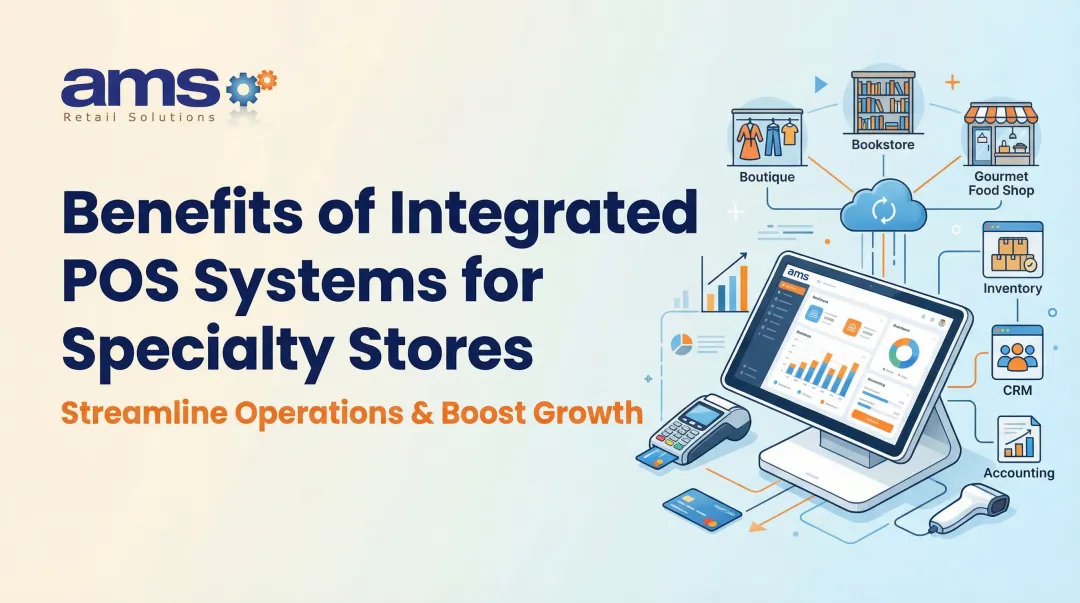
A connected POS and payment setup helps keep the sale amount, tender type, receipt, and transaction record aligned. Results vary by configuration, so test integrations before counting on savings.
AMS Retail as a POS evaluation option
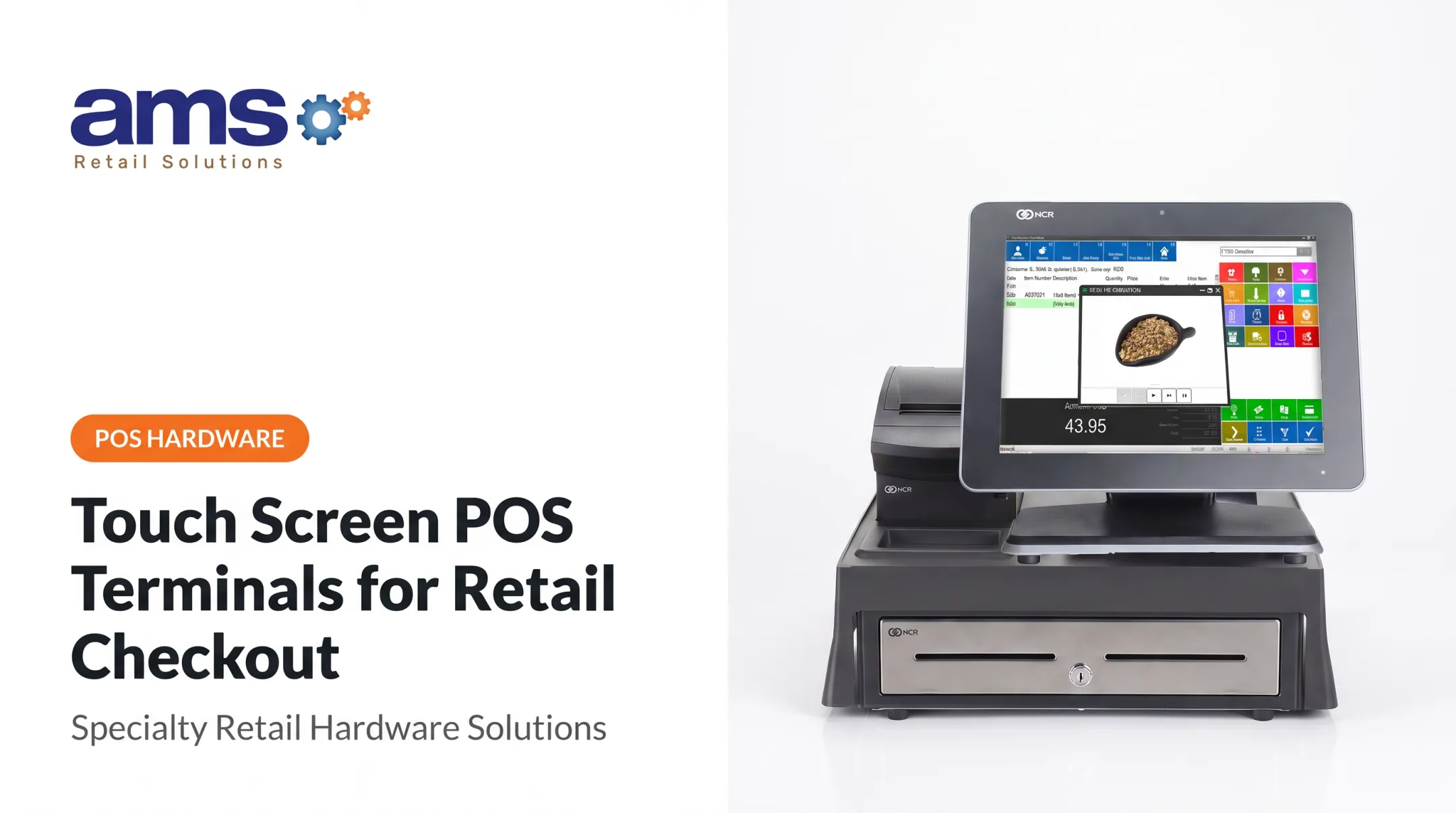
AMS Retail is a single-source POS provider built around NCR Voyix Counterpoint. It offers customizable tools, retail-hardened POS equipment, and 24/7 support (training, repair, and maintenance) for specialty retailers with one store or many.
When evaluating, ask whether its POS, equipment, and payment-terminal integrations fit your processor, store workflow, and continuity needs. AMS Retail states its POS has off-line capability when not connected to the network. That describes POS operation, and it does not by itself mean cards can be authorized offline. Confirm card-acceptance behavior with your processor.
Frequently Asked Questions
What is a PIN pad device?
It is the customer-facing device used to enter a PIN or present a card during a card-present payment. It is separate from the POS software that records the sale.
What is a card payment terminal?
It is hardware that accepts, processes, and communicates card-payment information. A PIN pad is one common terminal format or component.
What does EMV stand for?
Europay, Mastercard, and Visa. The name now refers to global specifications for chip-enabled card payments.
What is an EMV chip-enabled card?
It contains an embedded chip that a compatible terminal uses to help authenticate a card-present transaction. It reduces counterfeit fraud but does not eliminate all fraud risk.
What does "non-EMV transaction" mean?
It describes a card-present transaction processed without the chip, such as magstripe fallback or manual key entry. Definitions and handling vary by processor rules.
What is PIN pad scramble?
It is keypad obfuscation meant to protect PIN entry from visual observation. It is separate from encryption and other payment-data controls.