Barcodes are everywhere: GS1 reports more than 10 billion scans every day. The scanner you choose affects checkout speed, transaction accuracy, inventory records, and how long the hardware survives a busy garden center or farm market.
This guide covers scanner types, the components that matter, and a practical framework for choosing one.
Key Takeaways
- Choose a scanner that reads your barcodes cleanly and passes data to your POS software.
- Barcode type, workflow, connectivity, environment, and POS compatibility drive the choice.
- Treat 2D support and POS readiness as separate checks before you buy.
- Warranty, support, and accessories matter as much as sticker price.
What Is a POS Scanner?
A POS scanner is a peripheral that reads a product's barcode and sends the encoded data to the POS system. The software then looks up the item, price, tax, promotions, and inventory.
Three pieces work together at checkout:
- Scanner: captures product data
- POS software: applies pricing, tax, and inventory logic
- Payment terminal: handles the card transaction
The scanner doesn't process payment on its own.
Types of POS Scanners
By scan engine:
| Engine | Reads | Notes |
|---|---|---|
| Laser | Printed 1D codes | Honeywell states its listed laser models can't read LCD or flat-screen barcodes |
| Linear imager | 1D codes, including UPC/EAN, Code 128, Code 39 | Reads 1D codes on paper and screens |
| 2D area imager | 1D plus QR, Data Matrix, PDF417 | Camera-like capture; suited to screens and difficult labels |
By form factor:
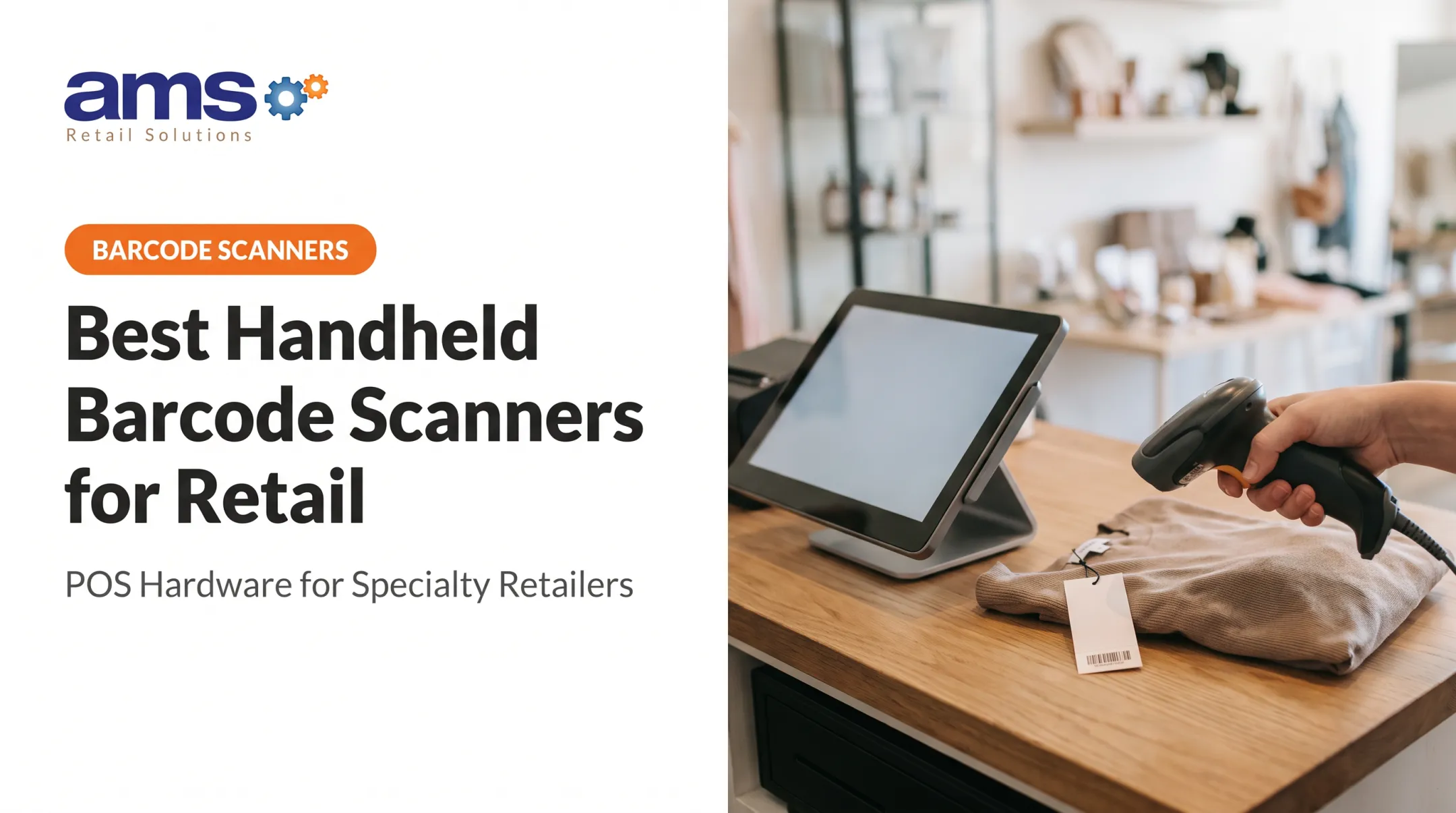
- Handheld: flexible for bulky items such as bagged soil, feed, or kayaks
- Presentation: sits on the counter for sweep scanning, and can be lifted for large items
- In-counter or multi-plane: built for high-throughput lanes. A single-plane in-counter model is not the same as a multi-plane unit
Core Components
- Scan engine: captures the image and sets which code types the scanner reads
- Decoder and interface: translates the scan for the host. USB HID acts like a keyboard, while RS-232 needs serial settings matched to the host
- Cradle or base: can charge the scanner and handle communication. Zebra's CR2278 also supports hands-free presentation scanning
- Trigger, stand, and cable: decide how staff actually hold and use it
Why It Matters at Checkout
Reliable scanning means faster item entry, fewer keying mistakes, and more consistent inventory updates. No published comparative study quantifies those gains for specialty retail checkout, so judge them by testing in your own lanes.

What to Consider When Choosing the Best POS Scanner for Checkout
Treat this as a matching exercise. Choose a scanner that improves scan success, transaction time, inventory accuracy, and staff effort while keeping maintenance and total cost in check.
Barcode Types and Scan Performance
Inventory every code your checkout sees: product UPCs, shelf labels, loyalty cards, coupons, and phone screens. Then confirm the engine reads each one.
GS1's 2D retail guideline sets a goal for POS scanning to read and process GTINs from both linear and 2D barcodes by the end of 2027. It also warns that not all imaging scanners will meet it, so work with your POS provider on 2D acceptance. An arbitrary marketing QR code isn't automatically a checkout identifier.
Read ranges are conditional, so check the test conditions:
| Model | Typical range, 13-mil UPC | Small-code spec |
|---|---|---|
| Zebra DS2200 Series | 0.5-14.5 in. | Code 39 at 4 mil |
| Zebra DS4600-SR/DL | 0-28 in. | 3-mil Code 39 at 2.2-5.4 in. |
| Zebra DS9300 Series | 0-8.8 in. | Code 39 at 3 mil |
Range depends on print quality, contrast, and ambient light. The DS9300 documentation claims capture of faded, crinkled, and low-contrast codes, but no success rate is published. Test your worst labels.

Checkout Form Factor and Workflow
- Handheld suits varied item sizes. The DS4608 works in hand or in a stand with automatic mode switching.
- Presentation scanners free up hands at the counter.
- In-counter and bioptic units such as Diebold Nixdorf's S3200 cover every plane for fast lanes, if your layout has room.
Also consider counter space, left- or right-handed use, scanner height, and whether staff move between checkout, receiving, and inventory counts.
Corded Versus Cordless
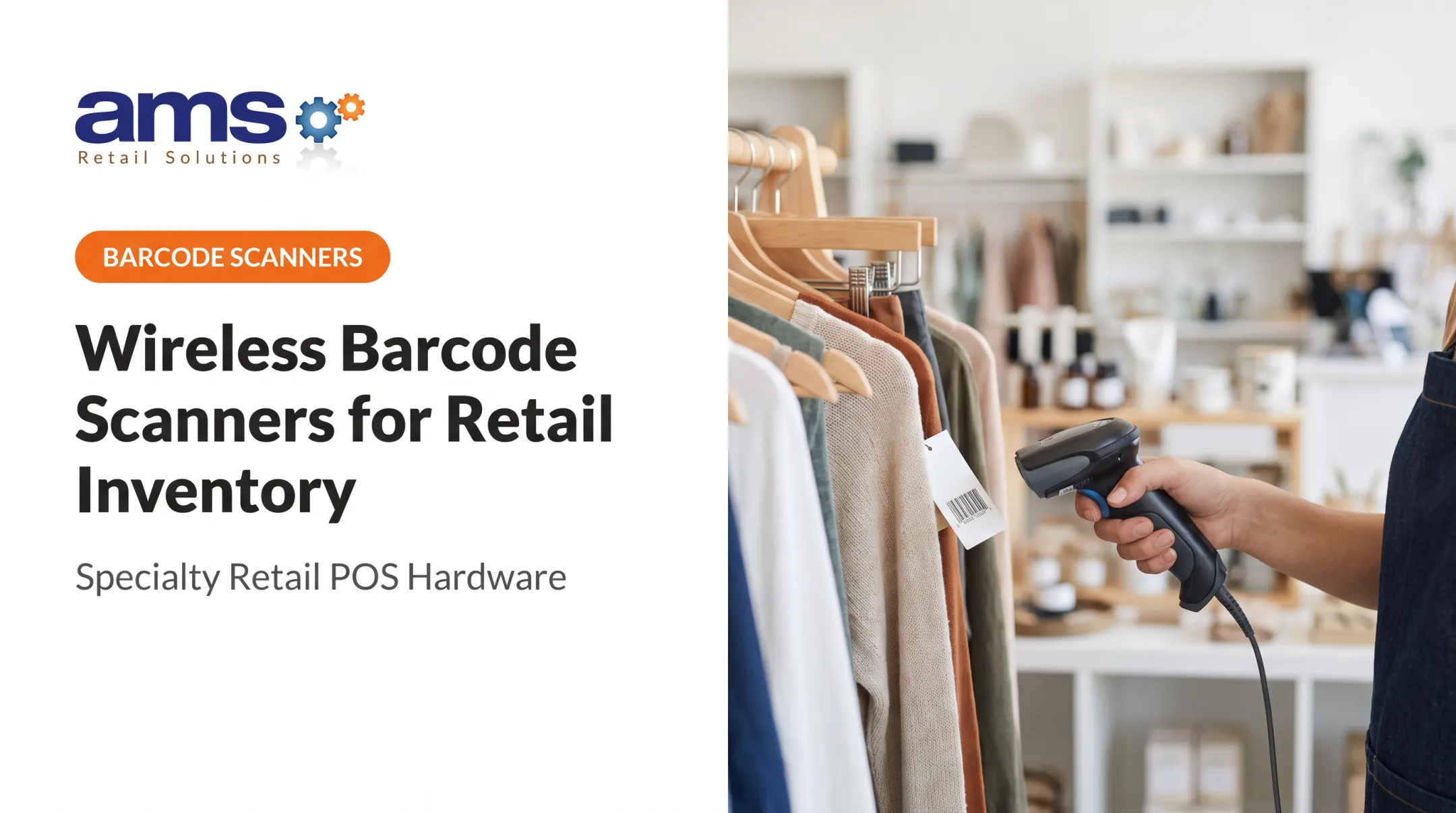
Corded USB is simple and stays put. Cordless cuts cable clutter and adds reach, but adds charging and pairing chores.
Check these points on any cordless model:
- Range and battery: Honeywell's Voyager XP 1472g lists about 330 ft (100 m) line of sight with its base and up to 28 hours per charge
- Pairing: Zebra's DS2278 pairs by cradle insertion or by scanning a barcode
- Security: the DS2278 defaults to Low Security, and High Security needs a passkey
- Dropped connection: the DS2278 defaults to no batching; Out of Range Batch Mode is optional and must be turned on
POS Compatibility and Integration
A scanner that reads barcodes still has to talk to your software. Confirm the interface, operating system support, drivers, and whether prefixes and suffixes can be configured. Zebra's LS2208, for example, supports prefix + data + suffix formatting.
Compatibility lists are vendor-specific. Shopify names the DS2208 and DS2278 for its POS, but that says nothing about other platforms. Ask your POS vendor for approved models, and test in the real checkout before buying.
Durability and Retail Environment
Garden centers, farm markets, and feed stores bring dust, moisture, temperature swings, and drops. Read the specs, not the housing color. IEC's first IP digit covers solids and the second covers water, so IP52 means dust-protected and resistant to vertically dripping water.
| Scanner | Sealing | Drop test | Operating temp | Warranty |
|---|---|---|---|---|
| Zebra DS2208 | IP52 | 5 ft | 0-50 °C | 60 months |
| Zebra DS4608 | IP52 | 6 ft | 0-50 °C | 5 years |
| Socket DuraScan D760 | IP54 | 6.6 ft | 0-45 °C | 1 year |
The DS4608 beats the DS2208 on drop height but not on ingress. Manufacturer tests differ, so these aren't a like-for-like comparison.
Total Cost, Support, and Future Growth
Price the whole setup: scanner, stand or cradle, cables, spare batteries, configuration, training, and downtime risk.
Warranties vary by part. The DS2278 scanner and cradle carry 36 months but the battery only 12. Honeywell's 1472g offers 3 years and 1 year for the battery. Also ask whether the scanner will still fit when you add locations, change label formats, or move toward mobile checkout.
How AMS Retail Solutions Can Help
AMS Retail Solutions is a single-source POS provider for specialty retailers. The company treats the scanner as part of a complete checkout environment rather than an isolated purchase.
AMS is an authorized NCR Voyix Counterpoint reseller and offers retail-hardened POS equipment, including barcode scanners. AMS can help you weigh scanner needs against your checkout goals, inventory needs, and growth plans. Confirm exact scanner compatibility for your Counterpoint setup before you buy.

What you can expect:
- Tools for one store or many locations
- Fast, easy checkout
- Support 24 hours a day, 7 days a week
- A partner and trusted advisor approach
Conclusion
Start with your products, barcode formats, checkout layout, staff workflow, and POS compatibility. The right scanner keeps checkout accurate, customers moving, and inventory visible in your actual conditions.
Review scanner performance, wear, and maintenance needs periodically, especially as you grow or add 2D barcodes.
Frequently Asked Questions
What is a POS scanner?
A POS scanner reads a product barcode and sends the data to connected POS software. The software handles item lookup, pricing, inventory, and checkout.
What are the types of POS scanners?
By engine, they're laser, linear imager, and 2D area imager. By form factor, they're handheld, presentation, and in-counter or multi-plane.
What is the best POS barcode scanner?
There's no universal winner. The best model fits your barcode formats, workflow, environment, connectivity, POS compatibility, and volume.
What is the best POS system for a small business with a scanner?
Compare ease of use, scanner compatibility, inventory and reporting, offline capability, support, scalability, and total cost. Pick the system that fits your retail type.
How do I know if a barcode scanner will work with my POS system?
Confirm the connection type, OS support, configuration needs, barcode compatibility, and vendor approval. Then test it in your live checkout.
Are wired or wireless POS scanners better for checkout?
Wired scanners suit fixed stations and simple setup. Wireless suits mobility, but adds charging, pairing, range, and battery costs.