Retail prices shift with terminal type, register count, payment processing, barcode and inventory needs, durability, connectivity, and support. A quote that looks cheap often leaves out half the stack.
This guide covers current U.S. price examples, what each tier includes, how budget and premium equipment differ, and how to build a realistic total-cost budget. All figures are published vendor prices, not market averages or AMS Retail Solutions quotes.
Key Takeaways
- Device prices run from $299 for a standalone terminal to $1,899+ for advanced countertop stations.
- Software, processing, setup, support, and replacements often outweigh the hardware price.
- Simple checkouts can use budget devices; deep-SKU or seasonal retailers need durable, scalable gear.
- Compare quotes on a one-, three-, and five-year ownership basis.
How Much Does a POS Terminal Cost? (Pricing Overview)
There is no single answer. The term covers different mixes of payment hardware, checkout equipment, software, and services.
Typical Cost Range
Published U.S. vendor prices as of November 2026 show how wide the spread is:
| Category | Example | Published price |
|---|---|---|
| Standalone | Square Terminal | $299 (processing separate) |
| Standalone | Helcim Smart Terminal | $349 plus shipping |
| Countertop base | Square Stand | $149 (needs a compatible iPad) |
| Countertop | Square Register (2nd gen) | $899 (two screens, no host device) |
| Advanced | Clover Station Duo | $1,899+ hardware |
| Advanced | Clover Duo plus Flex handheld | $2,648+ hardware |
Most of these are hardware only. Software subscriptions and processing come on top. Scanners, printers, and cash drawers are often extra. Shopify's accessories, for instance, list a scanner at $209, a printer at $289, and a cash drawer at $139.

Basic or Standalone Terminal
A card reader or compact all-in-one payment device. It suits low-volume retailers, pop-up checkout, backup payment acceptance, or stores that already run compatible POS software.
Check the limits before buying:
- Limited inventory controls
- Few peripheral options
- Possible processor restrictions
- Host POS required on some models (Shopify's $349 terminal needs a separate Shopify POS device)
Standard Retail Checkout Station
This is the conventional setup: display, barcode scanner, receipt printer, cash drawer, payment device, retail software, setup, and basic support. It fits specialty retailers with steady in-store checkout, such as garden centers, farm markets, feed and seed stores, and outdoor sporting goods shops.
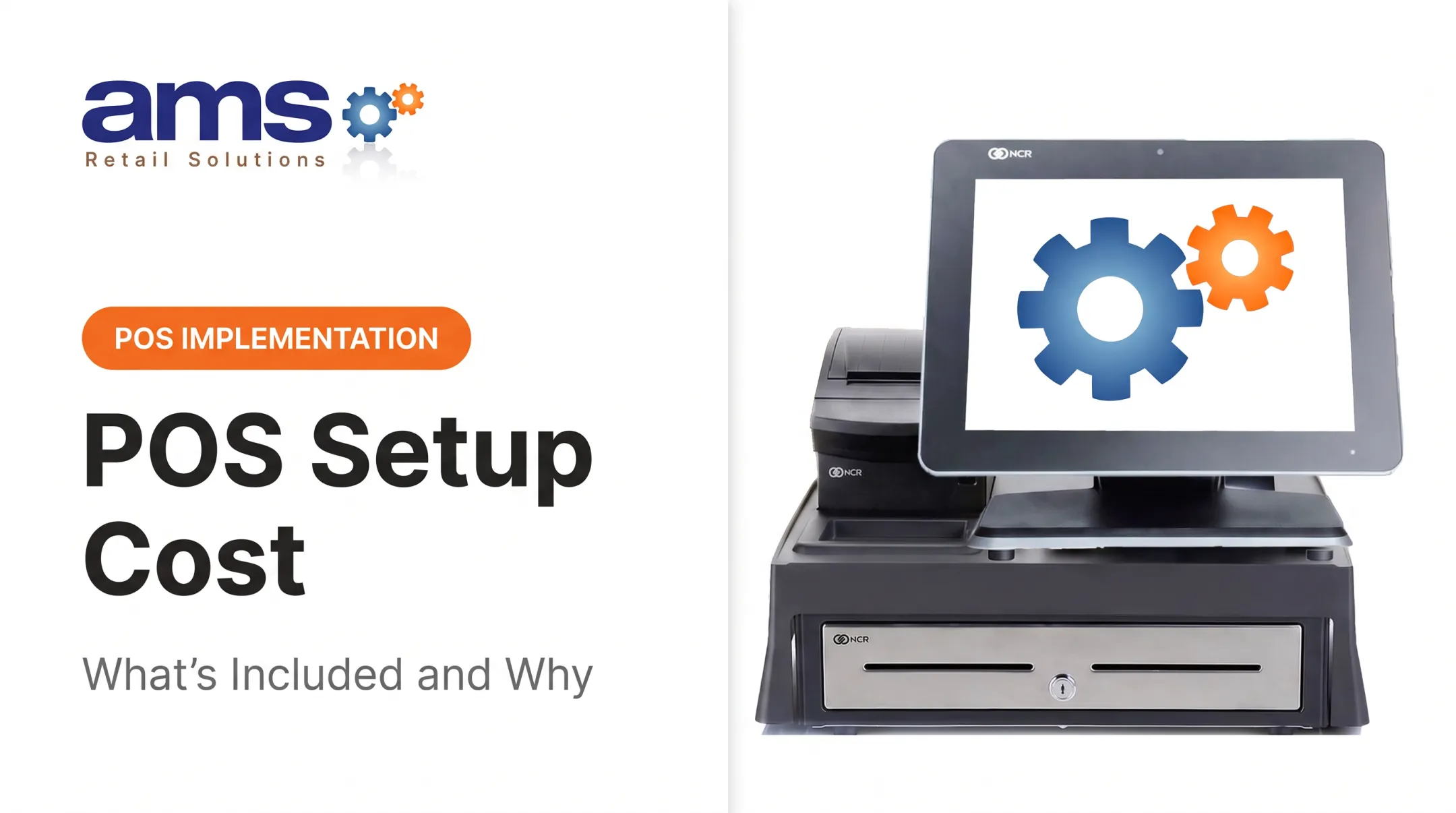
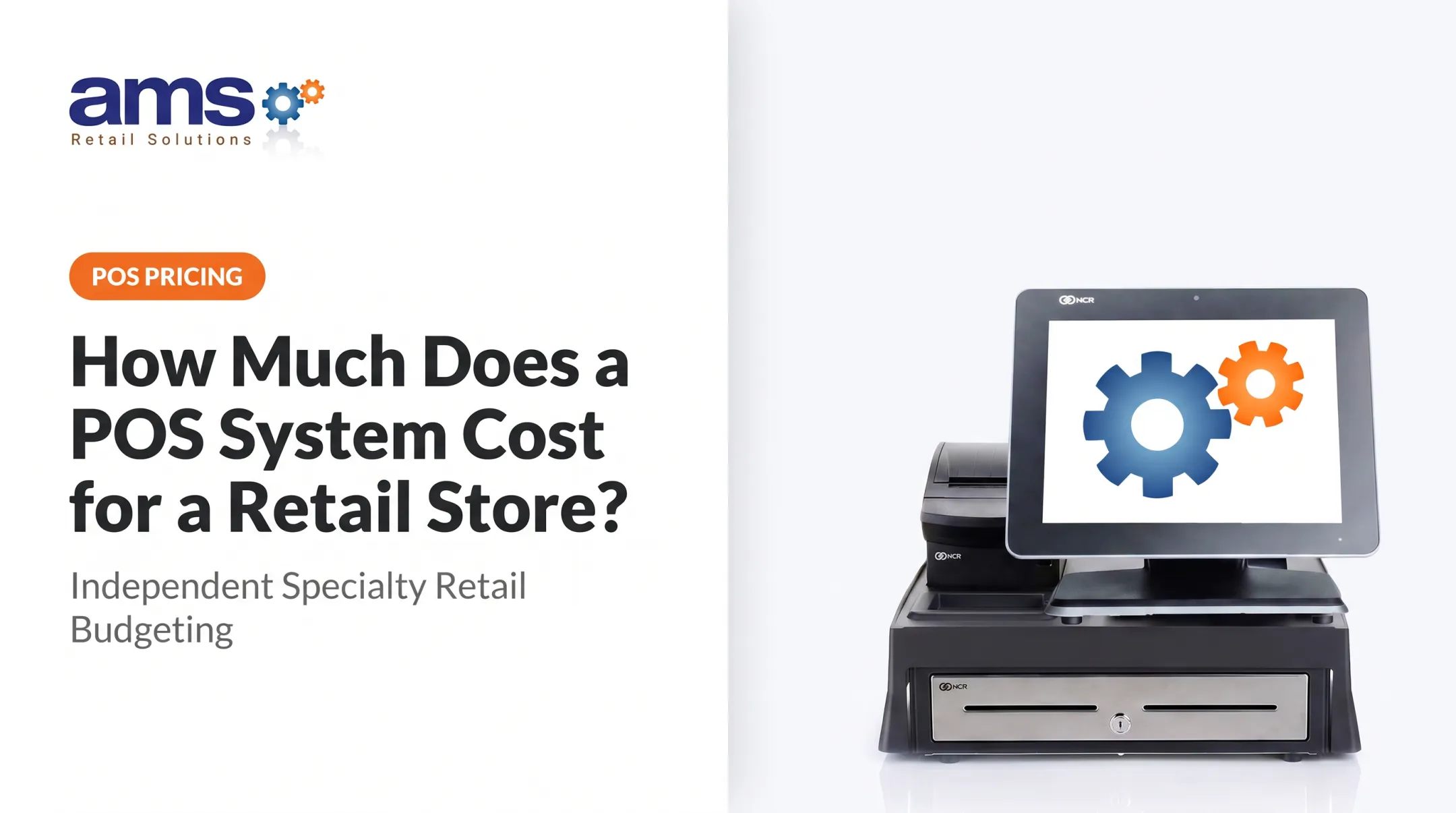
An NCR setup from AMS Retail, for example, pairs a 15-inch touchscreen, compact receipt printer, and cash drawer. Pricing for AMS Retail services isn't published, because scope varies by store.
Advanced or Multi-Station Setup
Costs climb with extra registers, customer-facing displays, mobile checkout devices, deeper inventory management, multi-location reporting, integrations, and premium support. Lightspeed, for example, includes one register per outlet and charges for additional licenses, though it publishes no fixed dollar amount.
The higher price pays off when it speeds checkout, cuts manual inventory work, supports expansion, or keeps you selling during connectivity drops.
Low-Cost vs. High-Cost POS Terminals
Higher price doesn't automatically mean better. Compare on fit:
| Factor | What to check |
|---|---|
| Host hardware | Square Stand needs an iPad; Register doesn't |
| Durability | Square Register is rated IP54; ratings are model-specific |
| Connectivity | Commercial units like the EloPOS Z30 list Ethernet, serial, and cash-drawer ports |
| Warranty | Square Terminal and Stand: one year; Register and EloPOS Z30: two years |
| Expansion | Extra registers may need new licenses or hardware |
Warranty length isn't lifespan, and there's no solid public data comparing failure rates of consumer and retail-grade gear.
A budget terminal works when requirements are limited. A retail-hardened, scalable system usually delivers better value for stores with high volume, many SKUs, or dusty, wet, or demanding environments.
Key Factors That Affect the Cost of a POS Terminal
Technical, operational, and business factors explain why two retailers get very different quotes. Hardware specs, register counts, seasonality, and contract terms all shape what you pay upfront and over time.
Terminal Type and Checkout Configuration
Fixed countertop units, all-in-one stations, mobile devices, standalone card terminals, and dual-screen setups each need different equipment and software. A standalone terminal is cheap but offloads work to another system. A dual-screen station costs more but bundles extra hardware and software into one setup.
Number of Registers, Locations, and Users
More registers, employee accounts, and locations raise both upfront and recurring costs. Billing units differ: Square prices per location, Shopify POS Pro adds $89 per location per month, and Lightspeed includes one register. Some providers offer volume pricing, so ask.
Retail Hardware and Build Quality
Build quality shows up in:
- Touchscreen quality and scanner performance
- Printer wear ratings and cash drawer construction
- Connectivity options and spill or impact resistance
Epson rates its TM-m30III printer's thermal head at 150 km and autocutter at 2.2 million partial cuts. Those are component ratings, not years of life, but they show why commercial printers differ from consumer ones.
Software, Inventory, and Integrations
Features that raise price include:
- Barcode inventory and purchase ordering
- Vendor management and employee permissions
- Reporting, loyalty, and e-commerce
- Accounting links and multi-store sync
Lightspeed Retail runs $89, $149, or $289 per month (annual billing) across its tiers.
Payment Processing and Connectivity
Processing often outweighs hardware over time. Square charges 2.6%, 2.5%, or 2.4% + $0.15 by plan, and Clover's Standard and Advanced configurations list 2.3% + $0.10. Helcim uses interchange-plus pricing, a markup of 0.40% + $0.08 over underlying network costs, so don't compare it directly with flat rates.

Also check processor exclusivity, PCI responsibilities, and offline behavior. Square's offline mode, for instance, leaves expired or declined payment risk with the merchant.
Installation, Support, and Customization
Compare what each quote includes:
- Network setup and data migration
- Training, configuration, and custom workflows
- Warranty, replacement service, and ongoing support
Lightspeed describes live training and collaborative data import but publishes no fee. Always ask what's included.
POS Terminal Cost Breakdown
The purchase price is one slice. Separate costs into one-time, recurring, and periodic buckets before you choose.
Initial Purchase (One-Time)
Itemize the terminal, display, scanner, printer, cash drawer, payment device, stands, cables, and accessories. Confirm you own the equipment. Clover's displayed promotional offer requires a three-year contract and isn't the same as outright hardware pricing.
Installation and Setup (Usually One-Time)
Covers configuration, network prep, payment setup, data migration, inventory import, employee setup, and training. Some of it is bundled; some is billed as implementation fees.
Software and Operating Costs (Recurring)
- Monthly or annual software subscriptions
- Processing charges and gateway or account fees
- Receipt paper (Square's pack is $29 for 20 rolls)
- Internet service
- Premium modules and integrations
Maintenance, Support, and Repairs (Recurring or As-Needed)
Compare included support with paid tiers. Square Premium and Lightspeed both advertise 24/7 support. Square's warranty replaces qualifying defects but excludes accident and misuse. Also count downtime: no reliable hourly benchmark exists for specialty retail, so estimate your own peak-hour sales.
Upgrades and Replacements (Periodic)
Budget for aging terminals, added registers, payment technology changes, extra scanning gear, and new features as you grow.
How to Estimate the Right Budget for a POS Terminal
The right budget reflects operational fit and total cost of ownership, not the lowest sticker price.
- Define checkout needs. Document registers, peak periods, SKU complexity, barcode needs, cash usage, payment methods, seasonal swings, and whether mobile checkout helps.
- Split must-haves from extras. Then request quotes that itemize hardware, software, processing, implementation, support, warranty, contract terms, and cancellation or replacement costs.
- Model one-, three-, and five-year costs. The SBA recommends separating one-time equipment from monthly expenses, with at least one year of monthly costs covered.
- Compare two or three feature-matched proposals. Confirm each scales to more users, registers, locations, integrations, and offline operation.

A Published Example
Shopify's 2026 cost illustration for one location (Basic plus POS Pro) shows:
- Basic: $348/year
- POS Pro: $1,068/year
- Terminal, cash drawer, and receipt printer: about $787
- Fixed first-year total: about $2,203, before processing at 2.6% + $0.10 per transaction
Tablet, scanner, and implementation aren't itemized, so treat this as a template, not a benchmark.
What Most People Miss When It Comes to POS Terminal Cost
- Upfront-only thinking. Processing, subscriptions, support, installation, receipt supplies, migration, and replacement all add up.
- Mismatched quotes. One bid with a payment terminal and another with a full station look wildly different when they aren't the same scope.
- Underbuilt devices. A cheap unit that can't handle barcode inventory, seasonal volume, multiple locations, or future integrations leads to replacement and retraining costs.
- Contract surprises. The FTC's 2024 action against a payment processor involved allegations of undisclosed early termination fees. Read cancellation terms.
AMS Retail Solutions helps specialty retailers scope a single-source checkout built on NCR Voyix Counterpoint, retail-hardened POS equipment, scalable tools, and offline POS capability. Because every store differs, the starting point is a consultation, not a standard price. You can talk to a specialist to scope your setup.
Conclusion
POS terminal prices vary with terminal type, checkout configuration, software, processing, register count, setup, support, and long-term needs. A $299 device and a multi-station build solve different problems.
The right investment supports fast, reliable checkout and accurate inventory while staying flexible enough to grow with your store.
Frequently Asked Questions
How much does a POS terminal cost?
A standalone payment terminal runs roughly $299-$349, while complete retail checkout stations start near $899 and advanced configurations reach $1,899-$2,648+ in hardware. Software and processing are extra.
What is a POS machine used for?
It accepts payments, records sales, prints receipts, updates inventory, and feeds reports. Retail versions also handle promotions, customer profiles, and employee permissions.
What are point-of-sale terminals?
They're the hardware where transactions are completed and recorded. A payment terminal only takes cards, while a full POS system pairs hardware with software for inventory and reporting.
What are the different types of POS systems available?
Common types include countertop, tablet or mobile, all-in-one, cloud-based, on-premise, multi-register, and industry-specific retail systems. Cloud systems sync remotely; on-premise systems store data locally.
How do I apply for a POS terminal?
Request equipment and payment approval from a POS or merchant services provider. Expect to confirm business details, identity, a bank account, hardware needs, pricing, and contract terms before devices ship.