Seasonality raises the stakes. In Garden Center's 2025-2026 report, 74% of respondents named May their strongest sales month. A slow register or a wrong stock count in that window costs real money.
In this article, "nursery software" means a specialty-retail system that connects inventory, purchasing, pricing, checkout, customers, reporting, and multiple locations. Below you'll find the buying criteria, a demo plan, and a cost and scalability checklist.
Key Takeaways
- Choose software built around seasonal stock, changing prices, variants, shrink, and returns.
- Favor a connected POS and inventory system over separate tools.
- Test real workflows with real staff before you sign.
- Compare total cost, support, security, offline operation, and scalability, not just the monthly fee.
What Is Nursery Software for Garden Centers?
Nursery software is a retail management platform for plant nurseries, garden centers, and related specialty retailers. The term covers plant and garden retail systems, not childcare management apps or generic accounting tools.
It should cover the full flow:
- Purchasing and receiving plants and garden products
- Tagging and stocking
- Selling and reordering
- Reporting and customer follow-up
Integrated platform vs. separate tools
Separate tools for POS, inventory, accounting, e-commerce, and loyalty create duplicate records. Stock counts drift between systems, and someone has to reconcile them by hand. Decisions slow down because no one trusts the numbers.
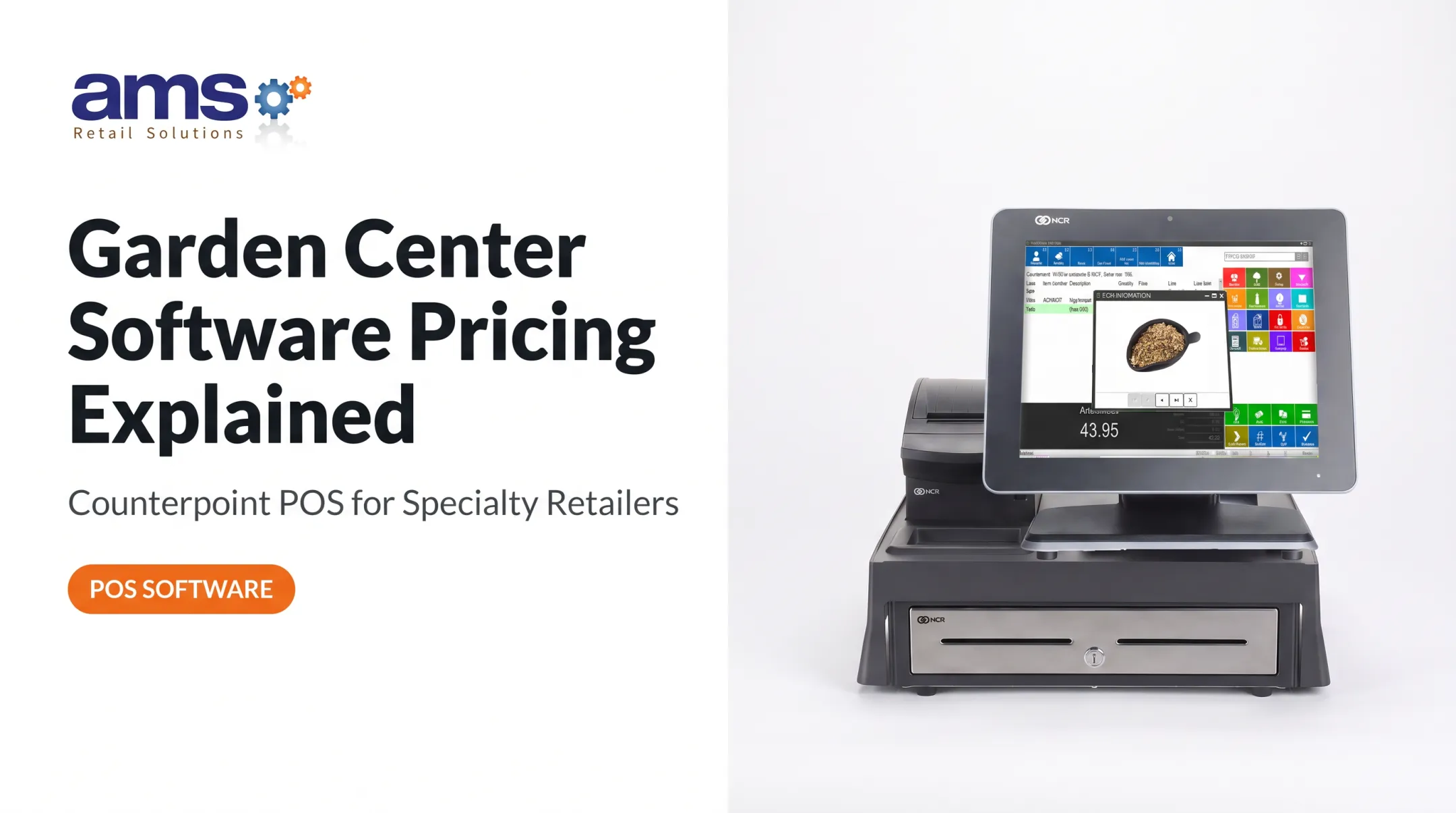
A connected platform keeps one product record. NCR Voyix describes Counterpoint as a specialty-retail system with front-end and back-office functions for industries that include lawn and garden centers.

What Features Should the Best Nursery Software Include?
Manage plant and garden-center inventory
Ask how the system handles:
- SKUs, barcodes, categories, sizes, colors, varieties, and pack sizes
- Units of measure such as flats, bundles, and bulk loads
- Seasonal products and configurable attributes
- Purchase orders, receiving, adjustments, transfers, and low-stock alerts
- Inventory counts, dead-stock visibility, and shrink tracking
Accurate data drives better buying, and staff can find products without spreadsheets or guesswork. Attleboro Farms, a Massachusetts garden center, moved to Counterpoint after its old POS lacked low-stock alerts, attribute searching, and multi-unit support. The center reports more effective inventory tracking.
Fast, flexible checkout and payment processing
Look for:
- An intuitive register with barcode scanning
- Multiple payment types, discounts, gift cards, returns, and exchanges
- Sales-tax setup and flexible receipt options
Tax rules vary by state. Texas, for example, exempts some seeds and annual plants while taxing perennials, so configuration matters.
Staff should finish common sales in a few taps during a rush. In the demo, ring up a discounted item, a return, a split payment, and a product that needs manual lookup.
Pricing, margins, and retail controls
Seasonal goods need easy markdowns, promotions, vendor cost changes, special orders, and multiple selling units. Ask vendors to show reports for:
- Gross margin and sales by category
- Sell-through and inventory valuation
- Discounts, returns, and cashier activity
- Profitability by location
Revenue reports tell you what sold. Margin reports tell you what was worth selling. You need the second kind to improve assortment and pricing.
Customer profiles, loyalty, and marketing
Useful tools include purchase history, loyalty programs, gift cards, opt-in marketing permissions, and targeted promotions. Keeping this in the POS beats maintaining separate mailing lists.
Bond's 2024 US survey found 85% of consumers say loyalty programs make them more likely to keep doing business with a brand. That is self-reported, not a guaranteed return. Also ask how customer data is secured, exported, updated, and deleted on request.
Integrations and multi-store visibility
Check for accounting, e-commerce, payment processing, loyalty, barcode hardware, employee systems, and reporting. A real integration syncs sales, inventory, customers, and payments, rather than relying on CSV exports.
For multiple stores, ask about shared catalogs, location-level inventory, transfers, permissions, pricing controls, and consolidated reports.
Hardware and offline capability
Greenhouses are dusty, damp, and busy. Ask about retail-hardened terminals, scanners, receipt printers, and cash drawers.
Then ask about outages. Can sales continue offline? How are they stored and synced? Card payments are the catch: Adyen's documentation notes merchants can carry liability for failed offline payments, so ask what limits apply.
One example of a single-source option is AMS Retail Solutions, an authorized reseller of NCR Voyix Counterpoint for specialty retailers. The company cites customization, offline POS, retail-hardened equipment, 24/7 support, and fit for one store or many.
Its garden center offering includes barcode tag and signage printing, delivery scheduling, and load tickets for bulk soil and mulch. It is one option among several, so verify nursery workflows in a demo.
How to Evaluate Nursery Software Before You Buy
Start with your own workflows
Write down how you work today: purchasing, receiving, tagging, counts, price changes, checkout, returns, transfers, reporting, and end-of-day reconciliation.
- Separate must-haves from nice-to-haves
- Name your biggest problems, such as inaccurate stock, slow lines, shrink, or manual work
- Get input from owners, buyers, managers, cashiers, and inventory staff
Run a workflow-based demo
Skip the feature tour. Follow one product from purchase order to receiving, sales floor, sale, return, adjustment, and report.
Then ask the vendor to show seasonal price changes, promotions, transfers, permissions, customer lookup, and offline mode. Have them label each function as included, an add-on, a third-party integration, or a higher tier.

Test usability for every user
Try it on the devices your team will actually use: registers, back-office computers, tablets, and scanners.
- How long does onboarding take, and what training is included?
- Can a seasonal hire learn checkout quickly?
- How are mistakes corrected?
- Does the interface cut duplicate entry or add steps?
Check security, data ownership, and connectivity
Ask about user roles, least-privilege access, authentication, audit logs, encryption, backups, and breach response. PCI DSS v4.0.1 expects access restricted by need, with unique IDs and logging, and it requires documenting which party handles each payment-security duty.
Buying a POS does not make you compliant automatically. Also confirm:
- Who owns your data, and how you export it, including historical sales and inventory
- What happens to your data when the contract ends
- Current documentation on uptime, recovery, and any independent security assessments
Compare implementation, support, and references
Review data migration, hardware installation, training, launch support, updates, and how you add stores or modules later. Ask when support is available, how urgent issues escalate, and whether it costs extra.
Finally, call comparable garden centers. Ask about checkout reliability, inventory accuracy, reporting, and how fast support responds.
What Should Nursery Software Cost and How Can It Scale?
Subscription price is only one line. Total cost of ownership includes:
- Subscriptions and premium modules
- Registers and other hardware
- Payment processing
- Implementation and data migration
- Integrations, training, and support
- Upgrades and additional locations
Get a written quote based on your actual stores, registers, users, products, and integrations. Headline prices from different vendors rarely compare cleanly.
For scale, check whether you can:
- Add stores and centralize purchasing
- Share catalogs and set location-specific pricing
- Consolidate reports and assign role-based permissions
- Keep speed during peak season
Counterpoint is designed for retailers with 1 to 500 locations. Confirm peak-season performance for your store count during evaluation rather than relying on design capacity alone.

To judge value, use your own baseline: hours spent on manual work, checkout times, count accuracy, shrink, margins, and repeat customers. Your numbers beat industry estimates.
Frequently Asked Questions
What are some good apps for nurseries?
It depends on whether you run a plant nursery or a garden center. Tools fall into POS, inventory, accounting, e-commerce, and loyalty. Prioritize connected systems over isolated apps.
What is nursery software for a garden center?
It is a retail system that manages products, inventory, purchasing, pricing, checkout, customers, and reporting, and possibly multiple locations.
What features should I look for in nursery software?
Seasonal inventory, fast checkout, flexible pricing, returns, reporting, integrations, loyalty, permissions, support, and offline capability.
Should a nursery use POS software or inventory management software?
POS handles transactions; inventory software manages quantities and movement. An integrated platform reduces duplicate entry and reconciliation.
Does nursery software work when the internet goes down?
It varies by vendor and plan. Ask which transactions work offline, how data syncs afterward, and what card payment limits apply.
How much does nursery software cost?
Pricing depends on stores, registers, users, inventory size, processing, integrations, hardware, support, and implementation. Compare total cost of ownership, not subscription price alone.